FlashcardX vs Speak4Me - Text to Speech
In the face-off between FlashcardX vs Speak4Me - Text to Speech, which AI Education tool takes the crown? We scrutinize features, alternatives, upvotes, reviews, pricing, and more.
In a face-off between FlashcardX and Speak4Me - Text to Speech, which one takes the crown?
If we were to analyze FlashcardX and Speak4Me - Text to Speech, both of which are AI-powered education tools, what would we find? Interestingly, both tools have managed to secure the same number of upvotes. You can help us determine the winner by casting your vote and tipping the scales in favor of one of the tools.
Don't agree with the result? Cast your vote and be a part of the decision-making process!
FlashcardX

What is FlashcardX?
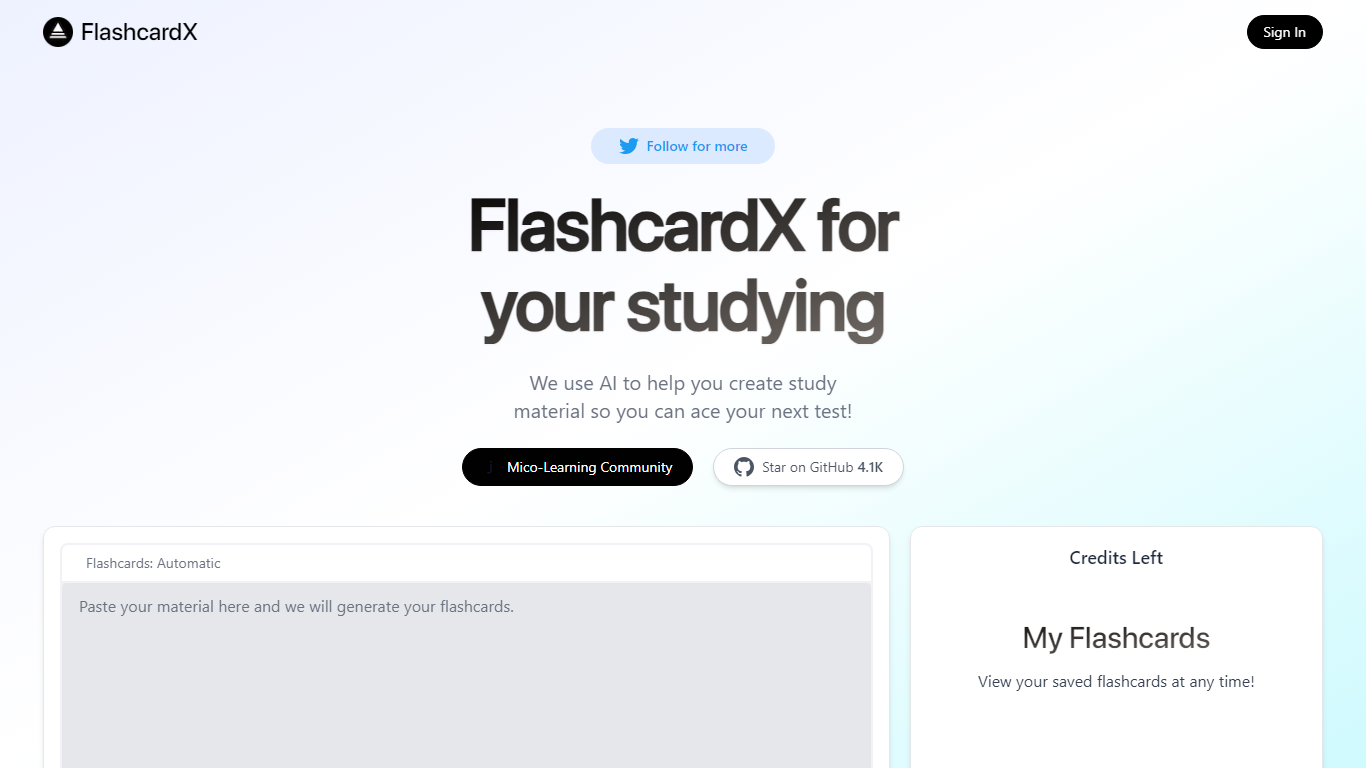
FlashcardX is a study app that turns pasted text or web links into vocabulary flashcards you can review before a test. You drop in a short excerpt from an article, textbook, or URL, and the site generates words to memorize instead of making cards by hand.
The workflow centers on a single generator on the homepage: enter your source material, create a deck, and come back to it later under My Flashcards after signing in. A credits counter on the page shows how many generations you have left.
It is built for students who need quick vocab prep and do not want to spend time formatting cards. The project is open source on GitHub and tied to Talbert Herndon's Mico-Learning Community on Jotted.
Speak4Me - Text to Speech
What is Speak4Me - Text to Speech?
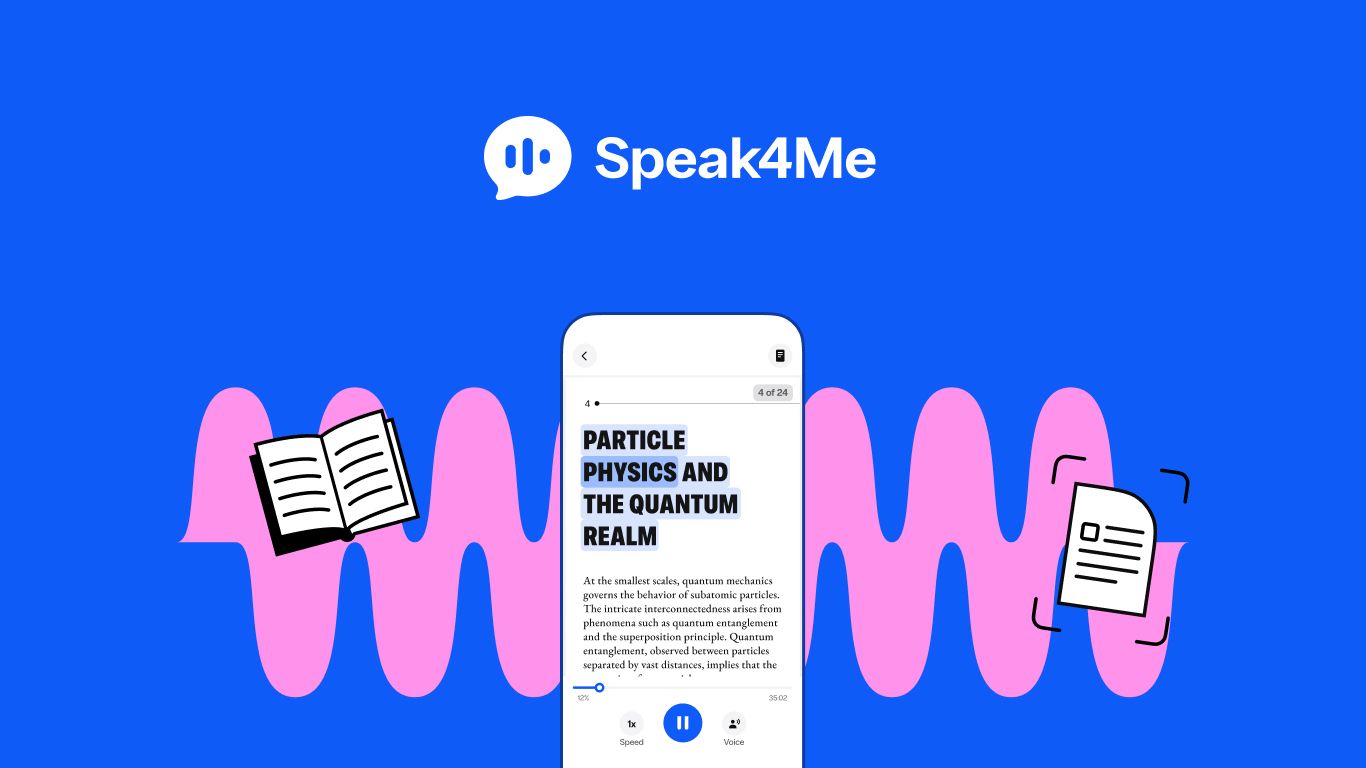
Speak4Me converts any text file, including PDFs and websites, into audible content, enabling you to listen to your documents or school materials anytime, anywhere.
With Speak4Me you can also chat with any PDF. Ask anything – from simple questions to a summary of the content– and get precise info about your file within seconds.
FlashcardX Upvotes
Speak4Me - Text to Speech Upvotes
FlashcardX Top Features
Paste a short article or textbook excerpt and get vocabulary flashcards back
Submit a web link as source material alongside pasted text prompts
Sign in to save decks and reopen them anytime under My Flashcards
Credits counter on the page tracks how many generations you have left
Open source on GitHub with 5.1K stars for community contributions
Built by Talbert Herndon and linked to the Mico-Learning Community on Jotted
Speak4Me - Text to Speech Top Features
Listen to any content you usually read, at your own pace.
Listen PDFs or any other text file. Easily upload your files from iCloud, Dropbox or Google Drive.
Scan any physical or digital text and convert it into natural sounding audio.
Read web pages aloud. Enjoy articles hands-free to give your eyes a rest or multitask.
Upload any PDF and chat directly with it. Ask anything – from simple questions to a summary of the content – and get precise info about your file within seconds.
FlashcardX Category
- Education
Speak4Me - Text to Speech Category
- Education
FlashcardX Pricing Type
- Freemium
Speak4Me - Text to Speech Pricing Type
- Freemium