
Last updated 08-30-2026
Category:
Reviews:
Join thousands of AI enthusiasts in the World of AI!
FlashcardX
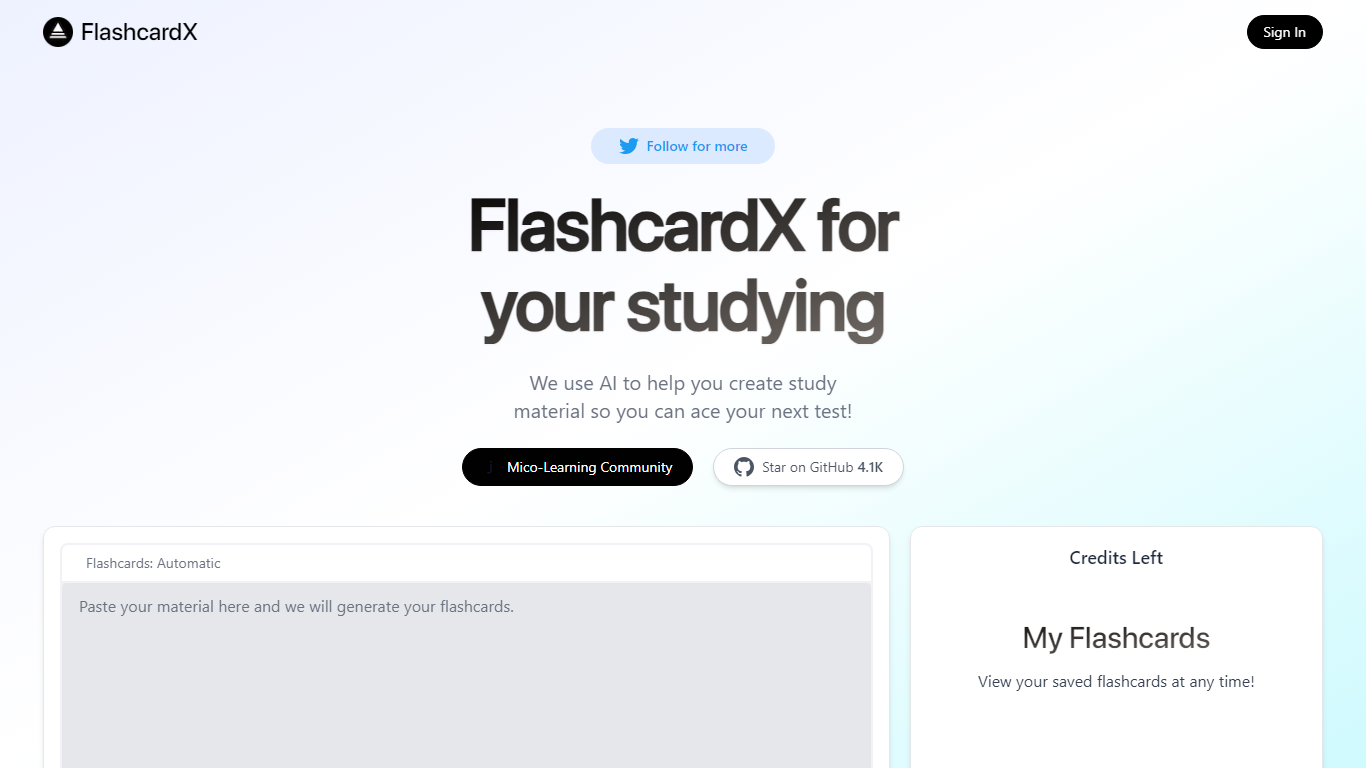
FlashcardX is an education flashcard generator that turns pasted article or textbook excerpts into vocabulary cards for studying before a test. The homepage generator builds the cards so you skip manual typing. A credits counter on the page shows how many generations your account can still run.
Most flashcard apps make you enter each term and definition by hand. FlashcardX only accepts pasted text prompts and states that URLs are not supported, which keeps the workflow narrow but fast for vocab cramming from readings you already have open.
Students preparing for vocabulary-heavy tests benefit most. Sign in to save decks under My Flashcards and reopen them before an exam. The project is open source on GitHub and tied to Talbert Herndon's Mico-Learning Community on Jotted.
Paste article or textbook excerpts to generate vocabulary flashcards automatically
Credits counter on the homepage tracks how many generations you have left
Sign in to save decks and reopen them anytime under My Flashcards
Open source on GitHub with 5.1K stars shown on the homepage badge
Built by Talbert Herndon and linked to the Mico-Learning Community on Jotted
Turns pasted study excerpts into flashcards without manual card formatting.
Saved decks are available under My Flashcards after sign in.
Open source repository with a 5.1K star count shown on the homepage badge.
Usage is limited by the credits shown on the homepage with no paid upgrade listed on site.
URLs are not supported; only pasted text prompts work on the live homepage.
No dedicated mobile app; browser access only.
Is FlashcardX free to use?
FlashcardX is free to try with a credits-based system shown on the homepage. The site labels itself as freemium, and no paid dollar plans are listed on ai.flashcardx.com.
Do I need an account to use FlashcardX?
You can generate flashcards on the homepage without much setup, but FlashcardX shows a Sign In option and a My Flashcards section for saving decks. Saved flashcards require signing in.
What can I paste into FlashcardX?
FlashcardX accepts a short prompt from study material such as an article or textbook excerpt. The live homepage states that URLs are not supported, so pasted text is required.
Can I revisit flashcards I already made?
Yes. FlashcardX has a My Flashcards section where you can view saved decks at any time after signing in.
Is FlashcardX open source?
Yes. FlashcardX links to the talbertherndon/flashcardX repository on GitHub, which shows about 5.1K stars on the homepage badge.
Does FlashcardX have a mobile app?
No native iOS or Android app is listed on ai.flashcardx.com. The tool runs in the browser at ai.flashcardx.com.