Flo Cli vs TimeComplexity.ai
Dive into the comparison of Flo Cli vs TimeComplexity.ai and discover which AI Developer tool stands out. We examine alternatives, upvotes, features, reviews, pricing, and beyond.
When comparing Flo Cli and TimeComplexity.ai, which one rises above the other?
When we compare Flo Cli and TimeComplexity.ai, two exceptional developer tools powered by artificial intelligence, and place them side by side, several key similarities and differences come to light. The upvote count reveals a draw, with both tools earning the same number of upvotes. Be a part of the decision-making process. Your vote could determine the winner.
Want to flip the script? Upvote your favorite tool and change the game!
Flo Cli

What is Flo Cli?
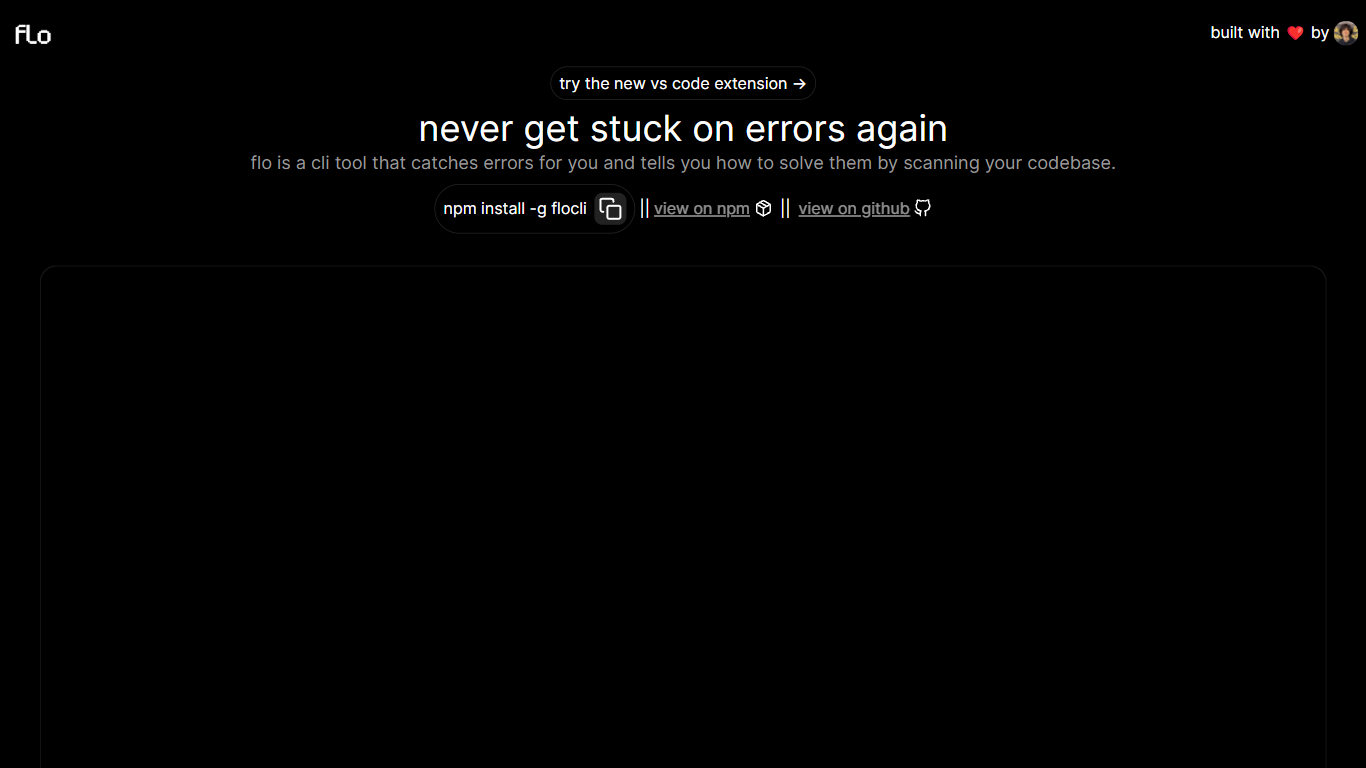
Flo Cli watches the terminal commands you run, catches thrown errors, and scans your local codebase to suggest fixes without you copying stack traces into a chat window. Install it globally with npm install -g flocli, run flocli configure with your OpenAI key, then wrap any dev process with flocli monitor "npm run dev" or pass a raw message to flocli error. The project site also links a VS Code extension published as dylanintech.flocli on the Visual Studio Marketplace.
Unlike a generic chat assistant, Flo spawns and monitors the child process itself so it sees errors as they happen. The npm readme describes a LangChain functions agent that reads your repo for the faulty code, with optional --gpt-4=true and --search-enabled=true flags for SerpAPI-backed web lookups. A --no-warnings=true flag limits monitoring to hard errors only. Because Flo runs locally with your own API keys, the tool stays open source while you pay OpenAI (and optionally SerpAPI) directly.
Node and full-stack developers who live in the terminal are the core audience. The monitor command works beyond Node scripts, so Next.js dev servers and other shell commands qualify. Teams that want error triage inside VS Code can use the marketplace extension, while CLI-first users keep everything in the terminal.
TimeComplexity.ai
What is TimeComplexity.ai?
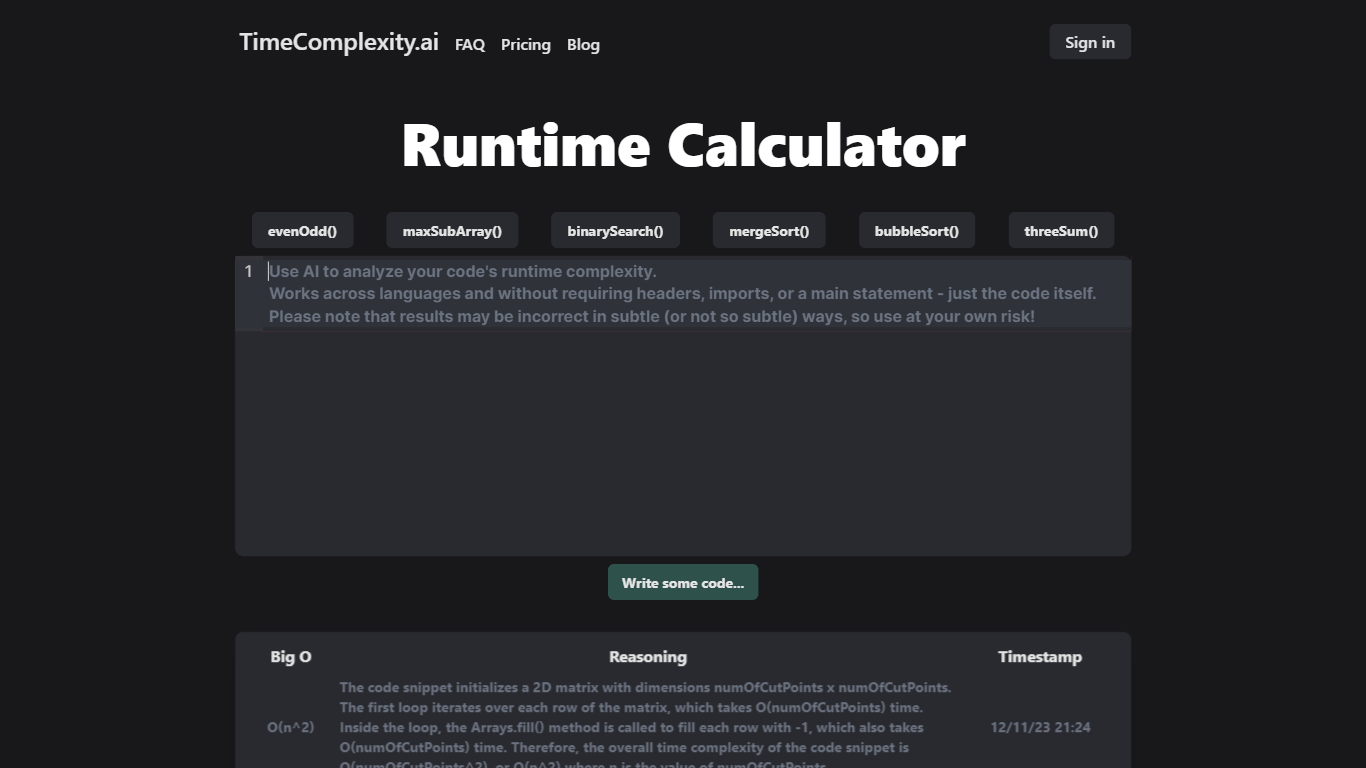
Paste a function into TimeComplexity.ai and it returns Big O runtime complexity with plain-language reasoning. You drop in an algorithm snippet, and the site responds with notation like O(n log n) plus an explanation of why that bound fits the loops and recursion it sees.
Static analyzers usually need a full file with imports and a main block. TimeComplexity.ai accepts partial snippets in Python, JavaScript, Java, C++, Go, and other languages without headers or setup code. That makes it useful for interview prep and quick checks on isolated functions pulled from a larger codebase.
Developers, CS students, and interview candidates use TimeComplexity.ai to sanity-check algorithm bounds before submitting homework or reviewing pull requests. Anonymous users get 20 queries per day, signed-in users get 50, and the $5 per month Pro plan removes the daily cap.
Flo Cli Upvotes
TimeComplexity.ai Upvotes
Flo Cli Top Features
flocli monitorspawns and watches child processes likenode index.jsornpm run devfor thrown errorsflocli erroraccepts a raw error message and scans the codebase without starting a monitored processOptional
--gpt-4=trueflag switches the agent from GPT-3.5-turbo to GPT-4 when your key has accessOptional
--search-enabled=trueadds SerpAPI web search for errors the local scan cannot resolveVS Code extension
dylanintech.floclibrings Flo workflows into the editor from the project homepageGlobal install via
npm install -g flocliwithflocli configurefor OpenAI and optional SerpAPI keys
TimeComplexity.ai Top Features
Returns Big O notation plus written reasoning for each pasted code snippet
Accepts partial code without headers, imports, or a main function across common languages
Uses GPT-3.5 Turbo with a formatted prompt, per the site FAQ
Anonymous users receive 20 queries per day; signed-in users receive 50 free queries daily
Pro plan at $5 per month unlocks unlimited queries with query history and deletion
Each analysis gets a shareable ID so you can link results with teammates
Flo Cli Category
- Developer
TimeComplexity.ai Category
- Developer
Flo Cli Pricing Type
- Free
TimeComplexity.ai Pricing Type
- Freemium