
Last updated 08-12-2026
Category:
Reviews:
Join thousands of AI enthusiasts in the World of AI!
Flo Cli
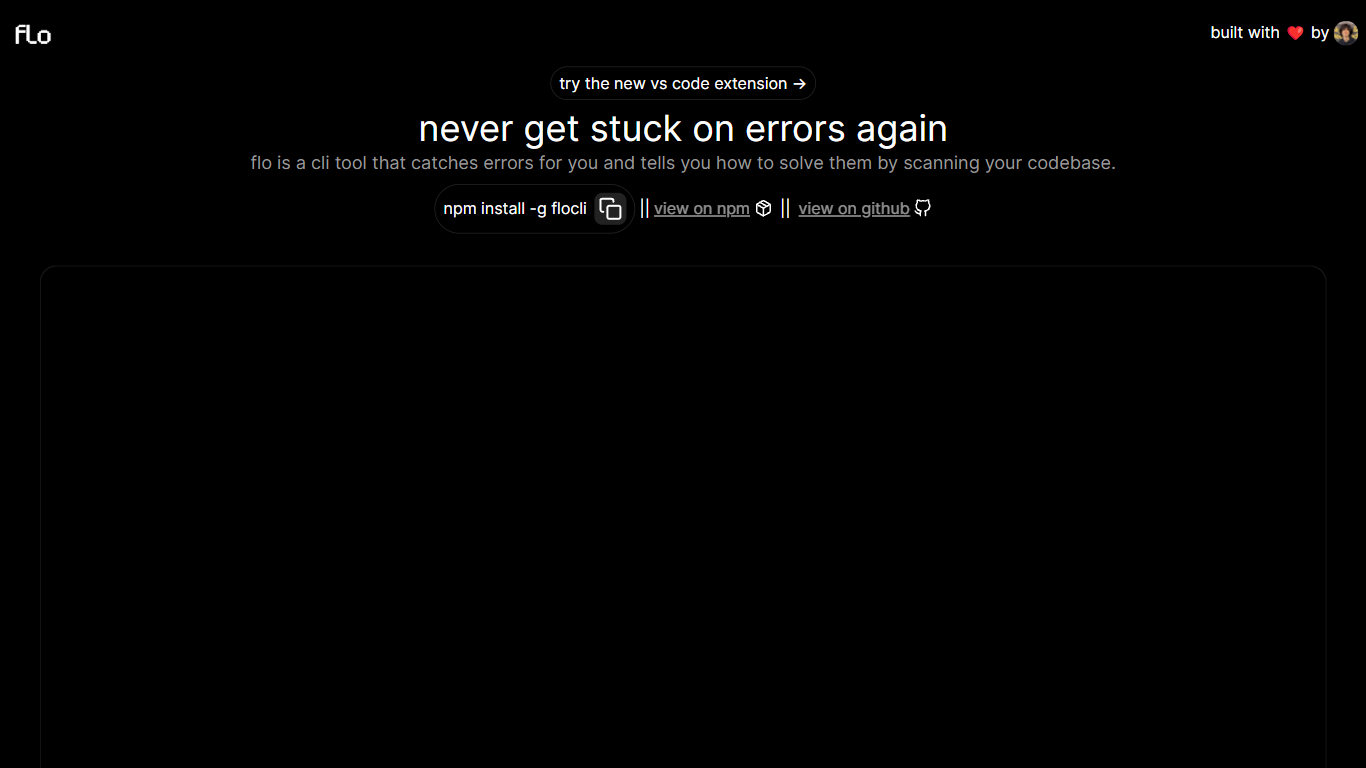
Flo Cli watches the terminal commands you run, catches thrown errors, and scans your local codebase to suggest fixes without you copying stack traces into a chat window. Install it globally with npm install -g flocli, run flocli configure with your OpenAI key, then wrap any dev process with flocli monitor "npm run dev" or pass a raw message to flocli error. The project site also links a VS Code extension published as dylanintech.flocli on the Visual Studio Marketplace.
Unlike a generic chat assistant, Flo spawns and monitors the child process itself so it sees errors as they happen. The npm readme describes a LangChain functions agent that reads your repo for the faulty code, with optional --gpt-4=true and --search-enabled=true flags for SerpAPI-backed web lookups. A --no-warnings=true flag limits monitoring to hard errors only. Because Flo runs locally with your own API keys, the tool stays open source while you pay OpenAI (and optionally SerpAPI) directly.
Node and full-stack developers who live in the terminal are the core audience. The monitor command works beyond Node scripts, so Next.js dev servers and other shell commands qualify. Teams that want error triage inside VS Code can use the marketplace extension, while CLI-first users keep everything in the terminal.
flocli monitorspawns and watches child processes likenode index.jsornpm run devfor thrown errorsflocli erroraccepts a raw error message and scans the codebase without starting a monitored processOptional
--gpt-4=trueflag switches the agent from GPT-3.5-turbo to GPT-4 when your key has accessOptional
--search-enabled=trueadds SerpAPI web search for errors the local scan cannot resolveVS Code extension
dylanintech.floclibrings Flo workflows into the editor from the project homepageGlobal install via
npm install -g flocliwithflocli configurefor OpenAI and optional SerpAPI keys
Monitors real dev processes so errors are caught without manual copy-paste.
Open-source CLI lets you audit code and supply your own API keys.
Supports GPT-4 and SerpAPI search flags when local scanning is not enough.
VS Code extension available alongside the terminal workflow.
Requires OpenAI API access, so usage costs accrue outside the free CLI itself.
npm listing shows low weekly download volume, so community adoption is limited.
Readme notes file path resolution can fail unless you use absolute paths.
What is Flo Cli?
Flo Cli is an open-source terminal tool that monitors running dev processes, catches errors, and scans your local codebase to suggest fixes. It uses a LangChain agent and requires you to supply your own OpenAI API key.
How do you install Flo Cli?
Flo Cli installs globally through npm with `npm install -g flocli`. After installation, run `flocli configure` to add your OpenAI API key and an optional SerpAPI key for web search.
How does Flo Cli monitor errors?
Flo Cli runs `flocli monitor` with a shell command such as `node index.js` or `npm run dev`. It spawns that child process, restarts it if needed, and intercepts errors so you do not have to paste stack traces manually.
Does Flo Cli cost money?
The Flo Cli package itself is free and open source under the ISC license on npm. You pay separately for OpenAI API usage, and optionally SerpAPI if you enable the `--search-enabled=true` flag.
Can Flo Cli use GPT-4?
Yes. Flo Cli accepts a `--gpt-4=true` flag on monitor and error commands to use GPT-4 instead of GPT-3.5-turbo. Your OpenAI API key must have GPT-4 access or the command will fail.
Is there a Flo Cli VS Code extension?
Yes. The Flo Cli homepage links a Visual Studio Marketplace extension published as `dylanintech.flocli`, so you can use Flo from VS Code as well as the terminal.