Starlens vs Flo Cli
Dive into the comparison of Starlens vs Flo Cli and discover which AI Developer tool stands out. We examine alternatives, upvotes, features, reviews, pricing, and beyond.
In a comparison between Starlens and Flo Cli, which one comes out on top?
When we compare Starlens and Flo Cli, two exceptional developer tools powered by artificial intelligence, and place them side by side, several key similarities and differences come to light. Both tools have received the same number of upvotes from aitools.fyi users. Be a part of the decision-making process. Your vote could determine the winner.
Does the result make you go "hmm"? Cast your vote and turn that frown upside down!
Starlens
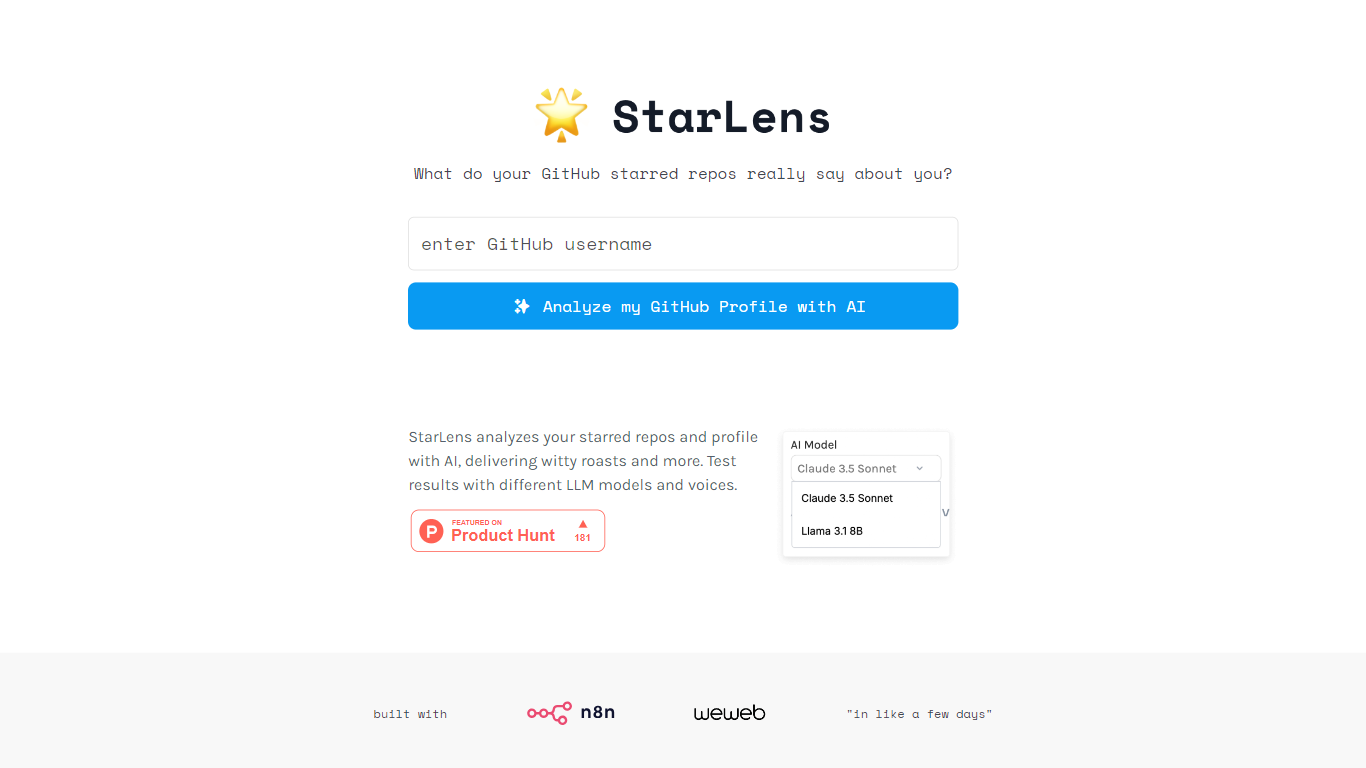

What is Starlens?
The website offers a comprehensive platform designed to enhance productivity and streamline workflows for professionals across various industries. Its core functionality revolves around task management, collaboration tools, and performance tracking, making it an essential tool for teams looking to optimize their operations. The target audience includes project managers, team leaders, and organizations seeking to improve efficiency and communication within their teams. The unique value proposition lies in its user-friendly interface combined with powerful features that cater to both small businesses and large enterprises. Key differentiators include real-time collaboration capabilities, customizable dashboards, and integration with popular third-party applications, setting it apart from competitors in the productivity software market.
Flo Cli
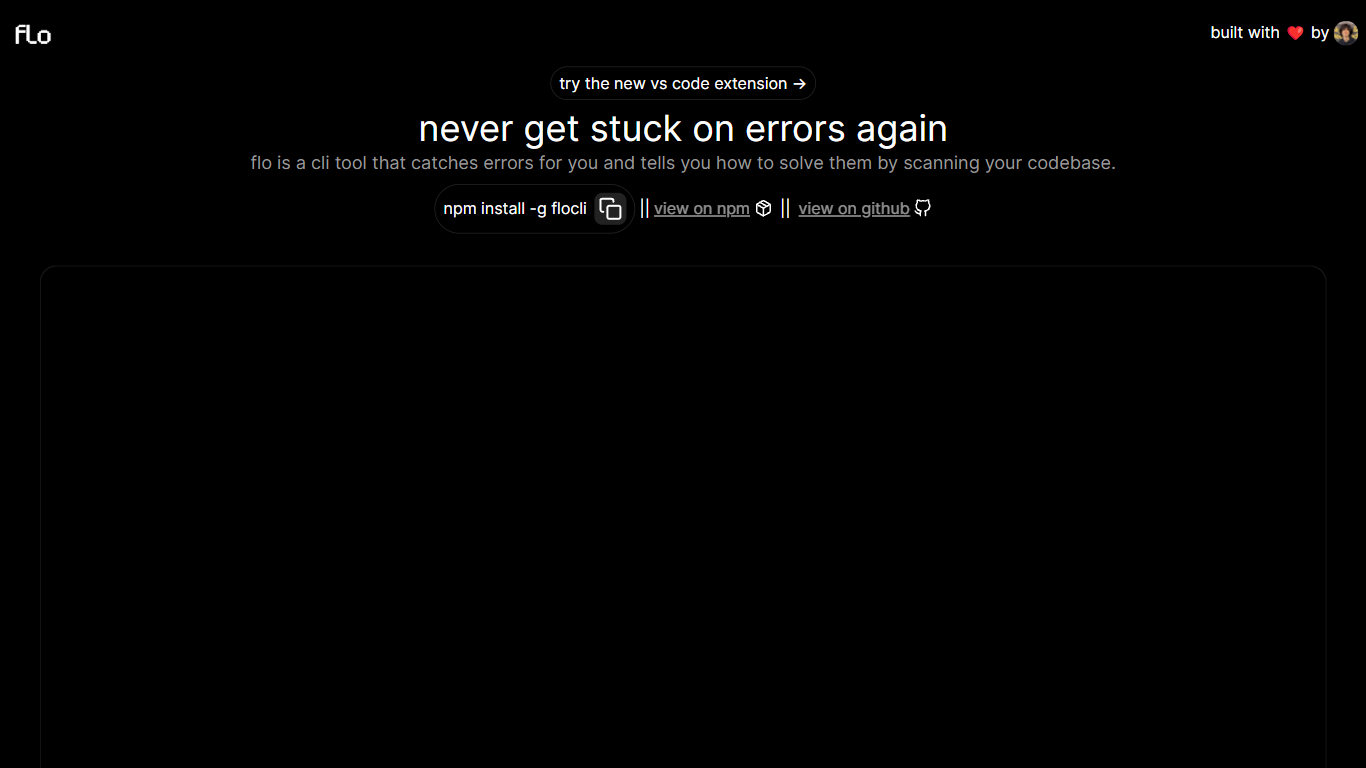
What is Flo Cli?
Flo Cli watches the terminal commands you run, catches thrown errors, and scans your local codebase to suggest fixes without you copying stack traces into a chat window. Install it globally with npm install -g flocli, run flocli configure with your OpenAI key, then wrap any dev process with flocli monitor "npm run dev" or pass a raw message to flocli error. The project site also links a VS Code extension published as dylanintech.flocli on the Visual Studio Marketplace.
Unlike a generic chat assistant, Flo spawns and monitors the child process itself so it sees errors as they happen. The npm readme describes a LangChain functions agent that reads your repo for the faulty code, with optional --gpt-4=true and --search-enabled=true flags for SerpAPI-backed web lookups. A --no-warnings=true flag limits monitoring to hard errors only. Because Flo runs locally with your own API keys, the tool stays open source while you pay OpenAI (and optionally SerpAPI) directly.
Node and full-stack developers who live in the terminal are the core audience. The monitor command works beyond Node scripts, so Next.js dev servers and other shell commands qualify. Teams that want error triage inside VS Code can use the marketplace extension, while CLI-first users keep everything in the terminal.
Starlens Upvotes
Flo Cli Upvotes
Starlens Top Features
Real-Time Collaboration: Enables team members to work together simultaneously on projects, enhancing communication and reducing delays.
Customizable Dashboards: Users can tailor their dashboards to display relevant metrics and tasks, improving focus and efficiency.
Integration with Third-Party Applications: Seamlessly connects with tools like Slack, Google Drive, and Trello, allowing for a unified workflow.
Performance Tracking: Provides analytics and reporting features to monitor team performance and project progress, facilitating data-driven decision-making.
User-Friendly Interface: Designed with simplicity in mind, ensuring that users can navigate the platform easily without extensive training.
Flo Cli Top Features
flocli monitorspawns and watches child processes likenode index.jsornpm run devfor thrown errorsflocli erroraccepts a raw error message and scans the codebase without starting a monitored processOptional
--gpt-4=trueflag switches the agent from GPT-3.5-turbo to GPT-4 when your key has accessOptional
--search-enabled=trueadds SerpAPI web search for errors the local scan cannot resolveVS Code extension
dylanintech.floclibrings Flo workflows into the editor from the project homepageGlobal install via
npm install -g flocliwithflocli configurefor OpenAI and optional SerpAPI keys
Starlens Category
- Developer
Flo Cli Category
- Developer
Starlens Pricing Type
- Freemium
Flo Cli Pricing Type
- Free