GitQuest vs Flo Cli
In the face-off between GitQuest vs Flo Cli, which AI Developer tool takes the crown? We scrutinize features, alternatives, upvotes, reviews, pricing, and more.
In a face-off between GitQuest and Flo Cli, which one takes the crown?
If we were to analyze GitQuest and Flo Cli, both of which are AI-powered developer tools, what would we find? Neither tool takes the lead, as they both have the same upvote count. You can help us determine the winner by casting your vote and tipping the scales in favor of one of the tools.
Does the result make you go "hmm"? Cast your vote and turn that frown upside down!
GitQuest


What is GitQuest?
GitQuest is a platform that turns software development into a game by tracking git events and awarding points for coding activities. It motivates developers to improve their skills through friendly competition and real-time scoring based on their contributions. The platform supports individual developers and teams who want to boost productivity and collaboration by making coding more engaging. GitQuest offers challenges where users can compete, earn rewards, and gain recognition within the developer community. Its unique approach combines gamification with version control systems to create a lively environment that encourages continuous learning and active participation. The platform integrates with popular git repositories to monitor commits, pull requests, and other git events, providing a clear leaderboard and progress tracking. This makes GitQuest a useful tool for developers who enjoy competitive coding and want to foster a stronger team culture.
Flo Cli
What is Flo Cli?
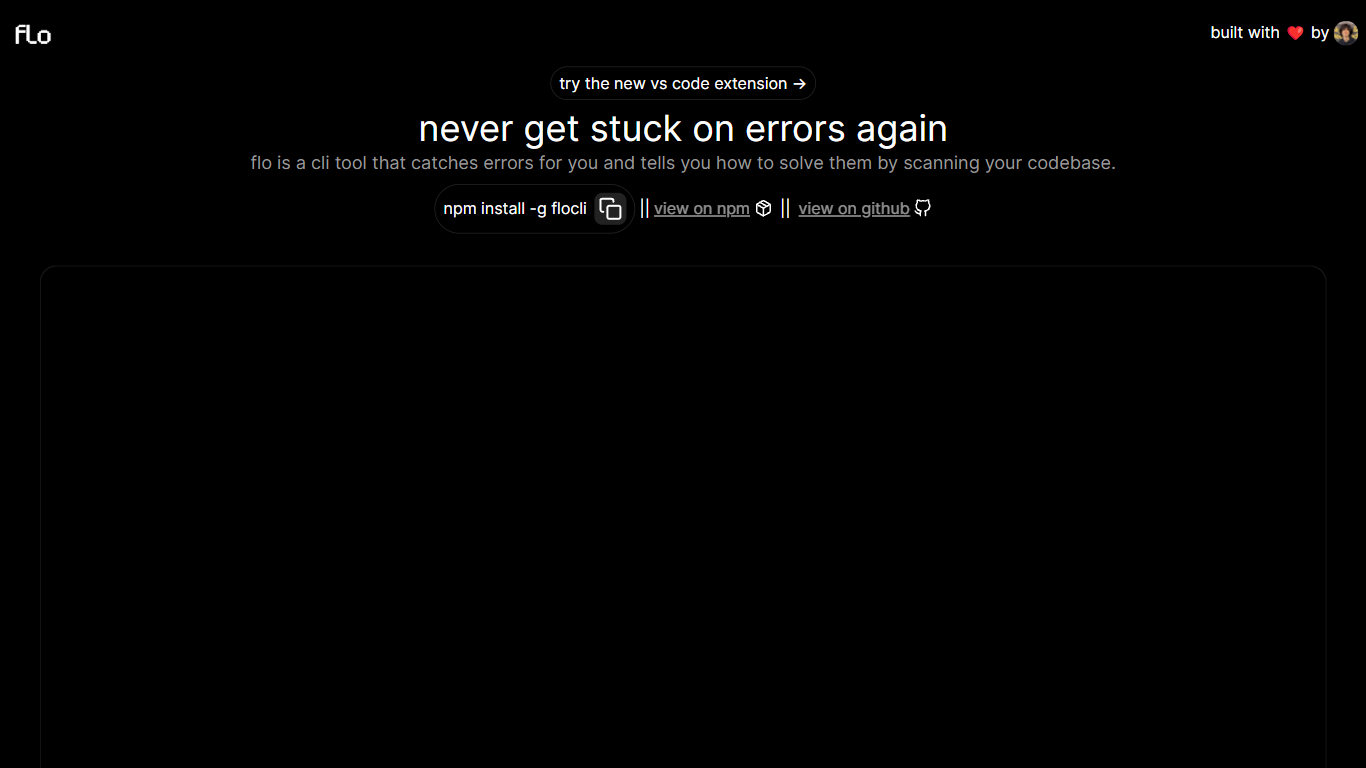
Flo Cli watches the terminal commands you run, catches thrown errors, and scans your local codebase to suggest fixes without you copying stack traces into a chat window. Install it globally with npm install -g flocli, run flocli configure with your OpenAI key, then wrap any dev process with flocli monitor "npm run dev" or pass a raw message to flocli error. The project site also links a VS Code extension published as dylanintech.flocli on the Visual Studio Marketplace.
Unlike a generic chat assistant, Flo spawns and monitors the child process itself so it sees errors as they happen. The npm readme describes a LangChain functions agent that reads your repo for the faulty code, with optional --gpt-4=true and --search-enabled=true flags for SerpAPI-backed web lookups. A --no-warnings=true flag limits monitoring to hard errors only. Because Flo runs locally with your own API keys, the tool stays open source while you pay OpenAI (and optionally SerpAPI) directly.
Node and full-stack developers who live in the terminal are the core audience. The monitor command works beyond Node scripts, so Next.js dev servers and other shell commands qualify. Teams that want error triage inside VS Code can use the marketplace extension, while CLI-first users keep everything in the terminal.
GitQuest Upvotes
Flo Cli Upvotes
GitQuest Top Features
🎯 Real-time scoring based on git activity to track progress instantly
🏆 Competitive challenges that motivate developers to improve skills
📊 Leaderboards that foster friendly competition among teams and individuals
🎁 Rewards system to recognize top contributors and encourage participation
🔗 Integration with popular git platforms for seamless event tracking
Flo Cli Top Features
flocli monitorspawns and watches child processes likenode index.jsornpm run devfor thrown errorsflocli erroraccepts a raw error message and scans the codebase without starting a monitored processOptional
--gpt-4=trueflag switches the agent from GPT-3.5-turbo to GPT-4 when your key has accessOptional
--search-enabled=trueadds SerpAPI web search for errors the local scan cannot resolveVS Code extension
dylanintech.floclibrings Flo workflows into the editor from the project homepageGlobal install via
npm install -g flocliwithflocli configurefor OpenAI and optional SerpAPI keys
GitQuest Category
- Developer
Flo Cli Category
- Developer
GitQuest Pricing Type
- Freemium
Flo Cli Pricing Type
- Free