twitterapi.io vs Flo Cli
In the contest of twitterapi.io vs Flo Cli, which AI Developer tool is the champion? We evaluate pricing, alternatives, upvotes, features, reviews, and more.
If you had to choose between twitterapi.io and Flo Cli, which one would you go for?
When we examine twitterapi.io and Flo Cli, both of which are AI-enabled developer tools, what unique characteristics do we discover? Neither tool takes the lead, as they both have the same upvote count. Since other aitools.fyi users could decide the winner, the ball is in your court now to cast your vote and help us determine the winner.
Not your cup of tea? Upvote your preferred tool and stir things up!
twitterapi.io


What is twitterapi.io?
twitterapi.io is a third-party developer API for reading and writing public X (formerly Twitter) data without going through X's official developer approval process. You sign up, grab an API key, and call REST or WebSocket endpoints for tweets, profiles, followers, search, trends, and posting actions. The service is operated by Prism Digital, LLC and is not affiliated with X Corp.
The pitch is speed and cost at scale. The site quotes median responses under 500 milliseconds, throughput above 1,000 requests per second, and per-call pricing that undercuts the official X API by a wide margin. Pay-as-you-go credits replace monthly platform tiers, so small scripts and large crawlers can share the same billing model.
It targets developers, data teams, researchers, and AI agent builders who need live social data in production. A native Model Context Protocol server exposes twelve read-only Twitter tools to Claude, Cursor, and other MCP clients, which makes the API a practical fit for agent workflows as well as traditional backends.
Flo Cli
What is Flo Cli?
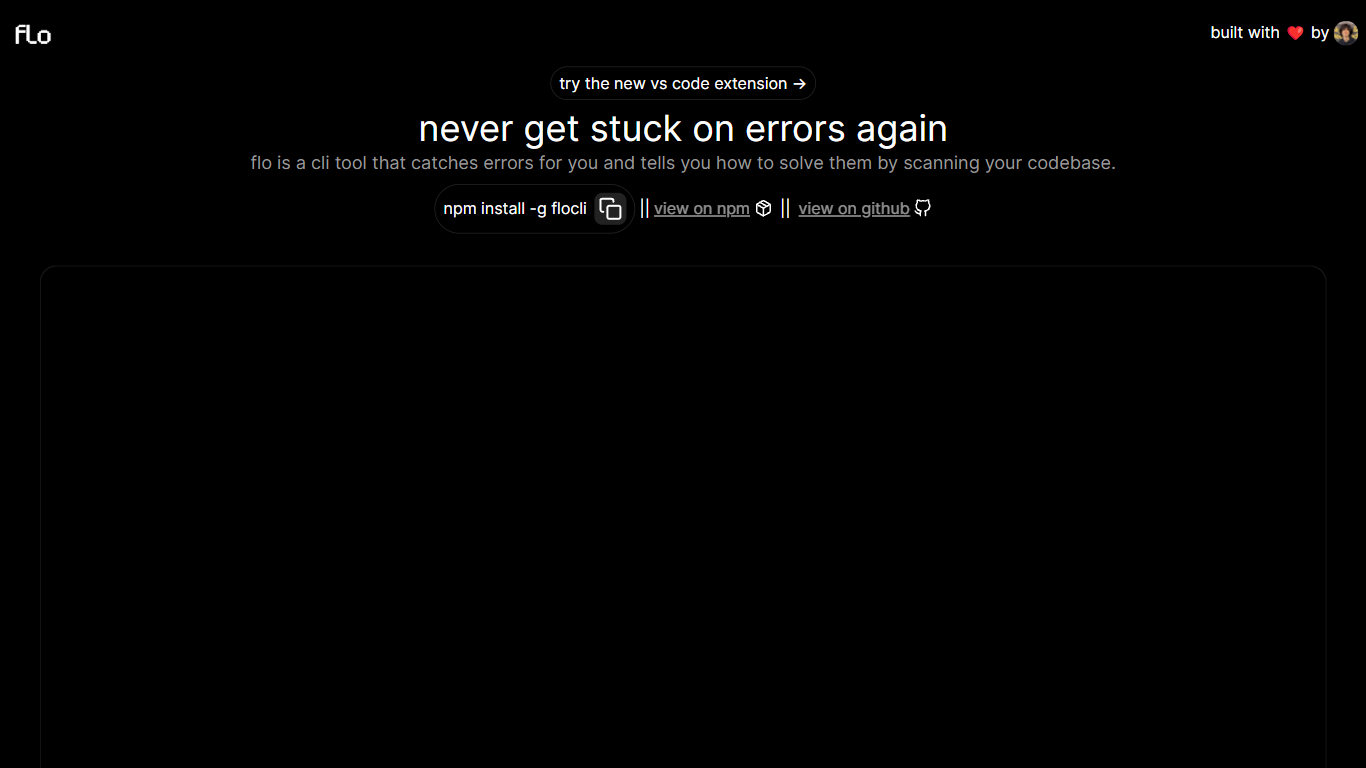
Flo Cli watches the terminal commands you run, catches thrown errors, and scans your local codebase to suggest fixes without you copying stack traces into a chat window. Install it globally with npm install -g flocli, run flocli configure with your OpenAI key, then wrap any dev process with flocli monitor "npm run dev" or pass a raw message to flocli error. The project site also links a VS Code extension published as dylanintech.flocli on the Visual Studio Marketplace.
Unlike a generic chat assistant, Flo spawns and monitors the child process itself so it sees errors as they happen. The npm readme describes a LangChain functions agent that reads your repo for the faulty code, with optional --gpt-4=true and --search-enabled=true flags for SerpAPI-backed web lookups. A --no-warnings=true flag limits monitoring to hard errors only. Because Flo runs locally with your own API keys, the tool stays open source while you pay OpenAI (and optionally SerpAPI) directly.
Node and full-stack developers who live in the terminal are the core audience. The monitor command works beyond Node scripts, so Next.js dev servers and other shell commands qualify. Teams that want error triage inside VS Code can use the marketplace extension, while CLI-first users keep everything in the terminal.
twitterapi.io Upvotes
Flo Cli Upvotes
twitterapi.io Top Features
Median API responses land under 500ms with 1,000+ requests per second throughput
75+ REST endpoints cover tweets, profiles, search, trends, and write actions
Pay $0.15 per 1,000 tweets returned with no monthly floor or read caps
Native MCP server plugs live X data into Claude, Cursor, and other MCP clients
Sign up in minutes with a Google login, no X developer account approval
WebSocket streams and webhooks deliver live tweet data with sub-second latency
Flo Cli Top Features
flocli monitorspawns and watches child processes likenode index.jsornpm run devfor thrown errorsflocli erroraccepts a raw error message and scans the codebase without starting a monitored processOptional
--gpt-4=trueflag switches the agent from GPT-3.5-turbo to GPT-4 when your key has accessOptional
--search-enabled=trueadds SerpAPI web search for errors the local scan cannot resolveVS Code extension
dylanintech.floclibrings Flo workflows into the editor from the project homepageGlobal install via
npm install -g flocliwithflocli configurefor OpenAI and optional SerpAPI keys
twitterapi.io Category
- Developer
Flo Cli Category
- Developer
twitterapi.io Pricing Type
- Freemium
Flo Cli Pricing Type
- Free