FlowSavvy vs Itemery
In the battle of FlowSavvy vs Itemery, which AI Productivity tool comes out on top? We compare reviews, pricing, alternatives, upvotes, features, and more.
Between FlowSavvy and Itemery, which one is superior?
Upon comparing FlowSavvy with Itemery, which are both AI-powered productivity tools, The upvote count shows a clear preference for Itemery. Itemery has been upvoted 7 times by aitools.fyi users, and FlowSavvy has been upvoted 6 times.
Not your cup of tea? Upvote your preferred tool and stir things up!
FlowSavvy
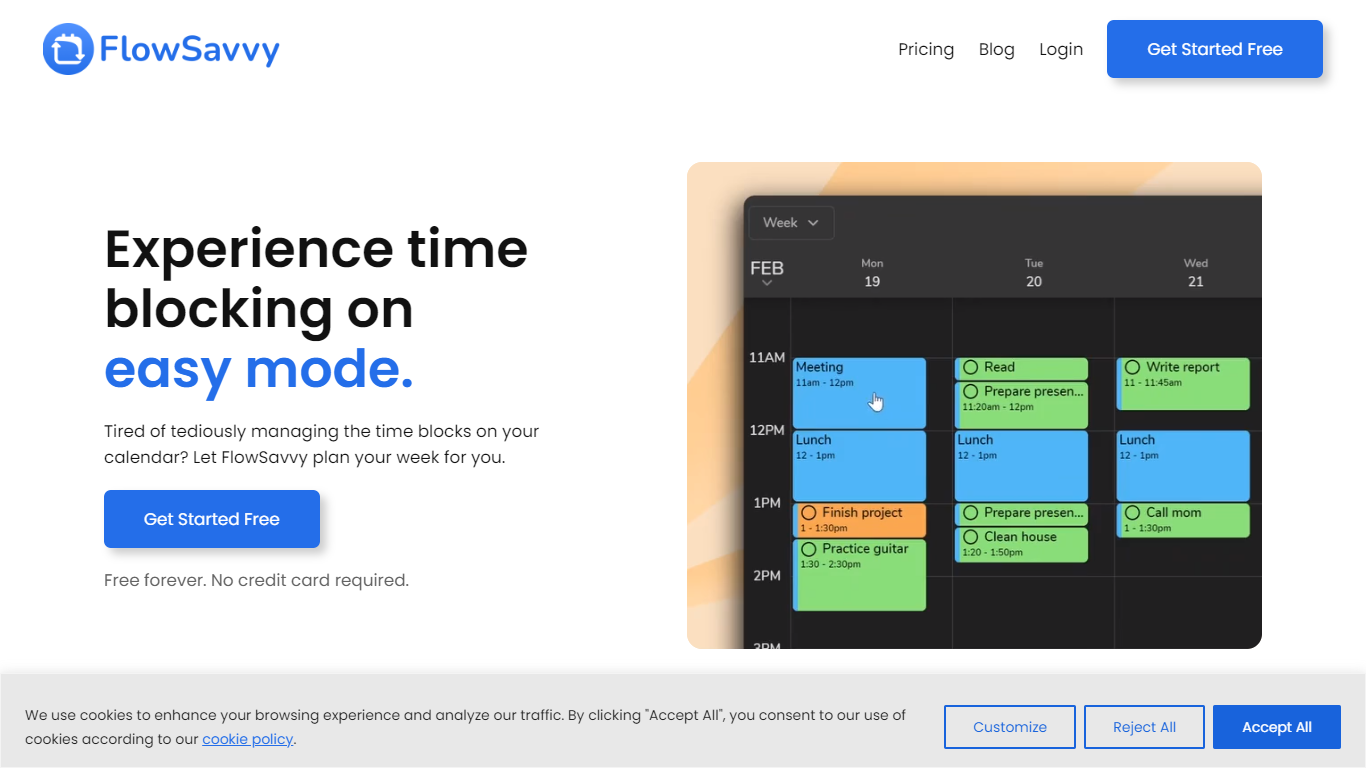

What is FlowSavvy ?
FlowSavvy offers a fresh take on time management by automating time blocking and task scheduling to reduce stress and manual effort. It acts like a digital assistant that creates weekly plans and adjusts them automatically when your schedule changes, so you don’t have to constantly rearrange tasks yourself. The platform supports habit building by letting you set recurring tasks that fit your lifestyle and work hours, helping you maintain a healthy work-life balance. It integrates smoothly with popular calendars like Google, iCloud, and Outlook, keeping all your appointments and tasks in one place. The interface is clean and easy to use, with color-coded tasks that give you a quick view of your workload. FlowSavvy is accessible on all devices and lets you start for free without needing a credit card. This makes it a practical tool for anyone looking to organize their time more effectively without the hassle of manual scheduling. Whether you’re a busy professional, a student, or managing a household, FlowSavvy adapts to your needs and helps you stay on track effortlessly.
Itemery
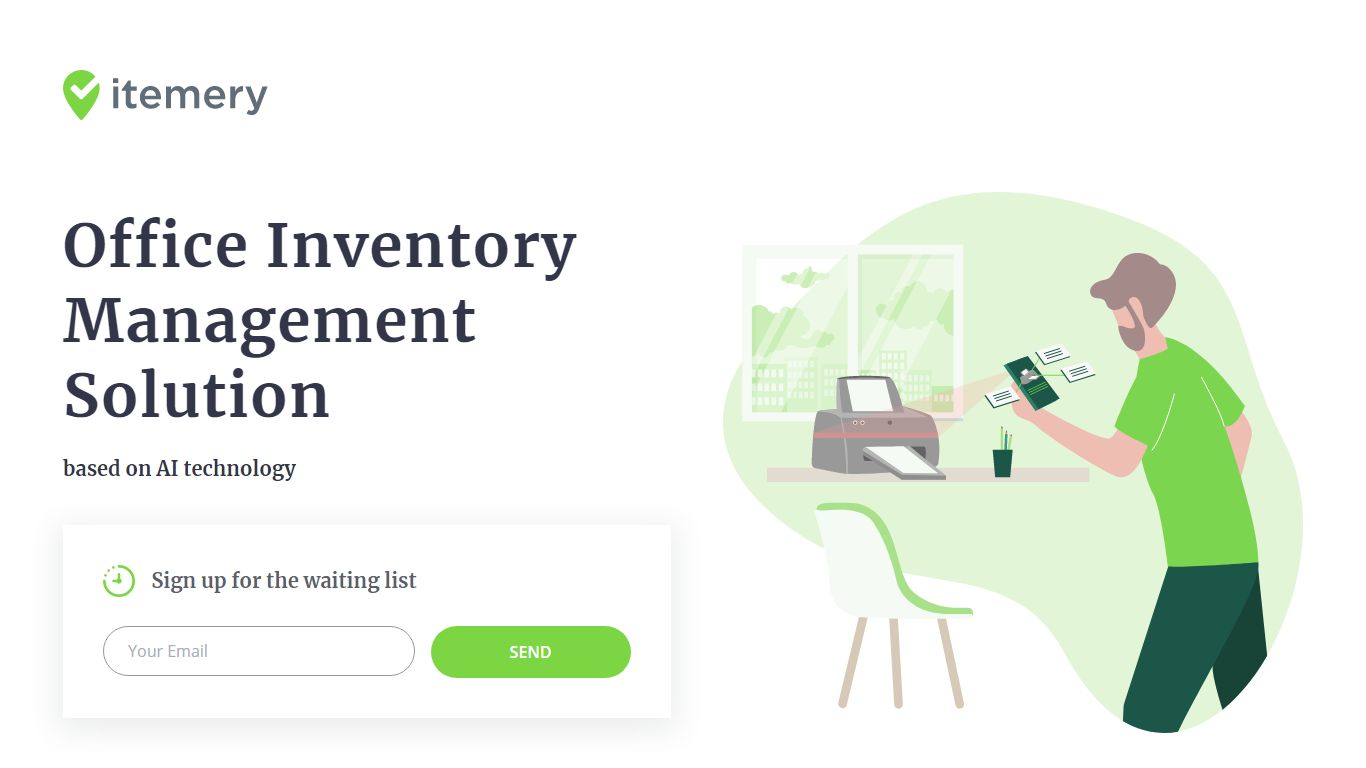
What is Itemery?
Itemery is office inventory management software that tracks company assets for small and medium businesses through a web dashboard and mobile app. You scan barcodes or QR codes, import existing spreadsheets from Excel or Google Sheets, and assign items to locations across your organization.
Most inventory tools make you type every asset manually. Itemery adds items by pointing your phone camera at an object so a neural network recognizes and catalogs it automatically. Paid plans from $15 per month unlock that camera recognition plus item photos, while the free tier handles 50 items with barcode scanning alone.
The product accepts signups for a release waiting list, but pricing and feature tiers are published on the site. Setup takes about 20 minutes according to Itemery, with dashboards for audit counts, location tracking, and supply quantities. Law firms, co-working spaces, and IT departments are among the company types listed on the homepage.
FlowSavvy Upvotes
Itemery Upvotes
FlowSavvy Top Features
🗓️ Automatic weekly planning that adjusts as your schedule changes
🔄 Smart recurring tasks to build and maintain good habits
📅 Syncs with Google, iCloud, and Outlook calendars for unified scheduling
🎨 Color-coded tasks for quick workload visualization
📱 Available on all devices with no credit card required to start
Itemery Top Features
Free plan tracks 50 items across 1 location with barcode and QR scanning
AI camera recognition on paid plans adds items by pointing your phone at objects
Import existing asset databases from Excel or Google Sheets in 2 clicks
Four tiers from $0 to $70 per month scaling to unlimited items and admins
Mobile app for scanning and auditing plus web dashboard for asset overview
Auto-generates unique barcodes or QR codes for items that lack them
FlowSavvy Category
- Productivity
Itemery Category
- Productivity
FlowSavvy Pricing Type
- Freemium
Itemery Pricing Type
- Freemium