Formix Assistant vs ValueProp
Explore the showdown between Formix Assistant vs ValueProp and find out which AI Automation tool wins. We analyze upvotes, features, reviews, pricing, alternatives, and more.
In a face-off between Formix Assistant and ValueProp, which one takes the crown?
When we contrast Formix Assistant with ValueProp, both of which are exceptional AI-operated automation tools, and place them side by side, we can spot several crucial similarities and divergences. The users have made their preference clear, Formix Assistant leads in upvotes. The number of upvotes for Formix Assistant stands at 7, and for ValueProp it's 6.
Not your cup of tea? Upvote your preferred tool and stir things up!
Formix Assistant

What is Formix Assistant?
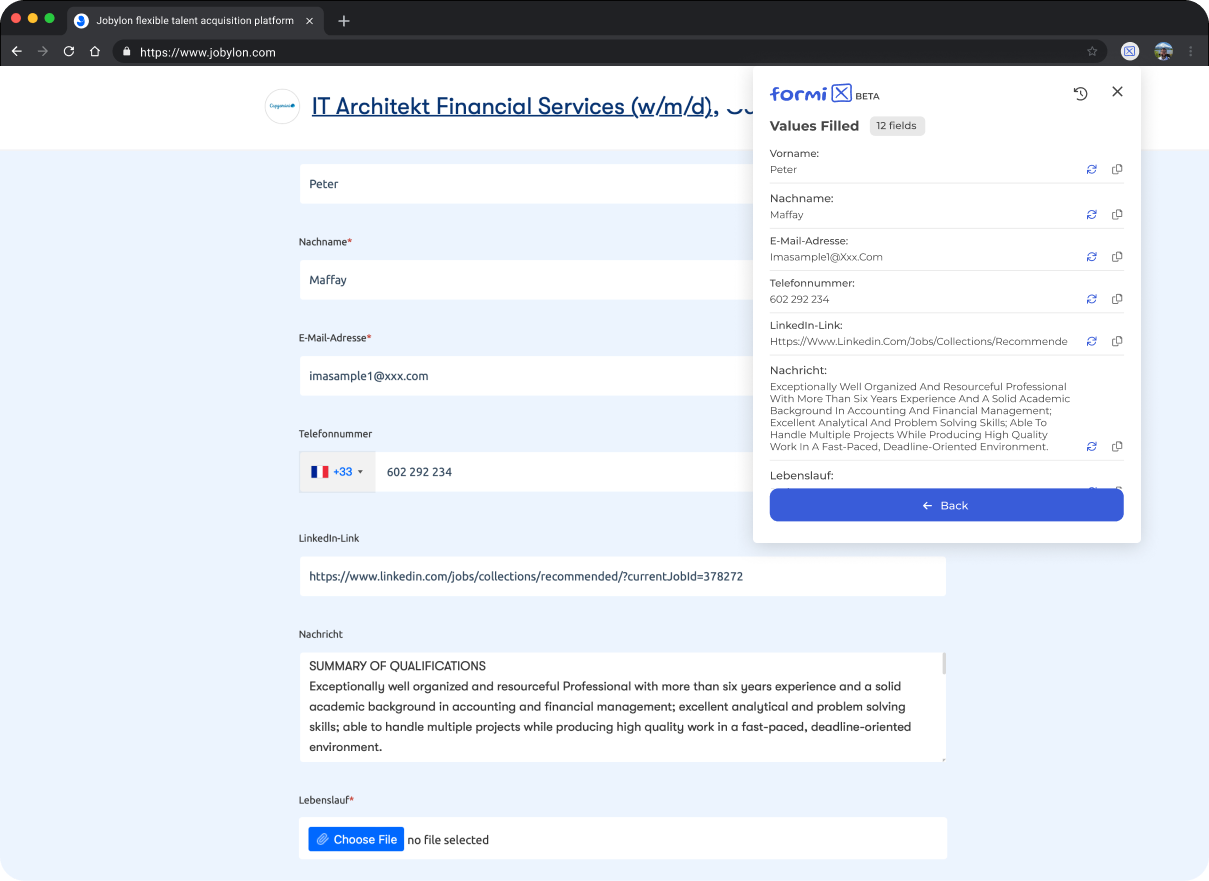
Formix Assistant turns your r??sum??s, product specs, and other reference files into completed web form fields through a Chrome extension. You attach documents and prompts once, then let Formix generate answers for job applications, checkout pages, and classified listings across the sites you visit. A separate Formix PDF beta at formixpdf.formix.ai handles PDF form filling in the browser.
Most autofill tools memorize your name and address once. Formix takes a different path: it reads your uploaded documents and prompts on each run, stores that material locally in Chrome rather than on Formix servers, and fills text fields without clicking submit buttons. You review highlighted suggestions and submit manually, which cuts down on wrong auto-submissions on sites like eBay, Craigslist, Indeed, and Google Forms.
Job seekers filling repetitive application forms, online shoppers speeding through checkout, and anyone posting classified ads benefit most from this form automation workflow. Formix Pro, listed at $5 per month on a waiting list, raises daily limits, document size caps, and prompt history depth beyond the free extension.
ValueProp
What is ValueProp?
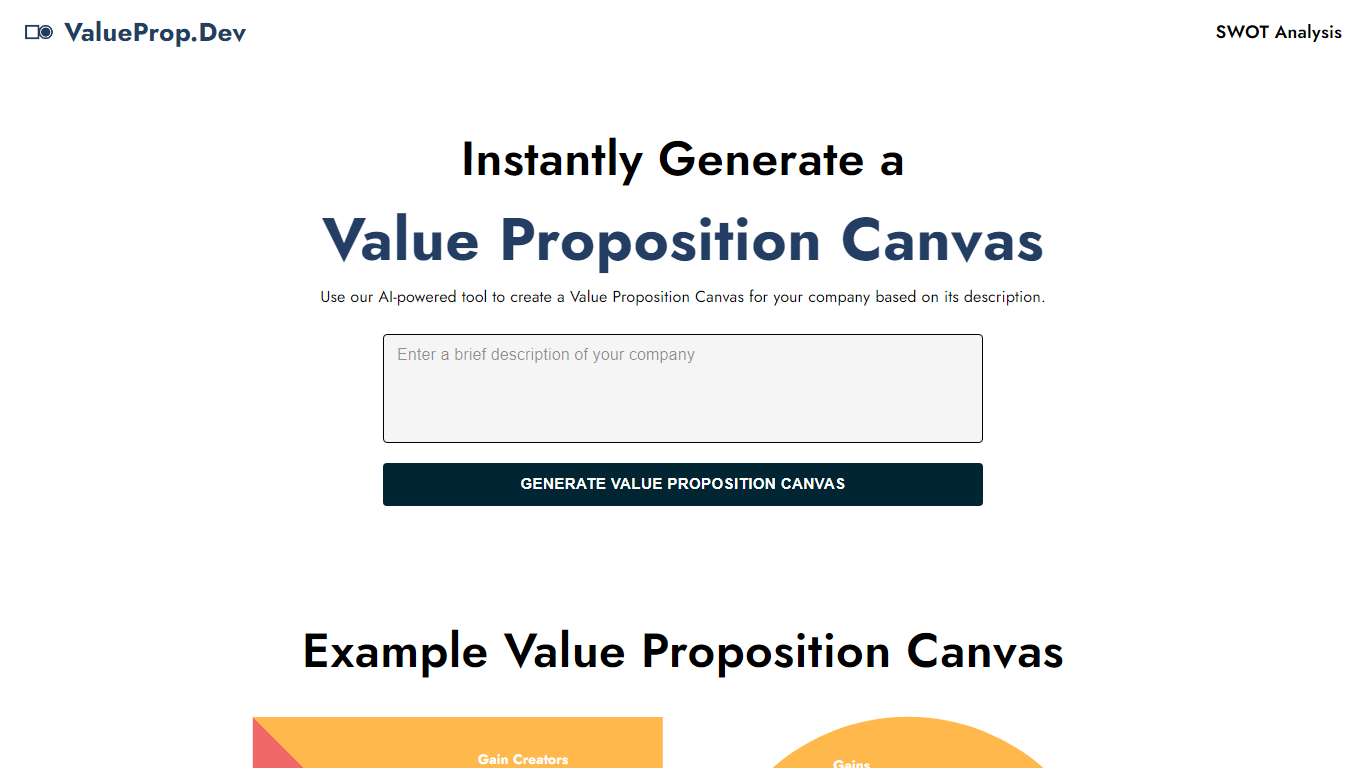
ValueProp turns a short company description into a filled Value Proposition Canvas with six blocks: Customer Jobs, Pains, Gains, Products and Services, Pain Relievers, and Gain Creators. Paste your text, click Generate, and the automation fills every section in one pass. Click any field to edit it, then download the finished canvas as an image. No account signup is required.
Most value proposition tools hand you a blank template or expect a long workshop. ValueProp skips that setup and fills every canvas section from a single text box. That makes it a fast draft generator rather than a facilitated strategy session, which is the trade-off if you need stakeholder workshops or version history.
Product managers, startup founders, and marketers who need a first-pass canvas before a pitch or launch planning session are the typical audience. It fits early positioning work when you have a product description but not a structured customer profile yet.
Formix Assistant Upvotes
ValueProp Upvotes
Formix Assistant Top Features
Chrome extension fills text fields and dropdowns on eBay, Craigslist, Indeed, and Google Forms
Documents and prompts stay in local Chrome storage, not on Formix servers
Regenerate any single field without redoing the entire form
Formix Pro waiting list opens at $5 per month with higher daily limits and larger document caps
Formix PDF beta at formixpdf.formix.ai fills PDF forms online in the browser
ValueProp Top Features
Fills all six Value Proposition Canvas sections from one company description input
Edit any generated field inline by clicking before you export
Download the finished canvas as an image file
Free to use with no account required
Homepage example canvas shows all six blocks: Jobs, Pains, Gains, Products, Pain Relievers, Gain Creators
Formix Assistant Category
- Automation
ValueProp Category
- Automation
Formix Assistant Pricing Type
- Freemium
ValueProp Pricing Type
- Free