Formula Dog vs Arcwise AI
Dive into the comparison of Formula Dog vs Arcwise AI and discover which AI Excel tool stands out. We examine alternatives, upvotes, features, reviews, pricing, and beyond.
In a comparison between Formula Dog and Arcwise AI, which one comes out on top?
When we compare Formula Dog and Arcwise AI, two exceptional excel tools powered by artificial intelligence, and place them side by side, several key similarities and differences come to light. Neither tool takes the lead, as they both have the same upvote count. The power is in your hands! Cast your vote and have a say in deciding the winner.
Not your cup of tea? Upvote your preferred tool and stir things up!
Formula Dog

What is Formula Dog?
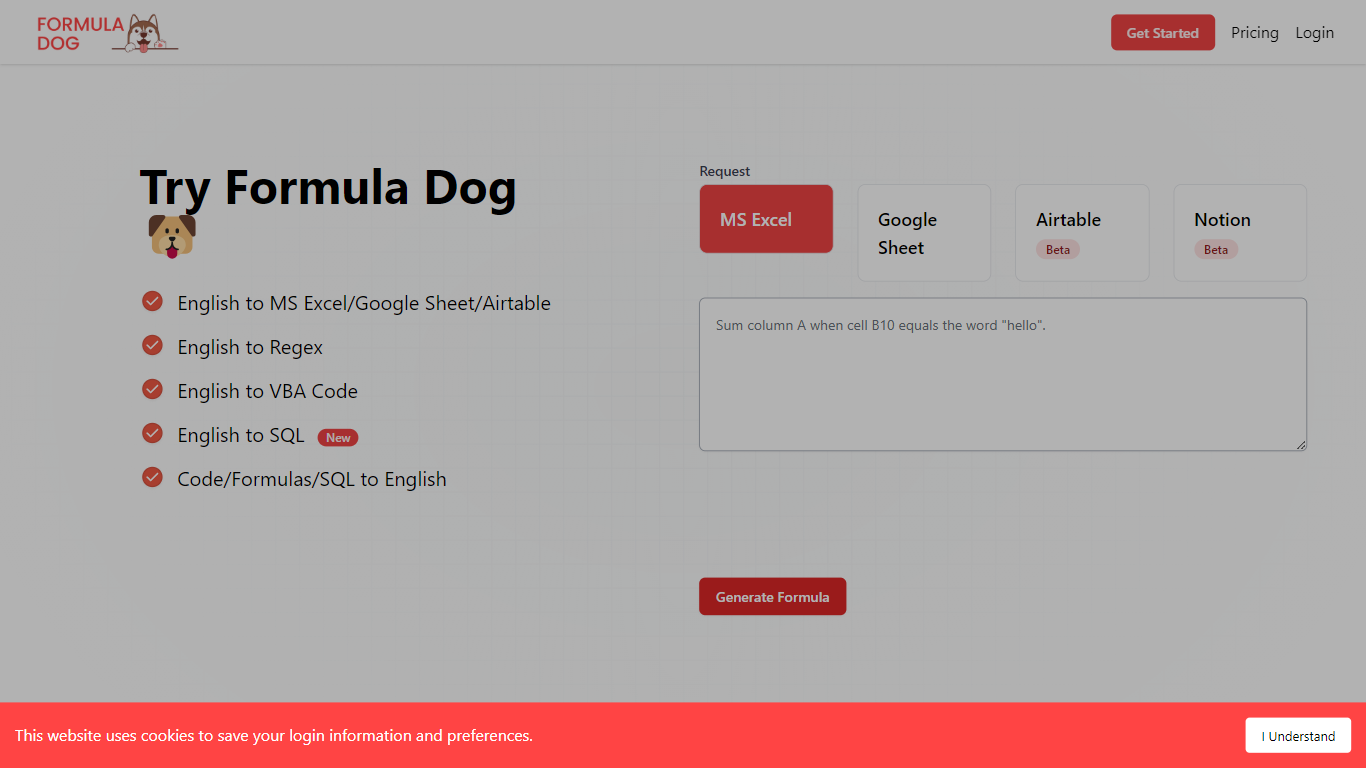
Formula Dog turns spreadsheet problems written in plain English into working Excel or Google Sheets formulas. You describe what you need, and the tool returns a paste-ready formula, often with a short explanation of how it works. The first five requests each day are free with no account required.
The product centers on a fine-tuned model trained on real spreadsheet formulas paired with human-written descriptions. That focus shows up in the output: fewer invented function names and syntax tuned for Excel, Google Sheets, VBA, regex helpers, and basic Airtable or Notion formulas.
It fits analysts, ops teams, and anyone who lives in spreadsheets but does not want to memorize every function variant. The site also ships a searchable cheat sheet, a playground with worked examples, and support for 12 interface languages.
Arcwise AI
What is Arcwise AI?
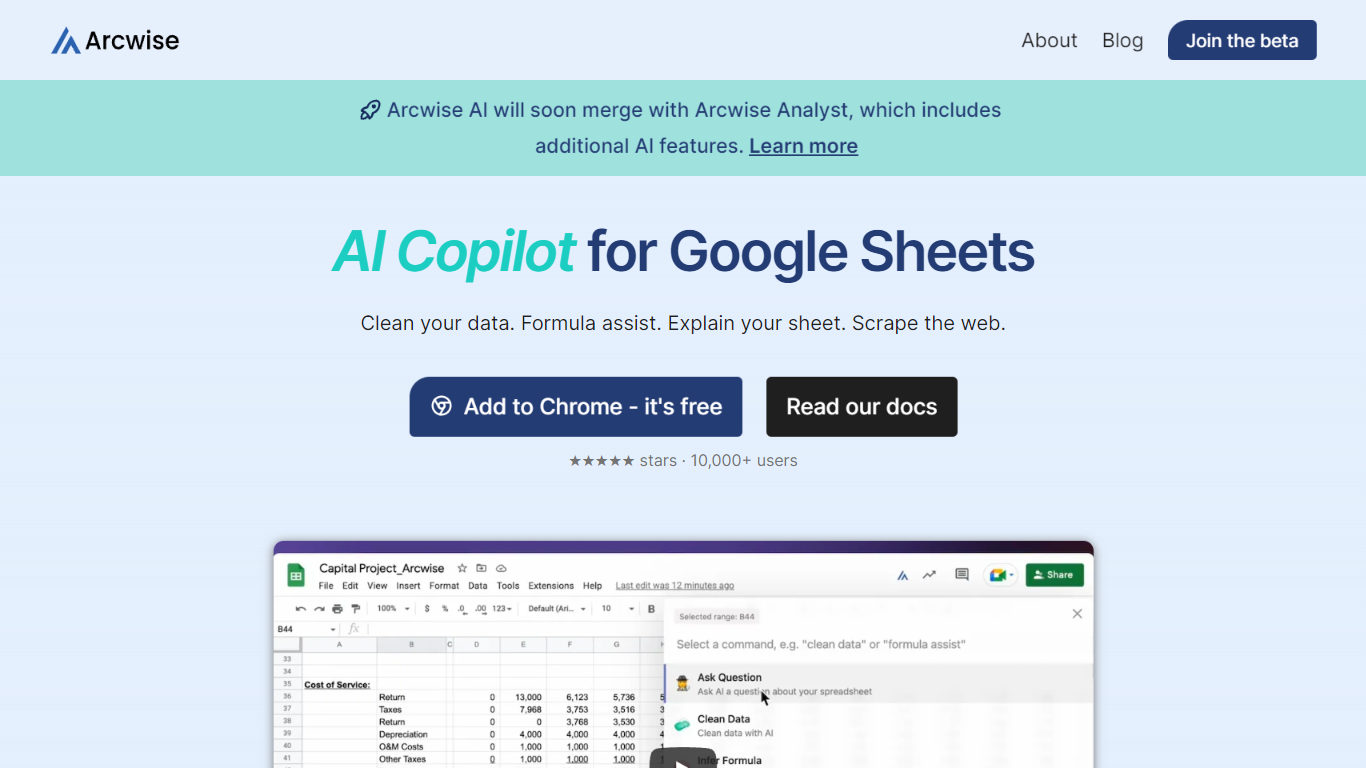
Arcwise AI is a spreadsheet analytics copilot and decision platform for teams that live in Google Sheets and warehouse data. It began as a Chrome extension for ChatGPT-powered formulas and data cleanup, and now also sells traceable metric explanations tied to Snowflake, BigQuery, Databricks, and internal documentation.
The Sheets extension still ships as a free Chrome add-on with keyboard shortcuts, $AI.TRANSFORM and $AI.CLASSIFY functions, and PDF table extraction. That side competes with formula copilots, while the platform side targets analysts who need audited answers instead of generic chatbot guesses.
Arcwise backs explanations with source tracing rather than open-ended model text, which matters when finance or ops teams need to defend a number in a review. The stored listing URL at /old-ai now returns 404, so the live product homepage is arcwise.app.
Formula Dog Upvotes
Arcwise AI Upvotes
Formula Dog Top Features
Describe a spreadsheet task in plain English and get a paste-ready formula back
Covers Excel, Google Sheets, VBA macros, regex helpers, and basic Airtable or Notion syntax
Five free formula generations per day with no signup required
Built-in playground with six worked examples from COUNTIF to conditional VBA
Searchable cheat sheet for common sums, lookups, dates, arrays, and VBA snippets
Interface available in 12 languages including English, French, German, Spanish, and Japanese
Arcwise AI Top Features
Free Chrome extension for Google Sheets with Cmd+Shift+1 shortcut
$AI.TRANSFORM, $AI.CLASSIFY, and $AI.EXTRACT functions inside Sheets
Connects to Snowflake, BigQuery, and Databricks warehouses
Metric shift detection with explanations traced to source data
PDF upload extracts tables directly into spreadsheet cells
Chrome Web Store lists 10,000+ users and a 4.5 star rating
Formula Dog Category
- Excel
Arcwise AI Category
- Excel
Formula Dog Pricing Type
- Freemium
Arcwise AI Pricing Type
- Freemium