Formula Dog vs Excelly-AI
In the face-off between Formula Dog vs Excelly-AI, which AI Excel tool takes the crown? We scrutinize features, alternatives, upvotes, reviews, pricing, and more.
In a face-off between Formula Dog and Excelly-AI, which one takes the crown?
If we were to analyze Formula Dog and Excelly-AI, both of which are AI-powered excel tools, what would we find? Both tools have received the same number of upvotes from aitools.fyi users. The power is in your hands! Cast your vote and have a say in deciding the winner.
Disagree with the result? Upvote your favorite tool and help it win!
Formula Dog

What is Formula Dog?
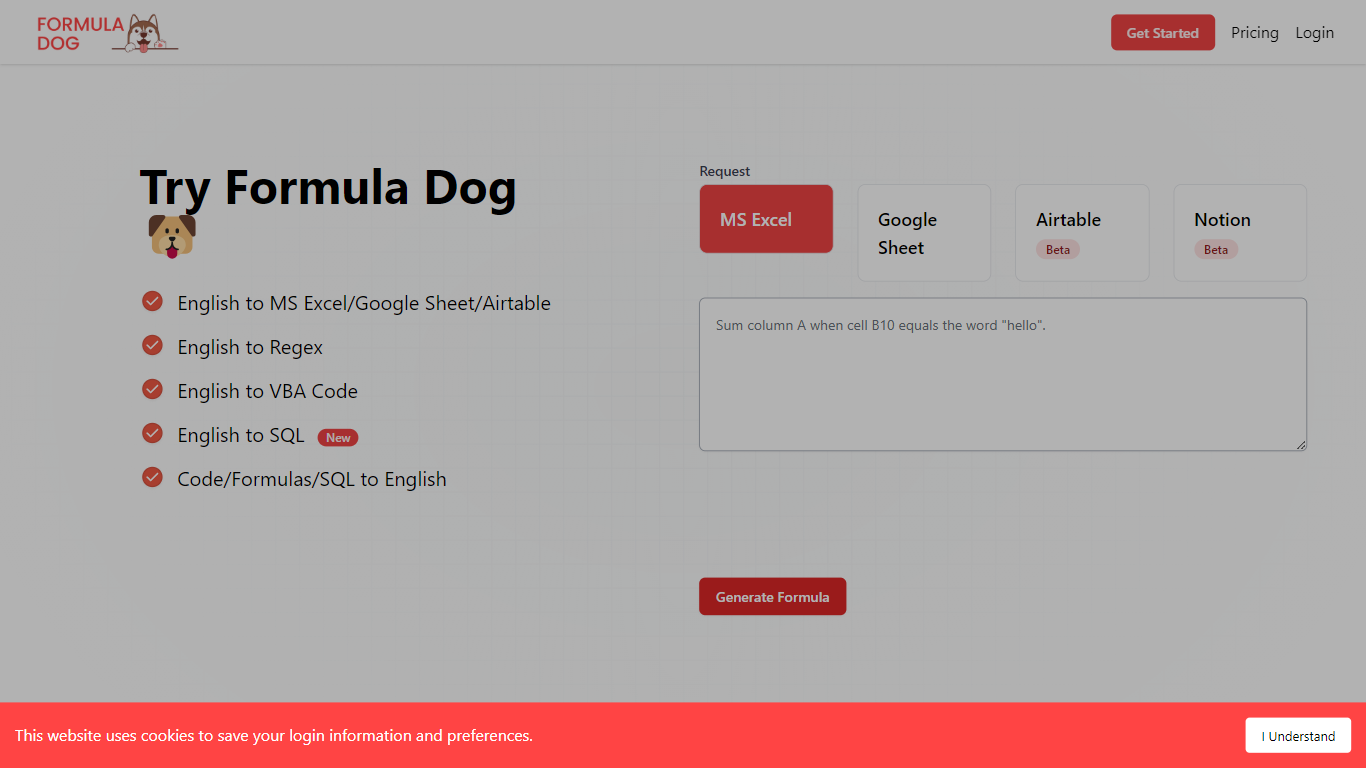
Formula Dog turns spreadsheet problems written in plain English into working Excel or Google Sheets formulas. You describe what you need, and the tool returns a paste-ready formula, often with a short explanation of how it works. The first five requests each day are free with no account required.
The product centers on a fine-tuned model trained on real spreadsheet formulas paired with human-written descriptions. That focus shows up in the output: fewer invented function names and syntax tuned for Excel, Google Sheets, VBA, regex helpers, and basic Airtable or Notion formulas.
It fits analysts, ops teams, and anyone who lives in spreadsheets but does not want to memorize every function variant. The site also ships a searchable cheat sheet, a playground with worked examples, and support for 12 interface languages.
Excelly-AI

What is Excelly-AI?
Excelly-AI is the premier tool for transforming plain text into powerful Excel and Google Sheets formulas right within your browser or via Slack. Our cutting-edge technology allows users to generate or explain complex formulas effortlessly, catering both to Excel and VBA as well as Google Sheets users. With the unique *.xlsx file upload feature, Excelly-AI elevates your productivity by allowing you to craft customized prompts based on your spreadsheet's column schema, providing precise and context-aware formula generation. Excel enthusiasts can also convert formulas between Excel and Google Sheets instantly. Additionally, Excelly-AI integrates seamlessly with Slack, empowering teams of any size to streamline their spreadsheet-related tasks company-wide. Whether a beginner or a power user, start with 5 free formulas per month and witness the transformation of text to formulas without endlessly Googling.
Formula Dog Upvotes
Excelly-AI Upvotes
Formula Dog Top Features
Describe a spreadsheet task in plain English and get a paste-ready formula back
Covers Excel, Google Sheets, VBA macros, regex helpers, and basic Airtable or Notion syntax
Five free formula generations per day with no signup required
Built-in playground with six worked examples from COUNTIF to conditional VBA
Searchable cheat sheet for common sums, lookups, dates, arrays, and VBA snippets
Interface available in 12 languages including English, French, German, Spanish, and Japanese
Excelly-AI Top Features
Generate Formulas: Support for both Excel and Google Sheets with explanations for every generated formula.
Upload .xlsx Files: Generate formulas based on your own spreadsheets with meaningful prompts.
Explain Formulas: Excelly-AI can simplify and explain complex formulas for easy understanding.
Generate VBA: Instantly create any VBA formula you need.
Transform Formulas: Easily convert formulas between Excel and Google Sheets formats.
Formula Dog Category
- Excel
Excelly-AI Category
- Excel
Formula Dog Pricing Type
- Freemium
Excelly-AI Pricing Type
- Freemium