Formula Wizard vs Formularizer
In the face-off between Formula Wizard vs Formularizer, which AI Excel tool takes the crown? We scrutinize features, alternatives, upvotes, reviews, pricing, and more.
When we put Formula Wizard and Formularizer head to head, which one emerges as the victor?
If we were to analyze Formula Wizard and Formularizer, both of which are AI-powered excel tools, what would we find? The upvote count shows a clear preference for Formularizer. Formularizer has 7 upvotes, and Formula Wizard has 6 upvotes.
Feeling rebellious? Cast your vote and shake things up!
Formula Wizard


What is Formula Wizard?
Formula Wizard is a smart tool that helps you create formulas for Excel, Notion, and Airtable without needing to write them yourself. Just explain what you want to achieve, and the AI generates the formula for you. This saves time and reduces errors, making complex calculations and data tasks easier for everyone.
The tool is designed for a wide range of users, from beginners who struggle with formulas to advanced users who want to speed up their workflow. It supports automating repetitive tasks, customizing templates, validating data, and filtering information efficiently.
Formula Wizard stands out by offering a simple interface combined with powerful AI that understands your goals and translates them into working formulas. It removes the need to search through documentation or learn complex syntax.
The software is continuously updated to support more platforms and formula types, ensuring it stays useful as your needs grow. It also includes helpful illustrations to guide users through the process.
Built with care by its creator Samir, Formula Wizard is free to use and focuses on making formula creation accessible and enjoyable. It helps users focus on analyzing data and making decisions rather than struggling with formula writing.
Overall, Formula Wizard is a practical assistant for anyone working with spreadsheets or databases who wants to save time and reduce frustration by letting AI handle the formula writing.
Formularizer
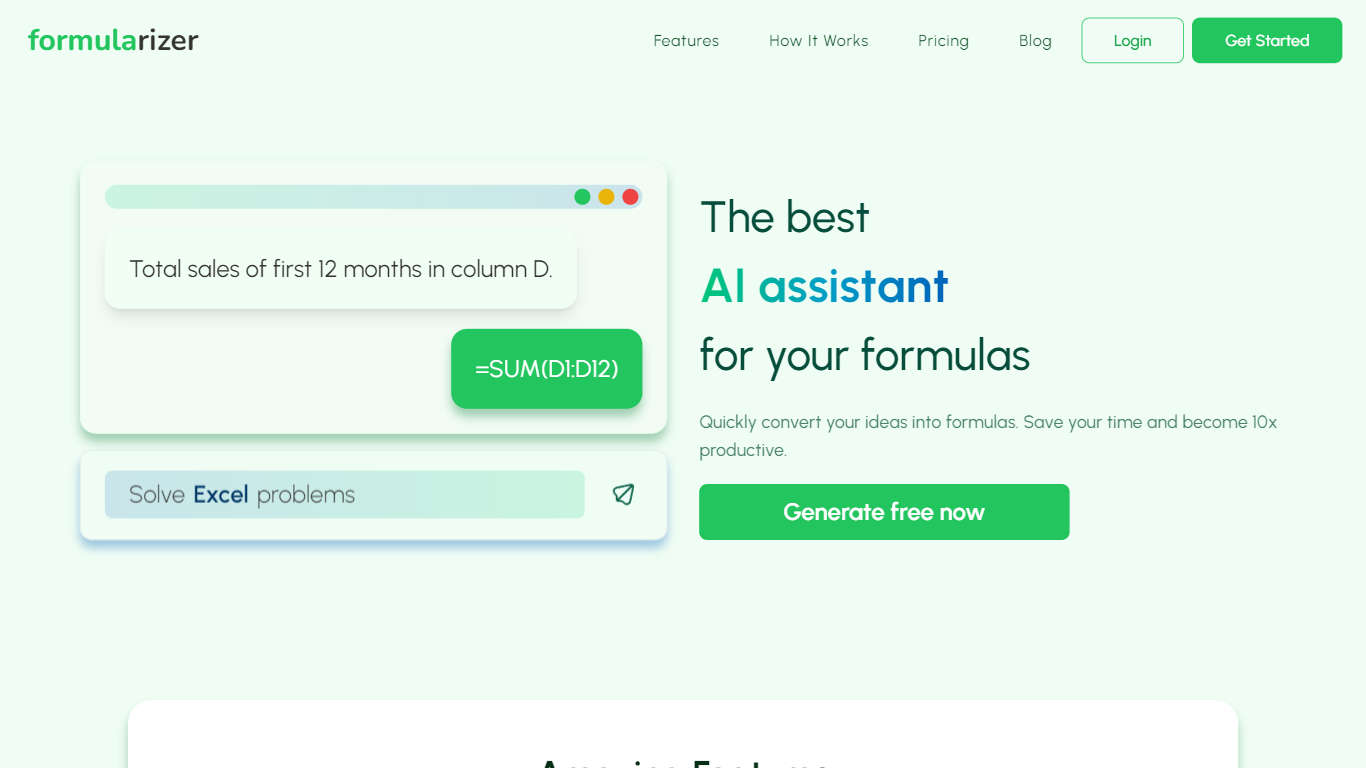
What is Formularizer?
Formularizer is a web assistant for spreadsheet and data work. Choose from four focused helpers: formulas for Excel and Google Sheets, SQL queries, regular expressions, and scripts in Excel VBA or Google Apps Script. Describe what you need in plain language, or paste an existing formula to get an explanation.
Each assistant supports Generate mode to build something new from a description and Explain mode to break down code you already have. For spreadsheet formulas, you pick the target platform so outputs match Excel or Google Sheets syntax. Adding sample data through the input panel helps accuracy on trickier requests.
The site gives you 3 free credits to try before creating an account. Signing up unlocks 50 free credits each month plus faster, more accurate responses. Accounts can be created with email or Google sign-in.
Formularizer fits analysts, students, and anyone who spends their day in spreadsheets but would rather not dig through function docs for every task.
Formula Wizard Upvotes
Formularizer Upvotes
Formula Wizard Top Features
🧮 AI-Powered Formula Creation: Generate accurate formulas by simply describing your needs.
📊 Multi-Platform Support: Works seamlessly with Excel, Notion, and Airtable formulas.
⚙️ Automate Repetitive Tasks: Save time by automating common calculations and data processes.
🔍 Data Validation Made Easy: Ensure your data meets specific rules without manual formula writing.
🎨 Template Customization: Quickly adapt and enhance templates with tailored formulas.
Formularizer Top Features
Four assistants cover formulas, SQL, regex, and spreadsheet scripts in one workspace
Generate mode writes formulas, queries, regex patterns, or scripts from a plain-language prompt
Explain mode breaks down existing formulas and code line by line
Pick Excel or Google Sheets when generating spreadsheet formulas
Drop in sample data from the input menu to sharpen results on complex requests
Formula Wizard Category
- Excel
Formularizer Category
- Excel
Formula Wizard Pricing Type
- Freemium
Formularizer Pricing Type
- Freemium