Formularizer vs Formula Bot
In the clash of Formularizer vs Formula Bot, which AI Excel tool emerges victorious? We assess reviews, pricing, alternatives, features, upvotes, and more.
When we put Formularizer and Formula Bot head to head, which one emerges as the victor?
Let's take a closer look at Formularizer and Formula Bot, both of which are AI-driven excel tools, and see what sets them apart. The users have made their preference clear, Formula Bot leads in upvotes. The number of upvotes for Formula Bot stands at 9, and for Formularizer it's 7.
Think we got it wrong? Cast your vote and show us who's boss!
Formularizer
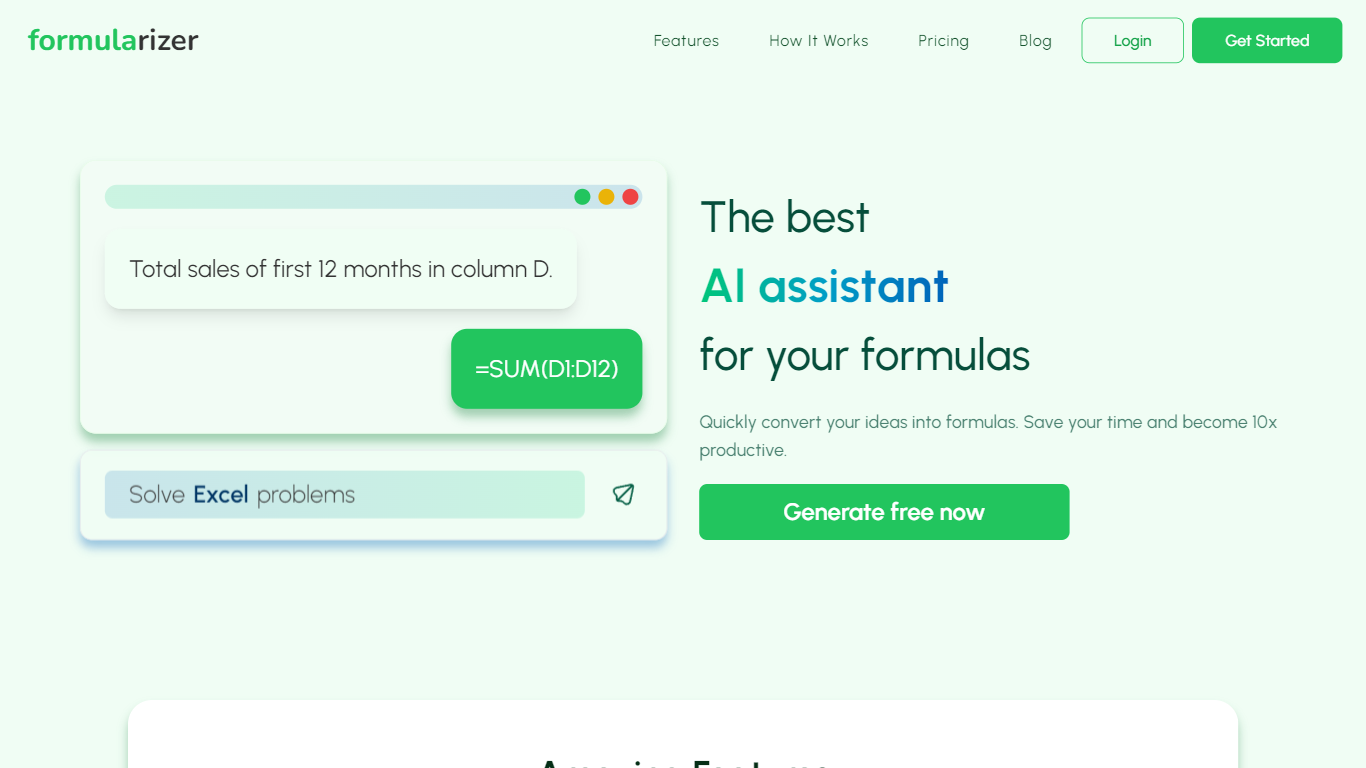

What is Formularizer?
Formularizer is a web assistant for spreadsheet and data work. Choose from four focused helpers: formulas for Excel and Google Sheets, SQL queries, regular expressions, and scripts in Excel VBA or Google Apps Script. Describe what you need in plain language, or paste an existing formula to get an explanation.
Each assistant supports Generate mode to build something new from a description and Explain mode to break down code you already have. For spreadsheet formulas, you pick the target platform so outputs match Excel or Google Sheets syntax. Adding sample data through the input panel helps accuracy on trickier requests.
The site gives you 3 free credits to try before creating an account. Signing up unlocks 50 free credits each month plus faster, more accurate responses. Accounts can be created with email or Google sign-in.
Formularizer fits analysts, students, and anyone who spends their day in spreadsheets but would rather not dig through function docs for every task.
Formula Bot
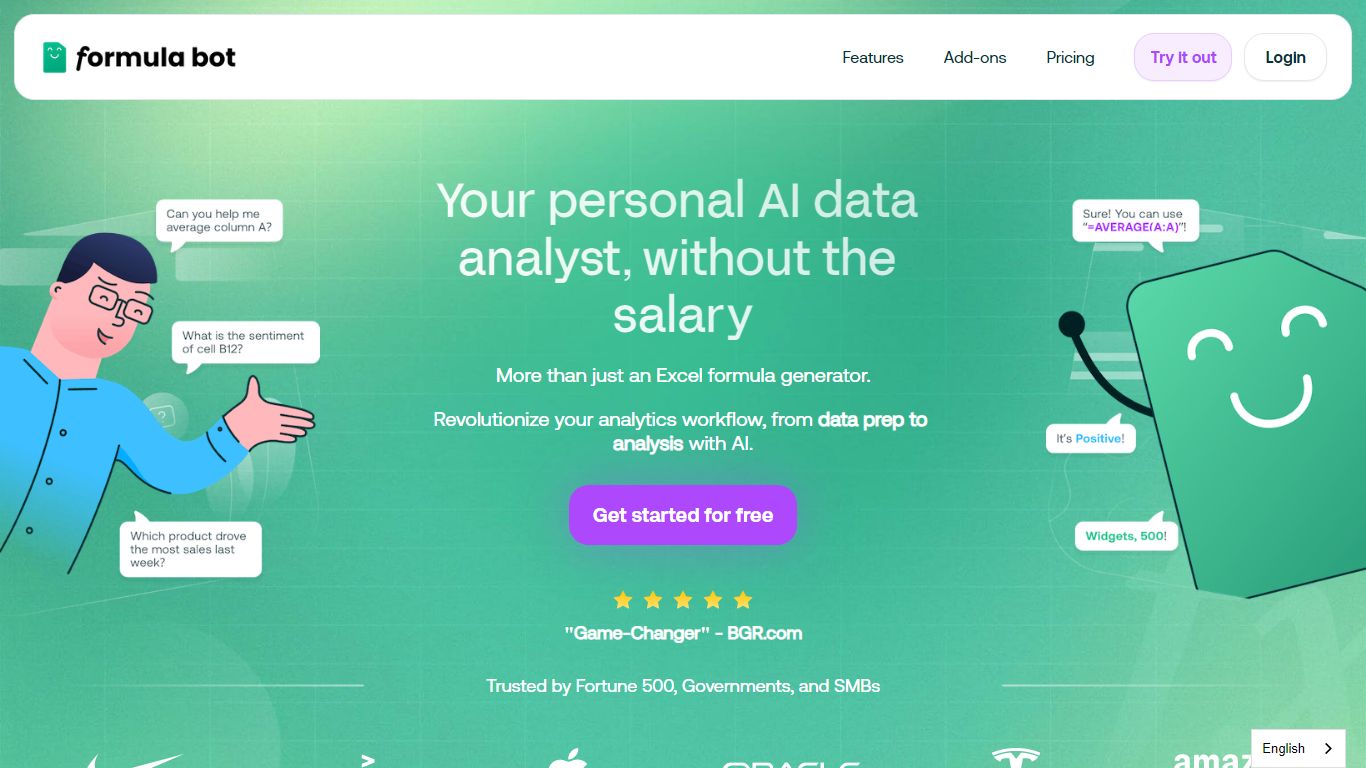
What is Formula Bot?
Formula Bot is an Excel and data analytics workspace where you upload spreadsheets or connect databases, then ask questions in plain English to get formulas, charts, cleaned tables, and written insights back in one chat. It handles .xlsx, .csv, and connected sources without requiring Excel plugins or VBA macros.
Most Excel AI helpers stop at formula syntax. Formula Bot also reshapes messy datasets, runs sentiment analysis on text columns, generates dashboards from templates, and shows the Python, SQL, or R code behind each answer so you can verify or export it. That mix targets analysts who want speed without hiding the logic.
Operations teams, BI analysts, and spreadsheet-heavy small businesses are the audience named in site testimonials. The free tier lets you try real questions with no credit card, while paid plans add premium models, scheduled reports, and shared workspaces.
Formularizer Upvotes
Formula Bot Upvotes
Formularizer Top Features
Four assistants cover formulas, SQL, regex, and spreadsheet scripts in one workspace
Anonymous visitors get 3 free credits; registered accounts receive 50 free credits each month
Formula Assistant outputs Excel or Google Sheets syntax from a platform dropdown
Generate mode writes formulas, SQL queries, regex patterns, or VBA scripts from a plain-language prompt
Add sample data through the three-dot menu on the input box to sharpen results on complex requests
Formula Bot Top Features
Excel AI page generates formulas from plain-English prompts and explains existing formulas in your sheet
Upload .xlsx, .xls, or .csv files or paste data from Excel and Google Sheets with no plugin install
Starter plan at $18 per month includes 250 chat messages and 2,500 AI Actions per month
MAX plan at $29 per month adds unlimited chat messages and 5,000 AI Actions per user
AI dashboard generator builds interactive dashboards from templates with scheduled data refreshes
Shows generated Python, SQL, and R code for every analysis request for verification and export
Connects databases, warehouses, and cloud files with row-level security on Enterprise plans
Formularizer Category
- Excel
Formula Bot Category
- Excel
Formularizer Pricing Type
- Freemium
Formula Bot Pricing Type
- Freemium