Formularizer vs Arcwise AI
In the contest of Formularizer vs Arcwise AI, which AI Excel tool is the champion? We evaluate pricing, alternatives, upvotes, features, reviews, and more.
If you had to choose between Formularizer and Arcwise AI, which one would you go for?
When we examine Formularizer and Arcwise AI, both of which are AI-enabled excel tools, what unique characteristics do we discover? The community has spoken, Formularizer leads with more upvotes. Formularizer has 7 upvotes, and Arcwise AI has 6 upvotes.
You don't agree with the result? Cast your vote to help us decide!
Formularizer
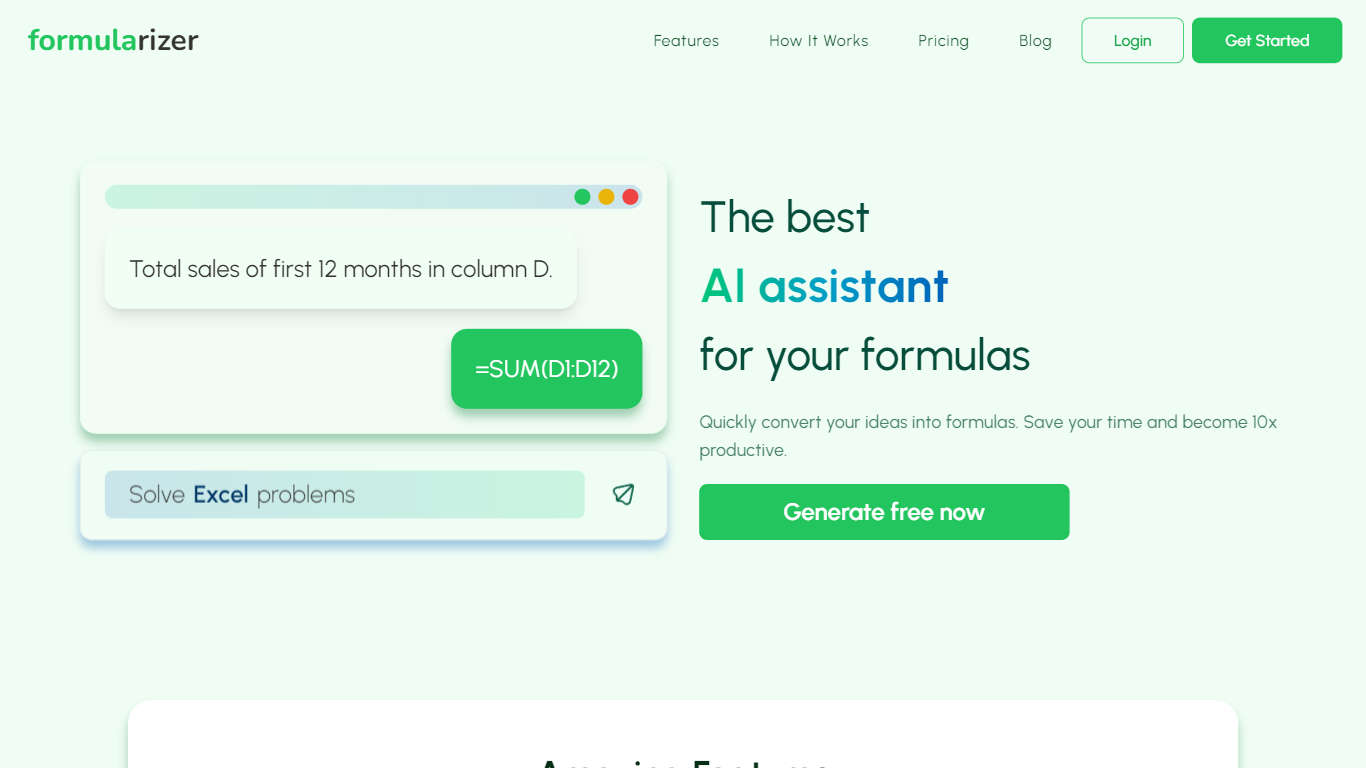

What is Formularizer?
Formularizer is a web assistant for spreadsheet and data work. Choose from four focused helpers: formulas for Excel and Google Sheets, SQL queries, regular expressions, and scripts in Excel VBA or Google Apps Script. Describe what you need in plain language, or paste an existing formula to get an explanation.
Each assistant supports Generate mode to build something new from a description and Explain mode to break down code you already have. For spreadsheet formulas, you pick the target platform so outputs match Excel or Google Sheets syntax. Adding sample data through the input panel helps accuracy on trickier requests.
The site gives you 3 free credits to try before creating an account. Signing up unlocks 50 free credits each month plus faster, more accurate responses. Accounts can be created with email or Google sign-in.
Formularizer fits analysts, students, and anyone who spends their day in spreadsheets but would rather not dig through function docs for every task.
Arcwise AI
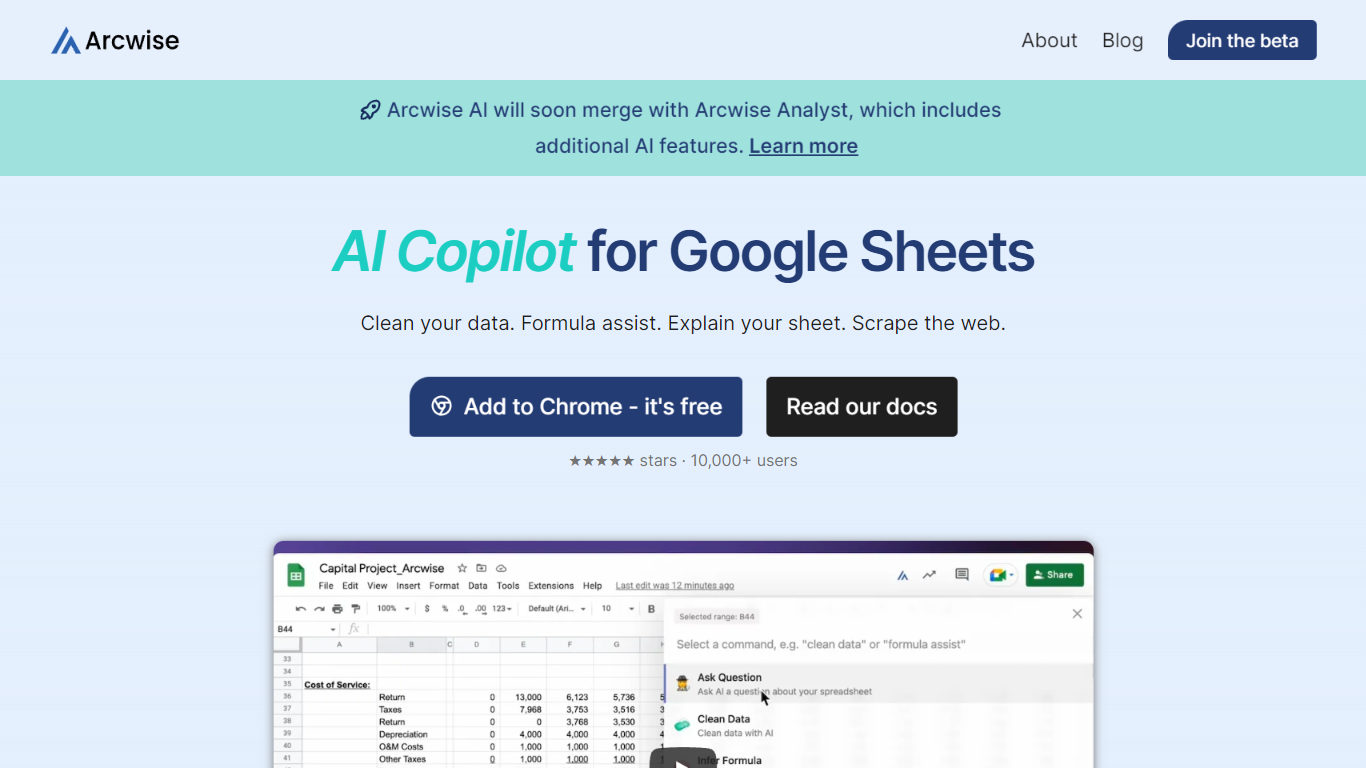
What is Arcwise AI?
Arcwise AI is a spreadsheet analytics copilot and decision platform for teams that live in Google Sheets and warehouse data. It began as a Chrome extension for ChatGPT-powered formulas and data cleanup, and now also sells traceable metric explanations tied to Snowflake, BigQuery, Databricks, and internal documentation.
The Sheets extension still ships as a free Chrome add-on with keyboard shortcuts, $AI.TRANSFORM and $AI.CLASSIFY functions, and PDF table extraction. That side competes with formula copilots, while the platform side targets analysts who need audited answers instead of generic chatbot guesses.
Arcwise backs explanations with source tracing rather than open-ended model text, which matters when finance or ops teams need to defend a number in a review. The stored listing URL at /old-ai now returns 404, so the live product homepage is arcwise.app.
Formularizer Upvotes
Arcwise AI Upvotes
Formularizer Top Features
Four assistants cover formulas, SQL, regex, and spreadsheet scripts in one workspace
Generate mode writes formulas, queries, regex patterns, or scripts from a plain-language prompt
Explain mode breaks down existing formulas and code line by line
Pick Excel or Google Sheets when generating spreadsheet formulas
Drop in sample data from the input menu to sharpen results on complex requests
Arcwise AI Top Features
Free Chrome extension for Google Sheets with Cmd+Shift+1 shortcut
$AI.TRANSFORM, $AI.CLASSIFY, and $AI.EXTRACT functions inside Sheets
Connects to Snowflake, BigQuery, and Databricks warehouses
Metric shift detection with explanations traced to source data
PDF upload extracts tables directly into spreadsheet cells
Chrome Web Store lists 10,000+ users and a 4.5 star rating
Formularizer Category
- Excel
Arcwise AI Category
- Excel
Formularizer Pricing Type
- Freemium
Arcwise AI Pricing Type
- Freemium