Formulas HQ vs Arcwise
Compare Formulas HQ vs Arcwise and see which AI Excel tool is better when we compare features, reviews, pricing, alternatives, upvotes, etc.
Which one is better? Formulas HQ or Arcwise?
When we compare Formulas HQ with Arcwise, which are both AI-powered excel tools, Interestingly, both tools have managed to secure the same number of upvotes. The power is in your hands! Cast your vote and have a say in deciding the winner.
Disagree with the result? Upvote your favorite tool and help it win!
Formulas HQ

What is Formulas HQ?
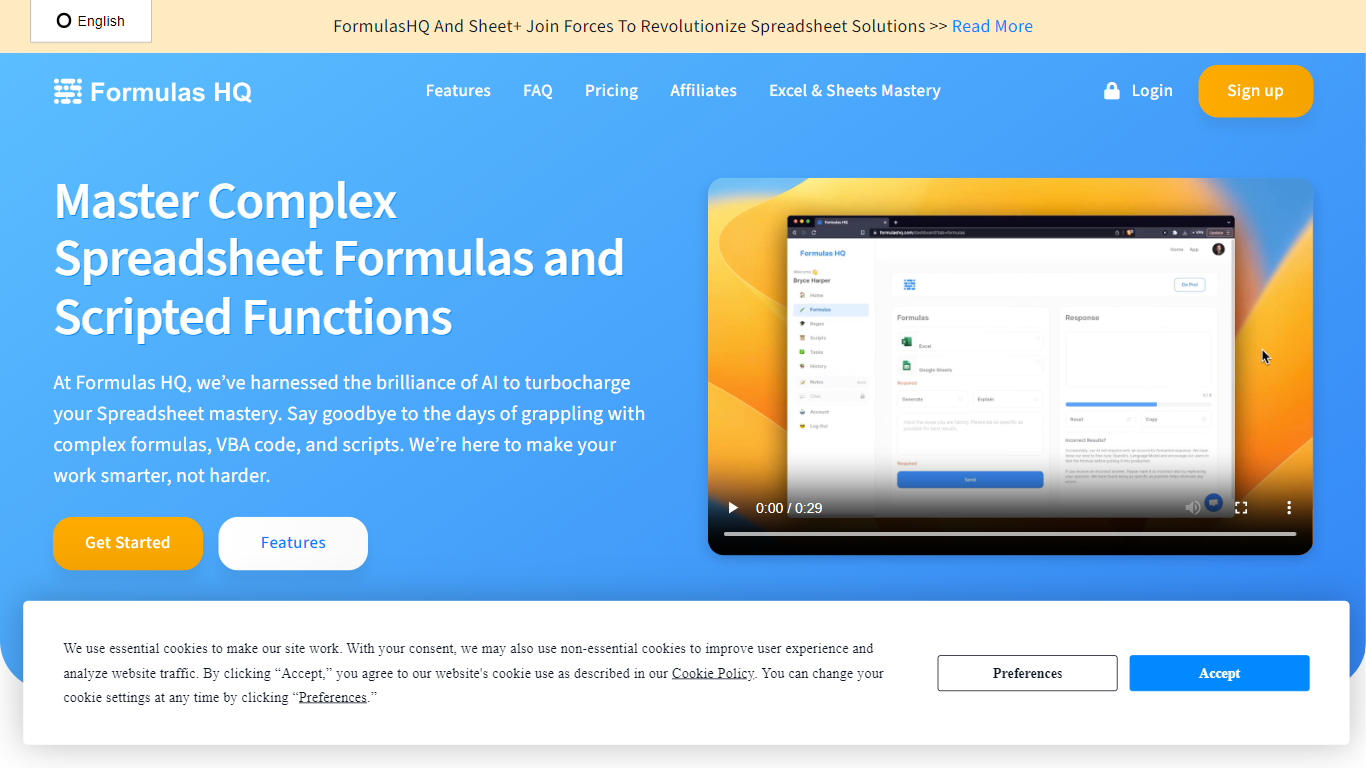
Formulas HQ is a web workspace for spreadsheet work when you know the outcome you want but not the exact function syntax. You type a plain-language prompt and get back Excel or Google Sheets formulas with explanations, so you can paste them into your workbook and move on.
The app combines several generators in one place: spreadsheet formulas, regular expressions, VBA, Google Apps Script, a Python code generator in beta, and a chat interface with reusable system prompts. Formulas HQ also hosts free standalone generators on its marketing site for Excel, regex, and Salesforce formulas, each allowing a few tries before signup.
Output is available in English, Spanish, French, Turkish, and Hindi. The site reports more than 82,000 users and offers paid chat access positioned below typical standalone ChatGPT subscription pricing.
It fits analysts, finance teams, operations staff, and anyone who spends daily hours cleaning, modeling, or reporting in Excel or Google Sheets.
Arcwise
What is Arcwise?
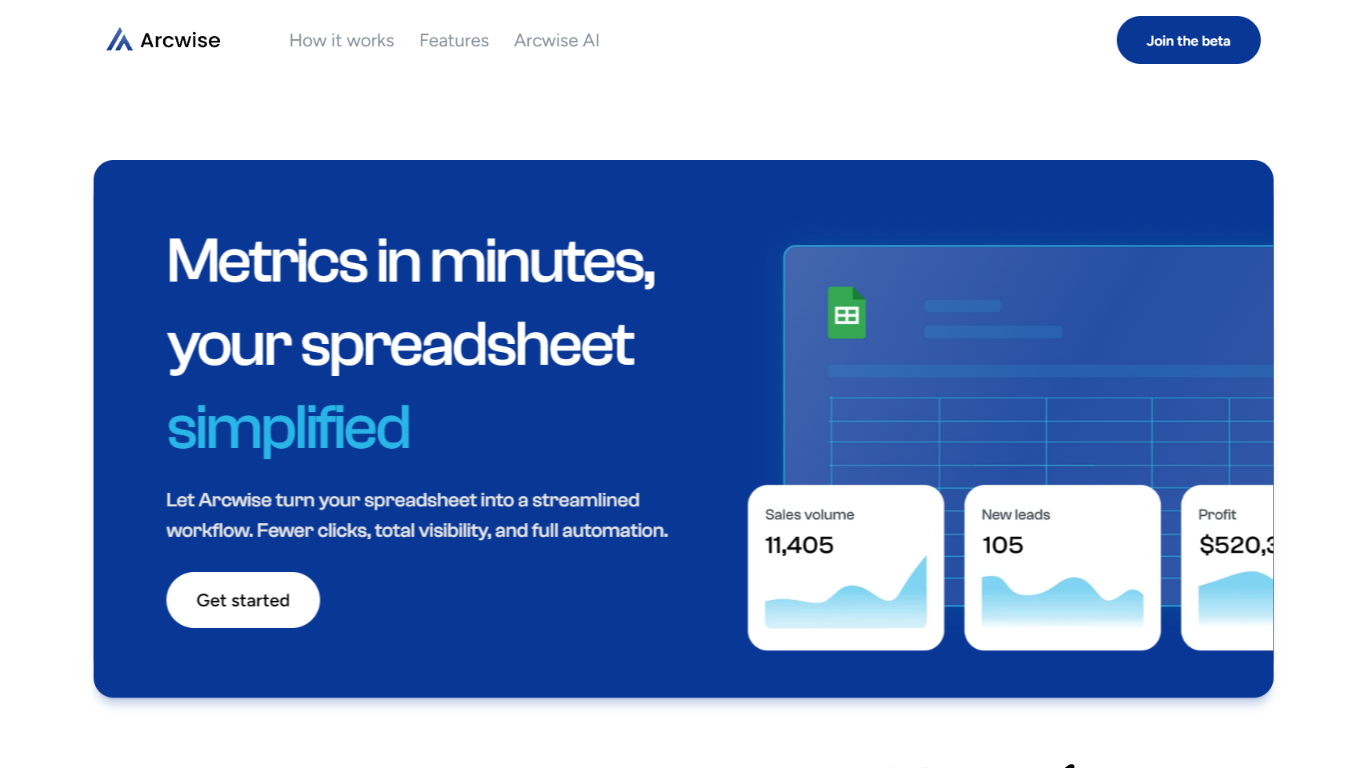
Arcwise helps enterprise teams spot meaningful metric shifts early and understand what is driving them before problems show up in reviews or dashboards. Instead of waiting for analysts to dig through dashboards, it surfaces the changes that matter and explains them with answers traced directly to your data, queries, and business documentation.
The platform is built around explainable, auditable analysis. Every explanation links back to the exact SQL, tables, joins, and definitions behind a number, so teams can inspect the logic without opening a ticket with the data team. Validated explanations can be saved as institutional memory and reused across quarters.
Arcwise embeds into the Microsoft and Google tools teams already use for reporting and reviews, including docs, slides, and spreadsheets. It connects to data warehouses such as Snowflake, BigQuery, and Databricks, plus the business context stored in your documentation.
The product is aimed at operations, finance, growth, and analytics leaders who need faster decisions from metric changes in logistics, airlines, insurance, and other data-heavy businesses.
Formulas HQ Upvotes
Arcwise Upvotes
Formulas HQ Top Features
Describe what you need in plain English and get Excel or Google Sheets formulas with explanations
Build and decode regular expressions for validation, cleaning, and pattern matching
Generate VBA or Google Apps Script to automate repetitive spreadsheet tasks without coding experience
Python beta covers data analysis with pandas, NumPy, scikit-learn, matplotlib, and related libraries
Chat workspace includes 20+ system prompts you can customize for repeatable writing and analysis tasks
Free site tools give five Excel, regex, or Salesforce formula generations before you create an account
Formula output supports English, Spanish, French, Turkish, and Hindi
Arcwise Top Features
Flags meaningful metric changes before they show up in weekly reviews
Traces every answer back to exact SQL, tables, joins, and definitions
Connects to Snowflake, BigQuery, Databricks, and your existing BI stack
Stores validated explanations as reusable institutional memory
Delivers insights inside Microsoft and Google docs, slides, and sheets
Formulas HQ Category
- Excel
Arcwise Category
- Excel
Formulas HQ Pricing Type
- Freemium
Arcwise Pricing Type
- Paid