Formulas HQ vs Spreadsheet.com
Dive into the comparison of Formulas HQ vs Spreadsheet.com and discover which AI Excel tool stands out. We examine alternatives, upvotes, features, reviews, pricing, and beyond.
When comparing Formulas HQ and Spreadsheet.com, which one rises above the other?
When we compare Formulas HQ and Spreadsheet.com, two exceptional excel tools powered by artificial intelligence, and place them side by side, several key similarities and differences come to light. The upvote count reveals a draw, with both tools earning the same number of upvotes. Your vote matters! Help us decide the winner among aitools.fyi users by casting your vote.
Feeling rebellious? Cast your vote and shake things up!
Formulas HQ

What is Formulas HQ?
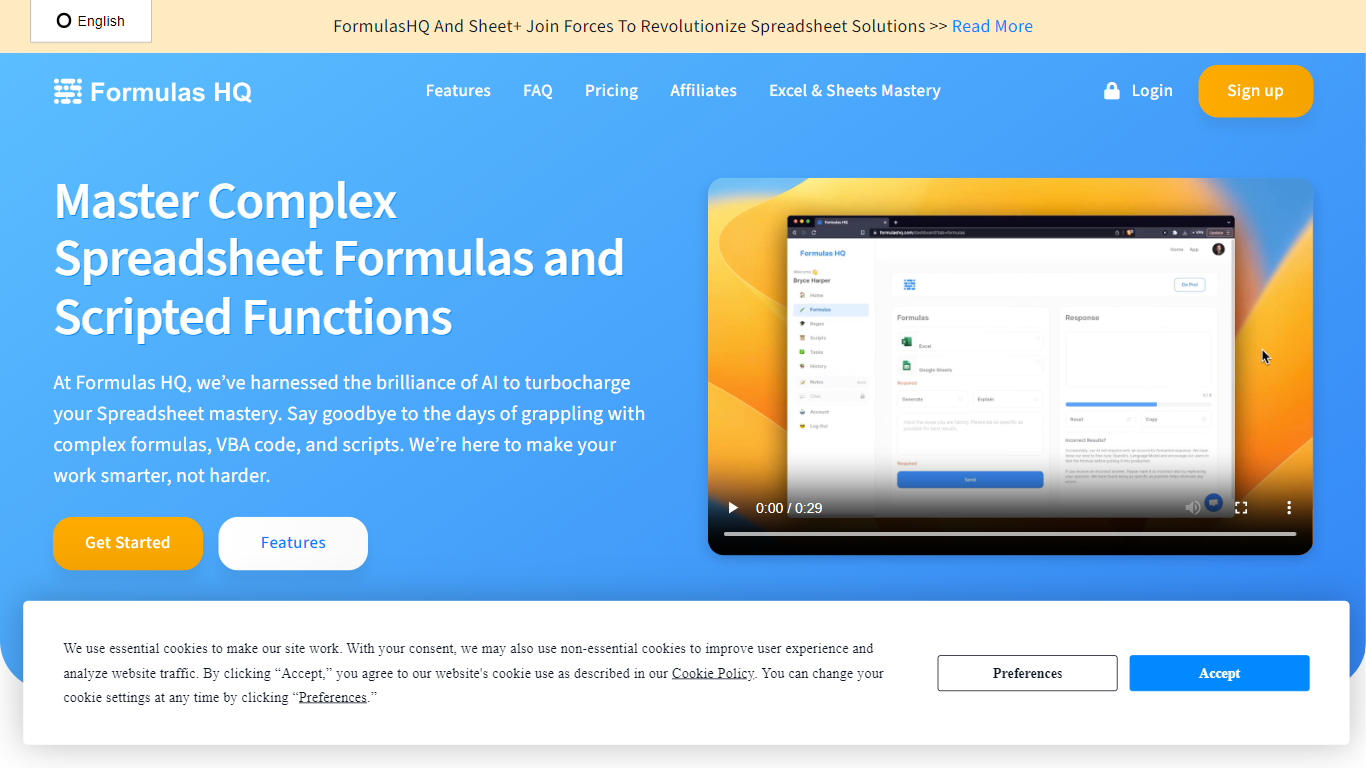
Formulas HQ is a web workspace for spreadsheet work when you know the outcome you want but not the exact function syntax. You type a plain-language prompt and get back Excel or Google Sheets formulas with explanations, so you can paste them into your workbook and move on.
The app combines several generators in one place: spreadsheet formulas, regular expressions, VBA, Google Apps Script, a Python code generator in beta, and a chat interface with reusable system prompts. Formulas HQ also hosts free standalone generators on its marketing site for Excel, regex, and Salesforce formulas, each allowing a few tries before signup.
Output is available in English, Spanish, French, Turkish, and Hindi. The site reports more than 82,000 users and offers paid chat access positioned below typical standalone ChatGPT subscription pricing.
It fits analysts, finance teams, operations staff, and anyone who spends daily hours cleaning, modeling, or reporting in Excel or Google Sheets.
Spreadsheet.com
What is Spreadsheet.com?
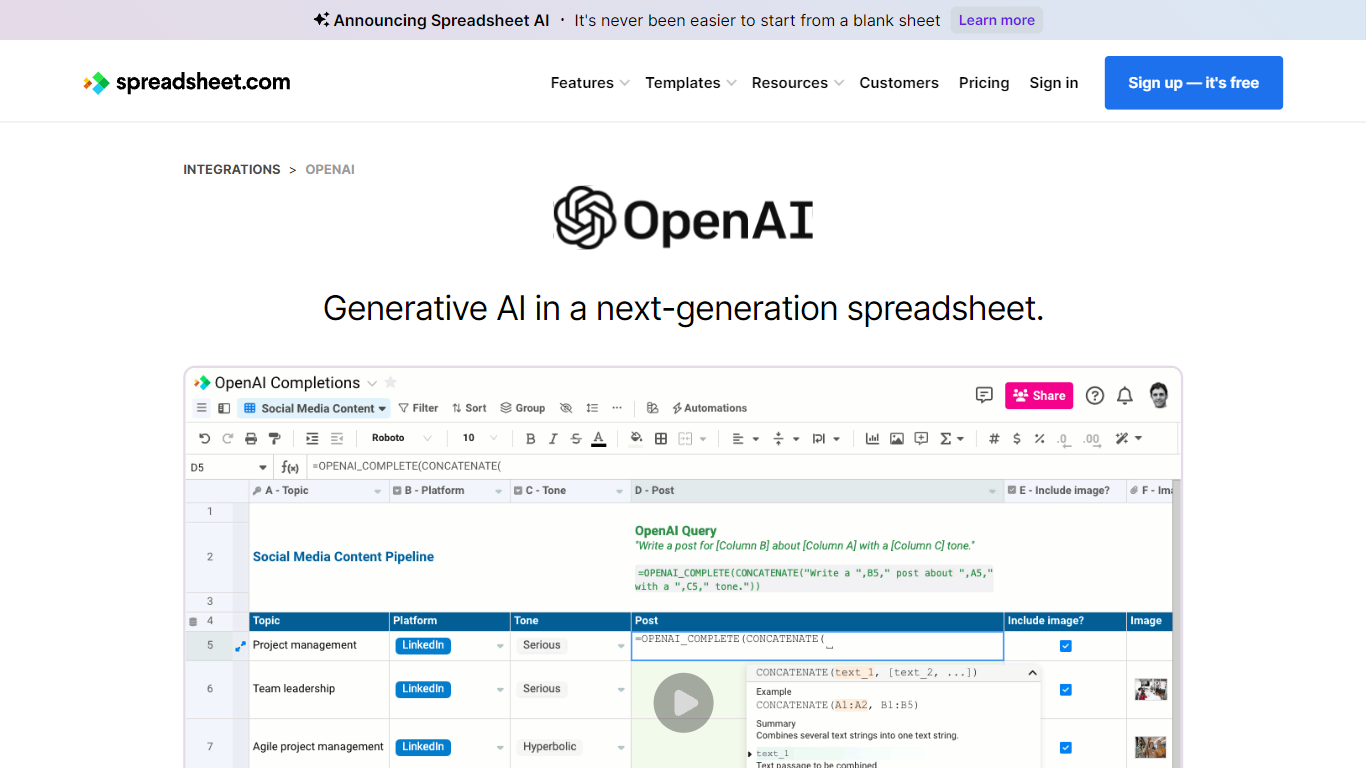
The collaboration between OpenAI and Spreadsheet.com introduces the power of generative AI into the realm of spreadsheets, transforming the traditional spreadsheet experience. With this integration, users can now utilize the advanced technology behind ChatGPT to generate content and answer queries based on their spreadsheet data. This innovative feature simplifies data management, analysis, and reporting, making it accessible to users with any level of technical expertise. Spreadsheet.com’s next-generation platform allows for building no-code solutions like Project Management, CRM, ATS, and ERP systems. It enhances productivity with tailored views for sheets, Gantt charts, Kanban boards, forms, and calendars. Plus, the platform supports a vast array of integrations and automation to streamline processes. The service caters to various business needs and offers specialized templates for a quick start. Whether it's for project planning, sales management, or personal organization, Spreadsheet.com’s versatile features open up new possibilities for work management.
Formulas HQ Upvotes
Spreadsheet.com Upvotes
Formulas HQ Top Features
Describe what you need in plain English and get Excel or Google Sheets formulas with explanations
Build and decode regular expressions for validation, cleaning, and pattern matching
Generate VBA or Google Apps Script to automate repetitive spreadsheet tasks without coding experience
Python beta covers data analysis with pandas, NumPy, scikit-learn, matplotlib, and related libraries
Chat workspace includes 20+ system prompts you can customize for repeatable writing and analysis tasks
Free site tools give five Excel, regex, or Salesforce formula generations before you create an account
Formula output supports English, Spanish, French, Turkish, and Hindi
Spreadsheet.com Top Features
Generative AI Integration: Leverage the power of OpenAI in spreadsheets for content generation and data queries.
No-Code Solutions: Create complex applications for Project Management CRM and more without any coding required.
Interactive Views: Organize and visualize your data with custom sheet views Gantt Kanban calendar and form views.
Robust Automations: Set up no-code automations to streamline repetitive tasks and workflows.
Comprehensive Templates: Access over 200 pre-made templates for various industries and use cases to get started quickly.
Formulas HQ Category
- Excel
Spreadsheet.com Category
- Excel
Formulas HQ Pricing Type
- Freemium
Spreadsheet.com Pricing Type
- Freemium