Fotor Ai vs InPixio
Compare Fotor Ai vs InPixio and see which AI Photo Editing tool is better when we compare features, reviews, pricing, alternatives, upvotes, etc.
Which one is better? Fotor Ai or InPixio?
When we compare Fotor Ai with InPixio, which are both AI-powered photo editing tools, The users have made their preference clear, Fotor Ai leads in upvotes. Fotor Ai has garnered 7 upvotes, and InPixio has garnered 6 upvotes.
Does the result make you go "hmm"? Cast your vote and turn that frown upside down!
Fotor Ai
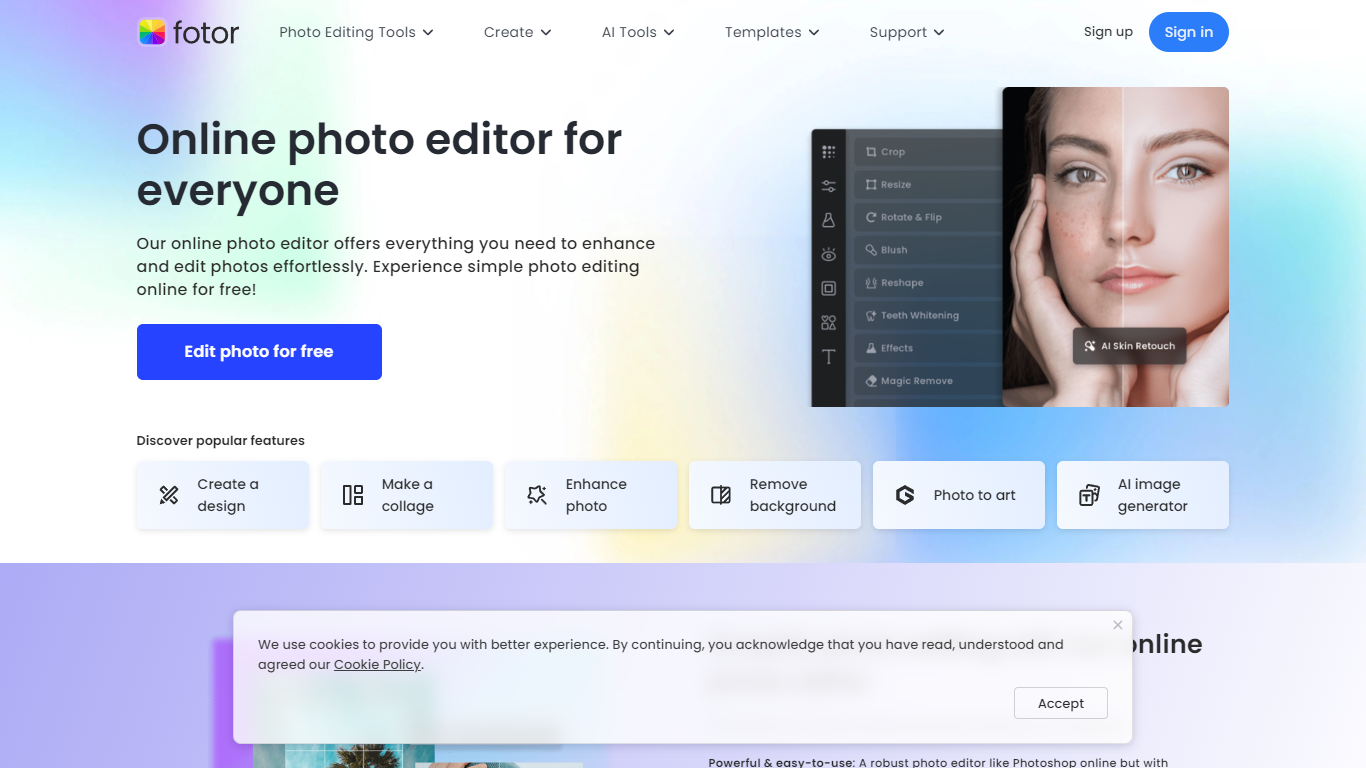

What is Fotor Ai?
Fotor Ai is an online photo editor that bundles classic adjustments with AI tools for enhancement, background removal, object cleanup, and generative edits in one browser workspace. You can crop, retouch portraits, upscale to 4K, extend image borders, and run batch edits without opening separate apps. Mobile and desktop clients sync projects through a single account.
Generalist editors often split AI tricks into add-ons. Fotor folds photo, design, and newer video generators into one subscription with shared credits across Flux, GPT Image, Gemini, Kling, and Veo models. That matters if you edit product shots, social posts, and short clips in the same week and do not want three different SaaS bills.
Bloggers, ecommerce sellers, and casual photographers use Fotor for quick fixes on phone or desktop. The site reports 800 million customers and highlights AI enhancer, background remover, and collage tools as the most popular entry points.
InPixio

What is InPixio?
InPixio lets you remove backgrounds, erase objects, swap skies, and polish photos through a free online editor, a Windows desktop app, and a mobile app. Upload an image, click remove background, and the AI separates hair and fine edges without manual masking.
Where heavyweight editors assume you already know layers and masks, InPixio sells speed for ecommerce sellers and casual creators. The free web tools handle quick crops and background cuts, while paid plans unlock HD downloads and premium features across the same interface on desktop and phone.
The site cites more than 10 million users and targets small business owners, social sellers, and beginners who need product photos, transparent PNGs, and social-ready edits. You can edit in the browser instantly or download the Windows app for offline work.
Fotor Ai Upvotes
InPixio Upvotes
Fotor Ai Top Features
AI background remover clears backgrounds in about 3 seconds
Image upscaler expands photos up to 4x resolution online
Batch photo editor processes many images in one session
Fotor Pro includes 10 concurrent AI generations and 2 GB cloud storage
Fotor Pro+ raises limits to 30 concurrent generations and 100 GB storage
Access image models such as Flux AI, GPT Image 2, and Nano Banana Pro
Free Basic tier exports with watermarks on JPG, PNG, and PDF files
InPixio Top Features
One-click AI background remover handles hair and complex edges on JPG, PNG, and RAW files
Online editor runs in the browser with no install, while Windows software works offline
Magic eraser removes unwanted objects and reconstructs the background automatically
AI background generator swaps skies and dull backdrops for new scenes in seconds
Supports more than 50 image formats including JPEG, PNG, and RAW uploads
Mobile app mirrors quick edits for social posts and product photos on the go
Fotor Ai Category
- Photo Editing
InPixio Category
- Photo Editing
Fotor Ai Pricing Type
- Freemium
InPixio Pricing Type
- Freemium