Fotor Ai vs PhotoAid's AI Image Enlarger
Dive into the comparison of Fotor Ai vs PhotoAid's AI Image Enlarger and discover which AI Photo Editing tool stands out. We examine alternatives, upvotes, features, reviews, pricing, and beyond.
When comparing Fotor Ai and PhotoAid's AI Image Enlarger, which one rises above the other?
When we compare Fotor Ai and PhotoAid's AI Image Enlarger, two exceptional photo editing tools powered by artificial intelligence, and place them side by side, several key similarities and differences come to light. In the race for upvotes, Fotor Ai takes the trophy. Fotor Ai has received 7 upvotes from aitools.fyi users, while PhotoAid's AI Image Enlarger has received 6 upvotes.
Don't agree with the result? Cast your vote and be a part of the decision-making process!
Fotor Ai

What is Fotor Ai?
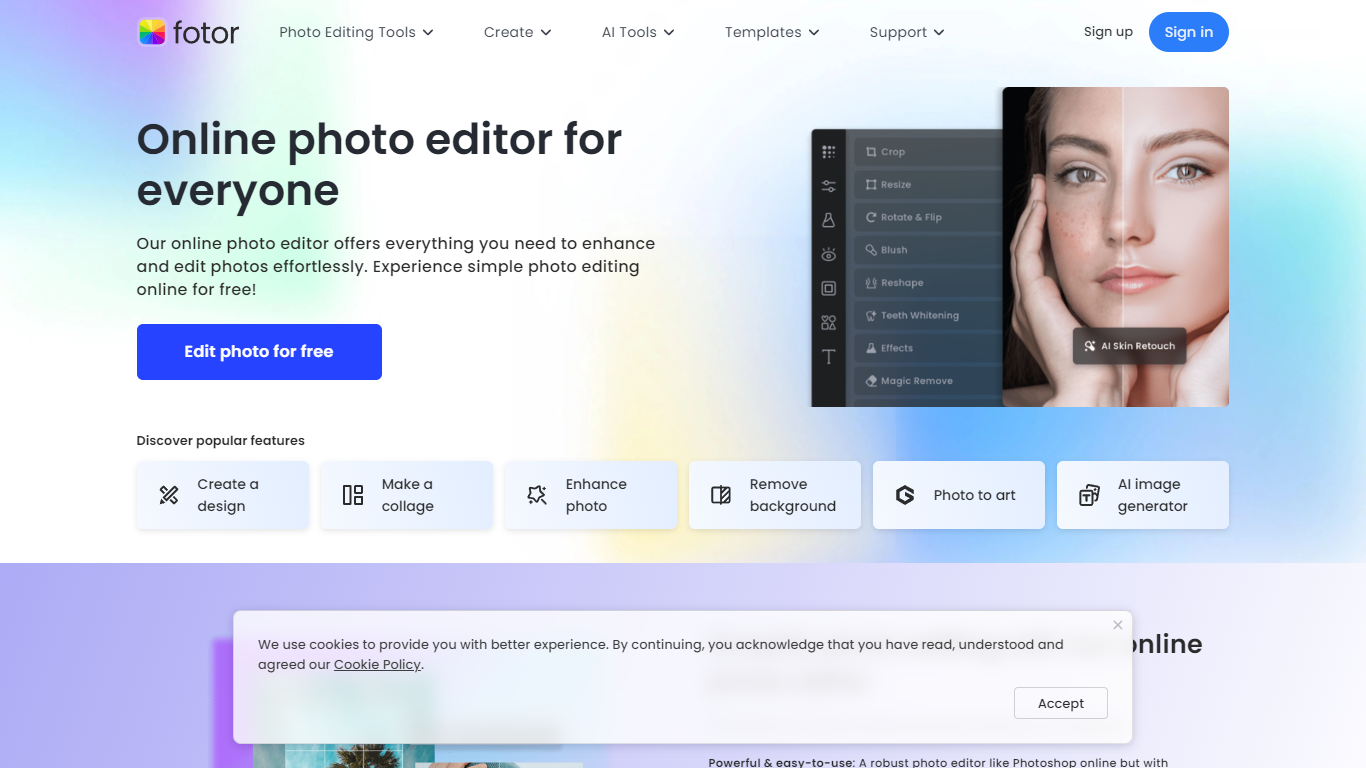
Fotor Ai is an online photo editor that bundles classic adjustments with AI tools for enhancement, background removal, object cleanup, and generative edits in one browser workspace. You can crop, retouch portraits, upscale to 4K, extend image borders, and run batch edits without opening separate apps. Mobile and desktop clients sync projects through a single account.
Generalist editors often split AI tricks into add-ons. Fotor folds photo, design, and newer video generators into one subscription with shared credits across Flux, GPT Image, Gemini, Kling, and Veo models. That matters if you edit product shots, social posts, and short clips in the same week and do not want three different SaaS bills.
Bloggers, ecommerce sellers, and casual photographers use Fotor for quick fixes on phone or desktop. The site reports 800 million customers and highlights AI enhancer, background remover, and collage tools as the most popular entry points.
PhotoAid's AI Image Enlarger

What is PhotoAid's AI Image Enlarger?
PhotoAid's AI Image Enlarger upscales photos in the browser without a software download. You upload a JPEG, WEBP, or PNG file up to 30MB or 10,000 by 10,000 pixels, pick a 1x or 2x zoom level, and the tool doubles dimensions while smoothing detail instead of leaving blocky pixels.
Standard resize tools stretch pixels and blur faces fast. PhotoAid's upscaler uses AI smoothing tuned especially for portraits, so a 1000 by 1000 px image can become 2000 by 2000 px with fewer artifacts than a basic bicubic stretch.
The enlarger is free and hosted by PhotoAiD, the same team behind passport and visa photo tools on photoaid.com. They released it as a standalone browser utility alongside their biometric photo pipeline, with multilingual site options and links back to other PhotoAid tools.
PhotoAid's AI Image Enlarger fits photographers, ecommerce sellers, and anyone who needs a quick upscale for profile shots or product images. It also helps travelers who already use PhotoAid for passport photos and want a separate enlargement step in the same ecosystem.
Fotor Ai Upvotes
PhotoAid's AI Image Enlarger Upvotes
Fotor Ai Top Features
AI background remover clears backgrounds in about 3 seconds
Image upscaler expands photos up to 4x resolution online
Batch photo editor processes many images in one session
Fotor Pro includes 10 concurrent AI generations and 2 GB cloud storage
Fotor Pro+ raises limits to 30 concurrent generations and 100 GB storage
Access image models such as Flux AI, GPT Image 2, and Nano Banana Pro
Free Basic tier exports with watermarks on JPG, PNG, and PDF files
PhotoAid's AI Image Enlarger Top Features
2x zoom doubles image dimensions, for example 1000 by 1000 px to 2000 by 2000 px
Maximum upload size is 30MB or 10,000 by 10,000 pixels
Supports JPEG, WEBP, and PNG input formats
Browser-based workflow requires no desktop software download
AI upscaler emphasizes face photos but handles other image types
Free access with share and tell-friends prompts on the tool page
Multilingual PhotoAid site lists 15 language options in the footer
Fotor Ai Category
- Photo Editing
PhotoAid's AI Image Enlarger Category
- Photo Editing
Fotor Ai Pricing Type
- Freemium
PhotoAid's AI Image Enlarger Pricing Type
- Free