Foxymeets vs MeetGeek
In the face-off between Foxymeets vs MeetGeek, which AI Meeting Assistant tool takes the crown? We scrutinize features, alternatives, upvotes, reviews, pricing, and more.
In a face-off between Foxymeets and MeetGeek, which one takes the crown?
If we were to analyze Foxymeets and MeetGeek, both of which are AI-powered meeting assistant tools, what would we find? MeetGeek stands out as the clear frontrunner in terms of upvotes. MeetGeek has 17 upvotes, and Foxymeets has 6 upvotes.
Want to flip the script? Upvote your favorite tool and change the game!
Foxymeets
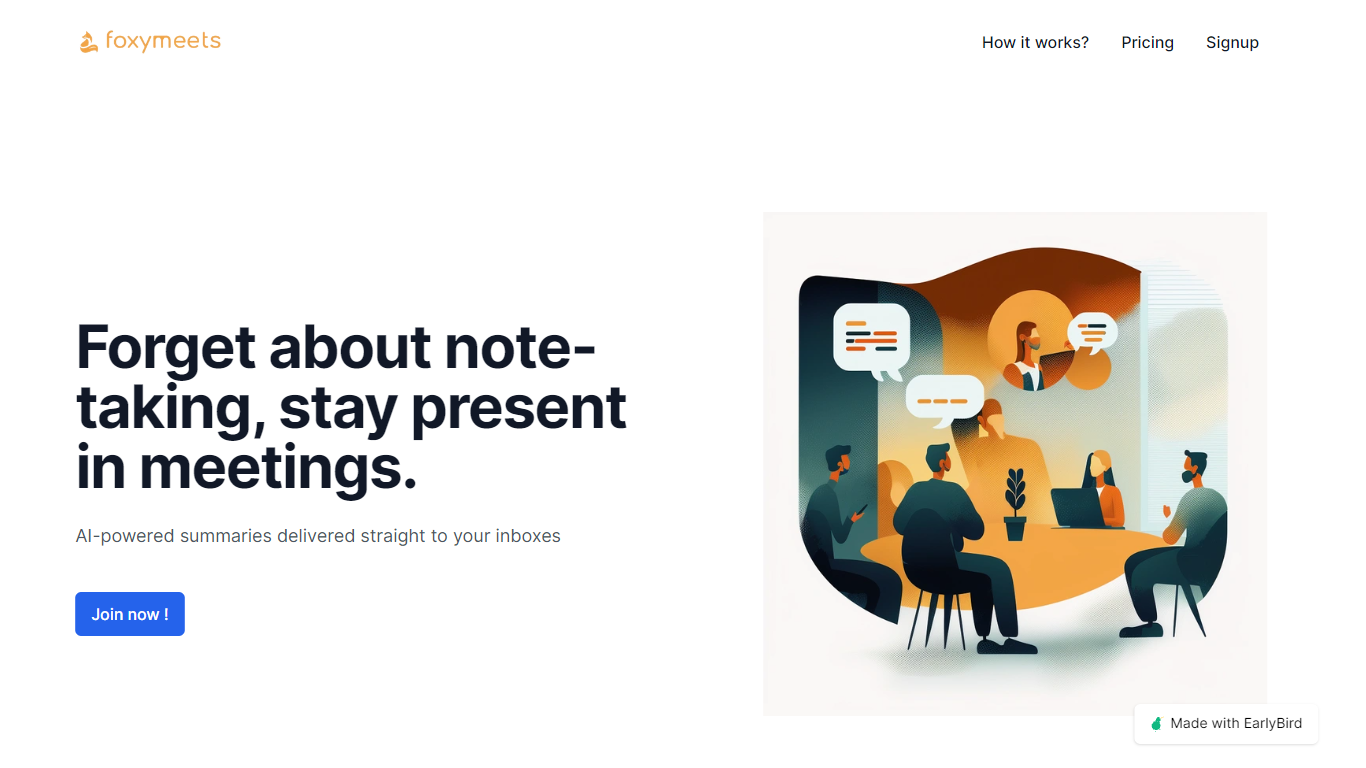

What is Foxymeets?
Foxymeets revolutionizes the way you handle meeting documentation by automating meeting summaries and notes through sophisticated AI technology, ensuring they're promptly delivered to your inbox. With an intuitive 'pay as you go' plan, Foxymeets caters to a seamless user experience allowing you to fully engage in your meetings without the worry of taking notes. By leveraging tools such as Google Calendar or your custom meeting URLs, Foxymeets adapts to your workflow with ease. After meetings conclude, key points are extracted and compiled into concise summaries, which amounts to approximately 10% of the original meeting duration, ensuring quick and efficient reviews. Scaling to your needs, FoxyMeets imposes no restrictions on meeting length and offers robust customer support, including a fair refund policy and a willingness to discuss potential improvements or feature additions. With the promise of a fair refund policy, and the possibility to include multiple members on a single plan, Foxymeets is dedicated to enhancing your meeting experience.
MeetGeek
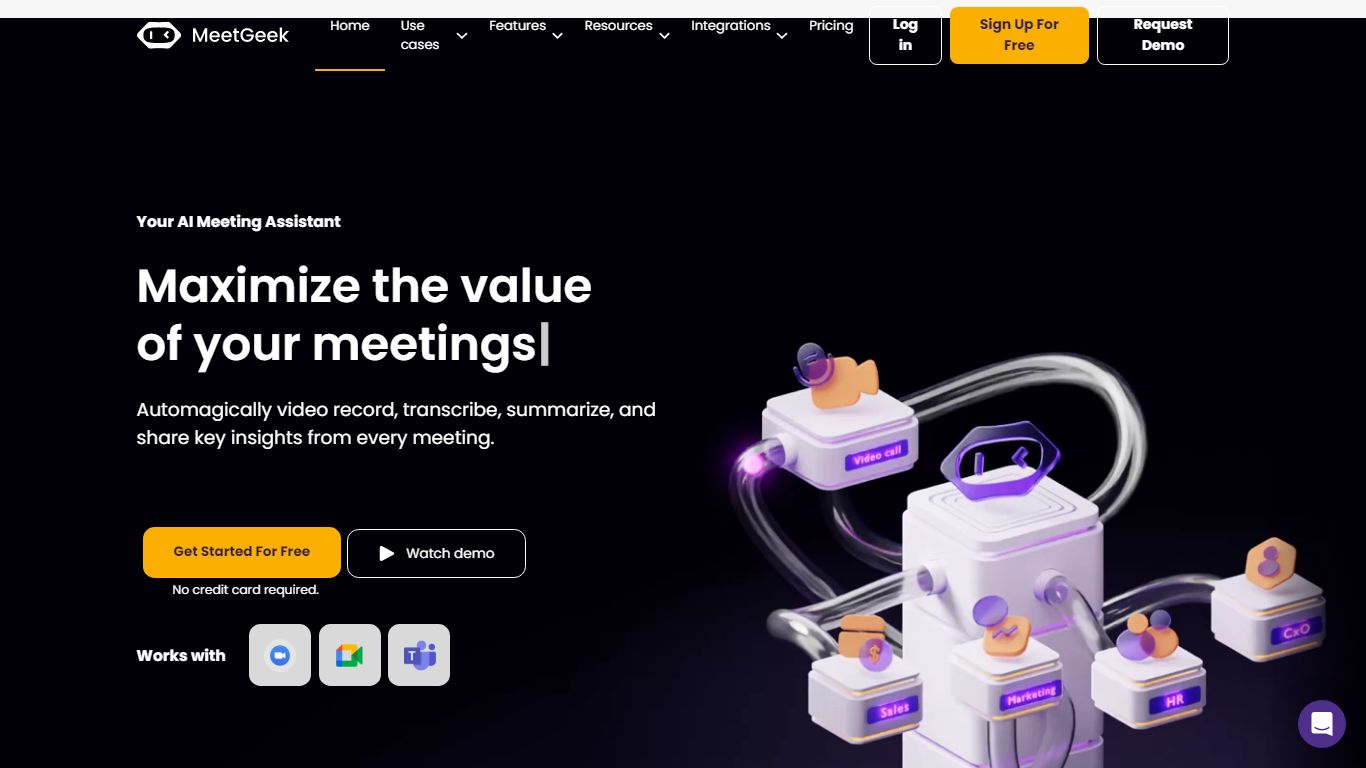
What is MeetGeek?
MeetGeek is a meeting assistant that records, transcribes, and summarizes calls across Zoom, Google Meet, Microsoft Teams, and other conferencing tools. It stores searchable transcripts, AI chat over past meetings, and workflow automations so teams can share notes without rewatching every recording.
Unlike lightweight note bots that only dump a summary, MeetGeek layers meeting templates, CRM integrations, and no-bot browser recording on top of transcription. That stack targets teams that need governance, analytics, and Zapier-style automation rather than a single post-call email.
Sales, customer success, and product teams use MeetGeek for customer calls, interviews, and internal standups. Educators and agencies also adopt it for online classes and client meetings where shared folders and role-based access matter.
Foxymeets Upvotes
MeetGeek Upvotes
Foxymeets Top Features
AI-Powered Meeting Summaries: Automatically generates concise summaries of meetings sent directly to your inbox.
Seamless Integration: Works with Google Calendar or direct meeting URLs for easy setup.
Focus on the Meeting: Frees participants from note-taking to fully engage in the discussion.
Scalable Subscription: Offers a 'pay as you go' model at $1.25 per meeting hour per user.
Customer Support and Feedback: Encourages feedback for improvements and provides discounts and fair refunds.
MeetGeek Top Features
Auto-detects 100+ languages with speaker identification
Records Zoom, Google Meet, Microsoft Teams, and Webex calls
30+ meeting summary templates with meeting type auto-detection
No-bot recording via browser extension and desktop app
CRM sync to HubSpot, Salesforce, Pipedrive, and Zoho
API and MCP access for custom meeting workflows
Foxymeets Category
- Meeting Assistant
MeetGeek Category
- Meeting Assistant
Foxymeets Pricing Type
- Freemium
MeetGeek Pricing Type
- Freemium