FreeParser vs Arcwise AI
When comparing FreeParser vs Arcwise AI, which AI Excel tool shines brighter? We look at pricing, alternatives, upvotes, features, reviews, and more.
In a comparison between FreeParser and Arcwise AI, which one comes out on top?
When we put FreeParser and Arcwise AI side by side, both being AI-powered excel tools, There's no clear winner in terms of upvotes, as both tools have received the same number. Since other aitools.fyi users could decide the winner, the ball is in your court now to cast your vote and help us determine the winner.
Disagree with the result? Upvote your favorite tool and help it win!
FreeParser

What is FreeParser?
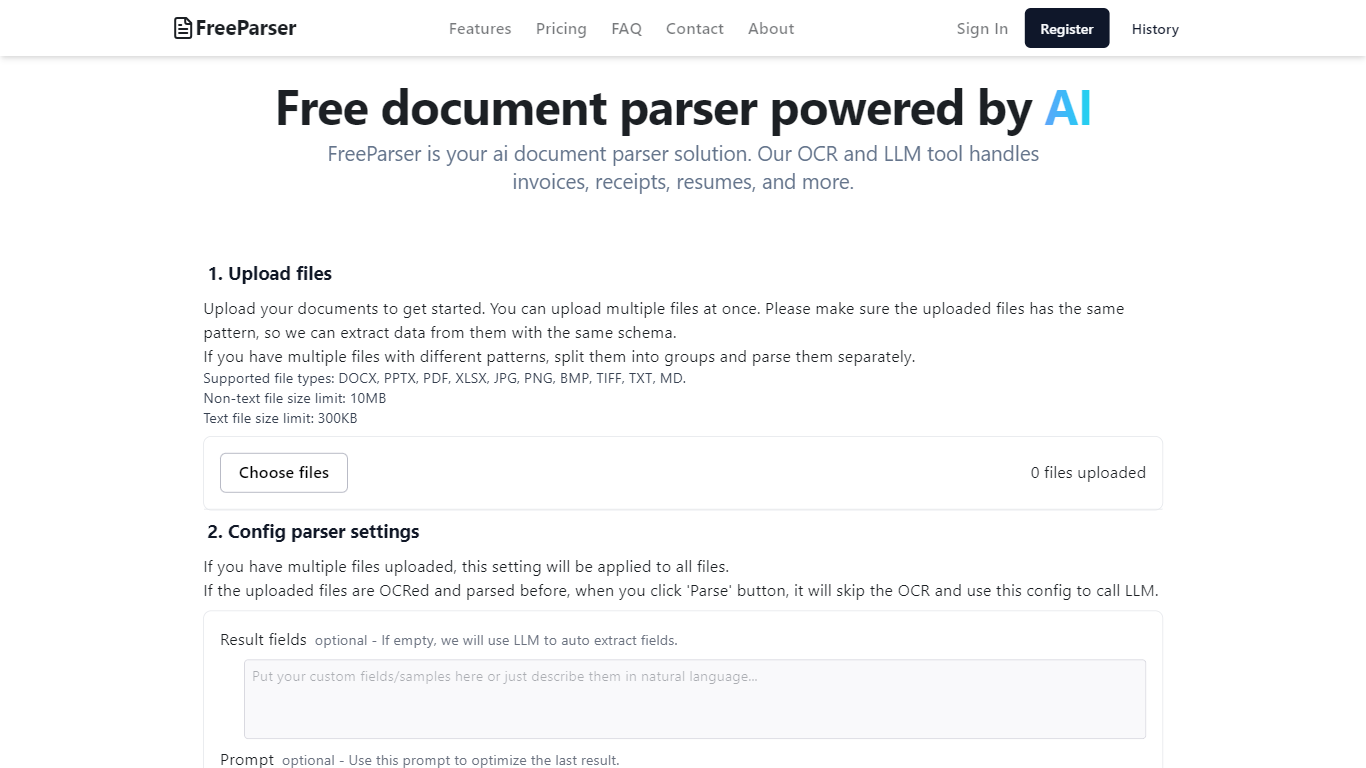
FreeParser is an AI-powered document parser that allows users to extract data from various document types such as invoices, receipts, resumes, and more. It supports multiple file formats and utilizes advanced OCR and LLM technologies for accurate data extraction.
Arcwise AI
What is Arcwise AI?
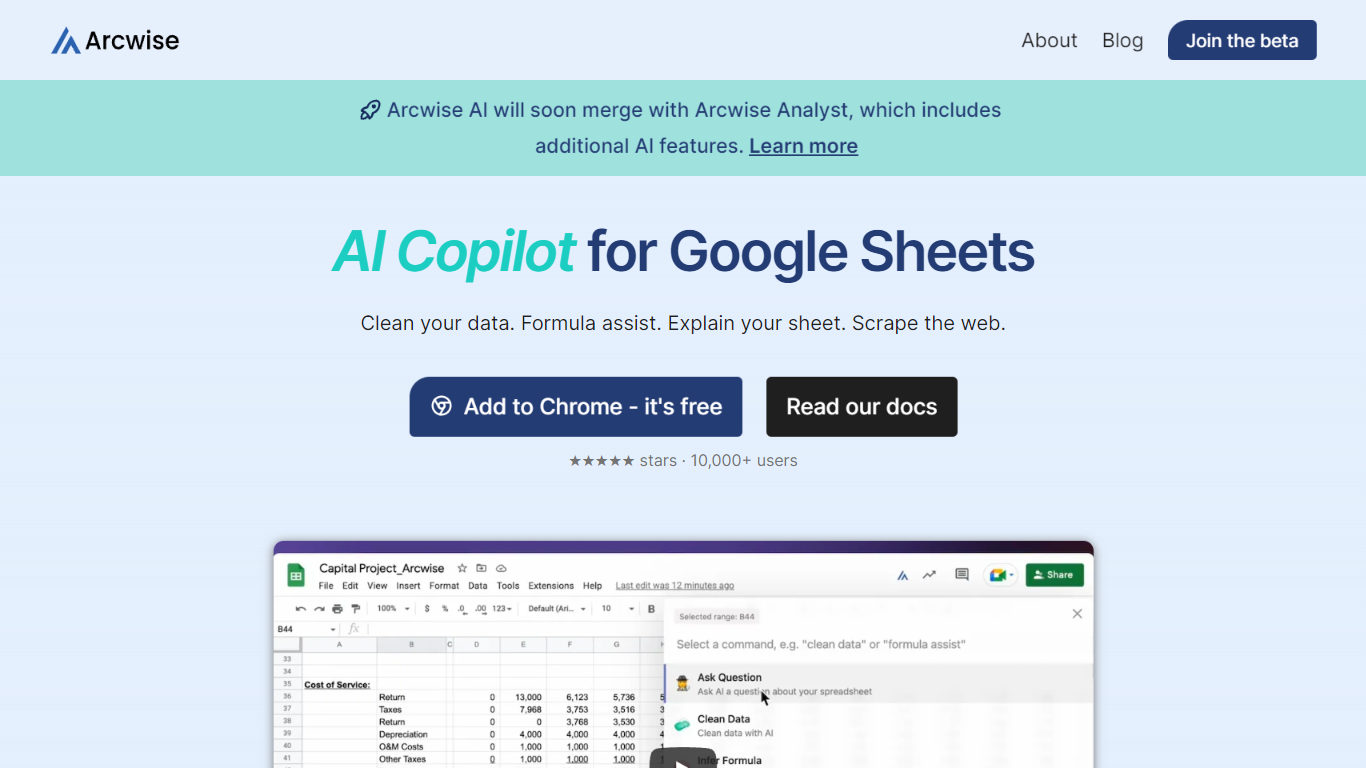
Arcwise AI is a spreadsheet analytics copilot and decision platform for teams that live in Google Sheets and warehouse data. It began as a Chrome extension for ChatGPT-powered formulas and data cleanup, and now also sells traceable metric explanations tied to Snowflake, BigQuery, Databricks, and internal documentation.
The Sheets extension still ships as a free Chrome add-on with keyboard shortcuts, $AI.TRANSFORM and $AI.CLASSIFY functions, and PDF table extraction. That side competes with formula copilots, while the platform side targets analysts who need audited answers instead of generic chatbot guesses.
Arcwise backs explanations with source tracing rather than open-ended model text, which matters when finance or ops teams need to defend a number in a review. The stored listing URL at /old-ai now returns 404, so the live product homepage is arcwise.app.
FreeParser Upvotes
Arcwise AI Upvotes
FreeParser Top Features
Upload files: Users can upload multiple documents at once, ensuring they follow the same pattern for effective data extraction. Supported file types include DOCX, PDF, JPG, and more.
Config parser settings: Users can configure settings for parsing, including optional result fields and prompts to optimize data extraction.
Review result and export: The tool provides results in three formats: Raw, JSON, and CSV, allowing users to choose how they want to view and export their data.
Comprehensive Document Support: FreeParser supports a wide range of document types, including invoices, receipts, resumes, CVs, and more, making it versatile for various use cases.
User-Friendly Interface: The platform is designed to be intuitive, making document parsing and data extraction accessible to everyone.
Arcwise AI Top Features
Free Chrome extension for Google Sheets with Cmd+Shift+1 shortcut
$AI.TRANSFORM, $AI.CLASSIFY, and $AI.EXTRACT functions inside Sheets
Connects to Snowflake, BigQuery, and Databricks warehouses
Metric shift detection with explanations traced to source data
PDF upload extracts tables directly into spreadsheet cells
Chrome Web Store lists 10,000+ users and a 4.5 star rating
FreeParser Category
- Excel
Arcwise AI Category
- Excel
FreeParser Pricing Type
- Freemium
Arcwise AI Pricing Type
- Freemium