FreeParser vs Research Pal AI
In the clash of FreeParser vs Research Pal AI, which AI Excel tool emerges victorious? We assess reviews, pricing, alternatives, features, upvotes, and more.
When we put FreeParser and Research Pal AI head to head, which one emerges as the victor?
Let's take a closer look at FreeParser and Research Pal AI, both of which are AI-driven excel tools, and see what sets them apart. Neither tool takes the lead, as they both have the same upvote count. You can help us determine the winner by casting your vote and tipping the scales in favor of one of the tools.
Feeling rebellious? Cast your vote and shake things up!
FreeParser

What is FreeParser?
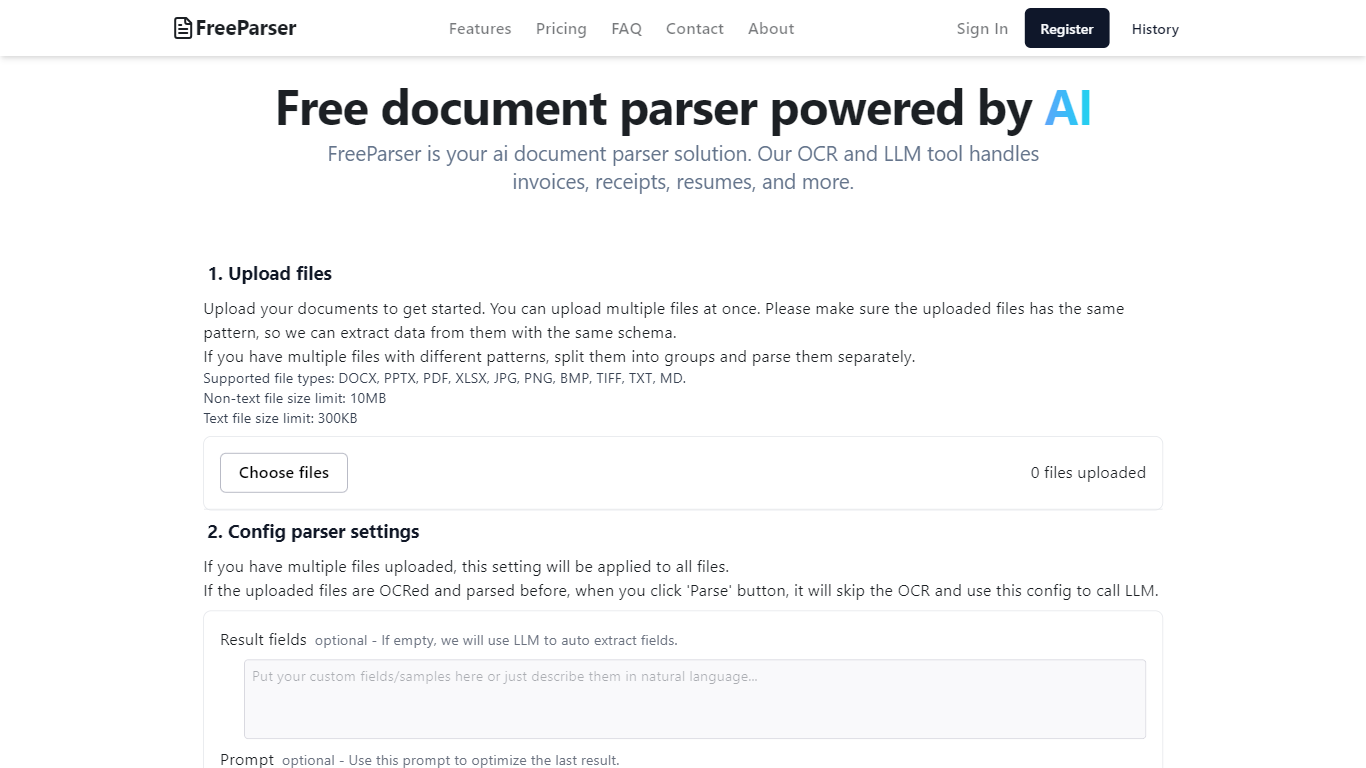
FreeParser is an AI-powered document parser that allows users to extract data from various document types such as invoices, receipts, resumes, and more. It supports multiple file formats and utilizes advanced OCR and LLM technologies for accurate data extraction.
Research Pal AI
What is Research Pal AI?
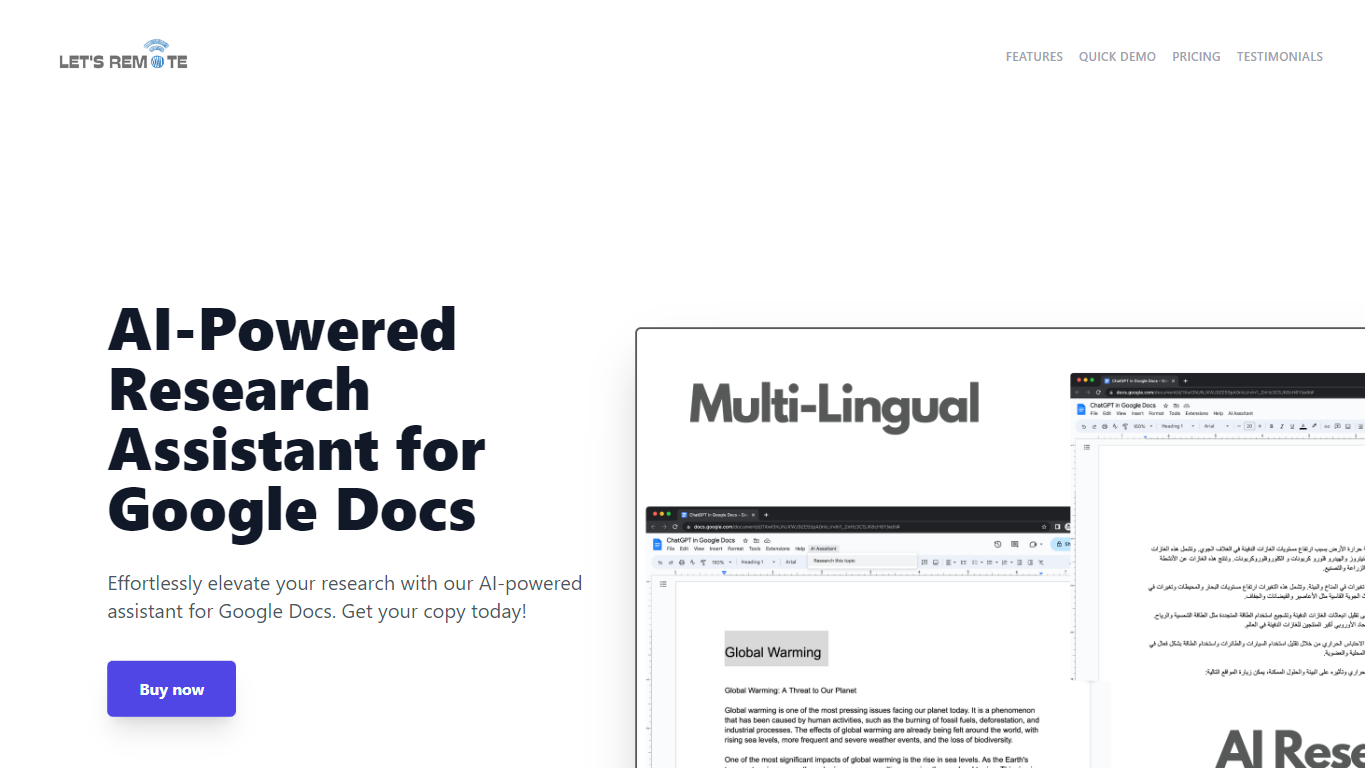
Step up your document creation game with the AI-Powered Research Assistant for Google Docs. This innovative Google Docs extension is designed to streamline your research and writing process, enabling you to generate high-quality text swiftly and efficiently. It's an essential tool for individuals looking to enhance their productivity while maintaining the quality of their content. Key features include state-of-the-art Natural Language Generation technology for coherent and rich text, customizable settings for tone and style preferences, and time-saving capabilities for regular content production. The extension also boasts multi-lingual support, catering to a global user base, and a user-friendly interface, making it accessible regardless of technical skill level. Advanced algorithms ensure texts are not only informative but also engaging, tailored to your specific audience. Secure, versatile, and powerful, this tool will transform your Google Docs experience and give you a competitive advantage in content creation.
FreeParser Upvotes
Research Pal AI Upvotes
FreeParser Top Features
Upload files: Users can upload multiple documents at once, ensuring they follow the same pattern for effective data extraction. Supported file types include DOCX, PDF, JPG, and more.
Config parser settings: Users can configure settings for parsing, including optional result fields and prompts to optimize data extraction.
Review result and export: The tool provides results in three formats: Raw, JSON, and CSV, allowing users to choose how they want to view and export their data.
Comprehensive Document Support: FreeParser supports a wide range of document types, including invoices, receipts, resumes, CVs, and more, making it versatile for various use cases.
User-Friendly Interface: The platform is designed to be intuitive, making document parsing and data extraction accessible to everyone.
Research Pal AI Top Features
Natural Language Generation: The extension uses cutting-edge AI technology for creating coherent and informative text.
Customizable Settings: Offers user-settings for tone style and text length to tailor the content to specific needs.
Time-Saving Tool: Quickly generates quality text boosting efficiency for regular content creators.
Multi-Lingual Support: Accommodates users worldwide with support for multiple languages.
User-Friendly Interface: Easy to navigate enabling users of all technical abilities to optimize their writing tasks.
FreeParser Category
- Excel
Research Pal AI Category
- Excel
FreeParser Pricing Type
- Freemium
Research Pal AI Pricing Type
- Freemium