FreeParser vs Tablesmith
In the face-off between FreeParser vs Tablesmith, which AI Excel tool takes the crown? We scrutinize features, alternatives, upvotes, reviews, pricing, and more.
In a face-off between FreeParser and Tablesmith, which one takes the crown?
If we were to analyze FreeParser and Tablesmith, both of which are AI-powered excel tools, what would we find? Interestingly, both tools have managed to secure the same number of upvotes. Join the aitools.fyi users in deciding the winner by casting your vote.
Does the result make you go "hmm"? Cast your vote and turn that frown upside down!
FreeParser
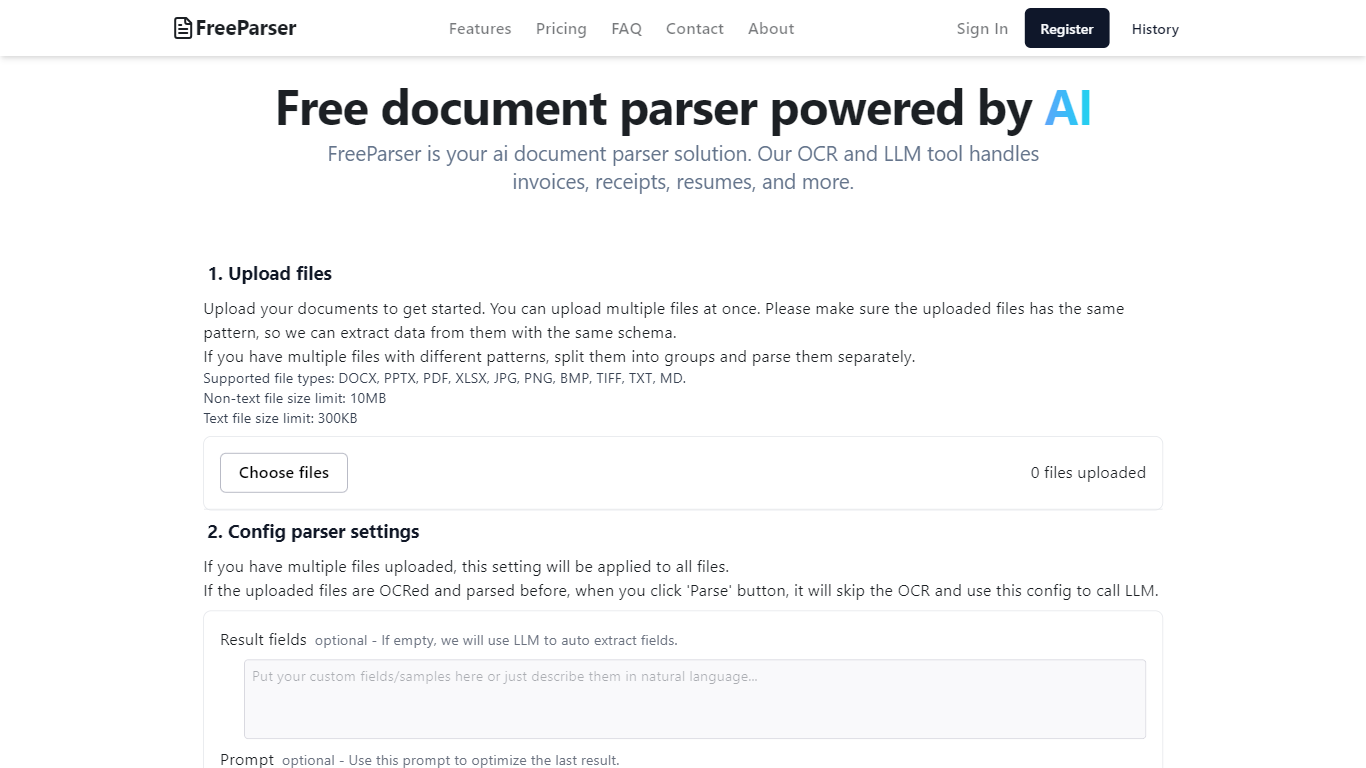

What is FreeParser?
FreeParser is an AI-powered document parser that allows users to extract data from various document types such as invoices, receipts, resumes, and more. It supports multiple file formats and utilizes advanced OCR and LLM technologies for accurate data extraction.
Tablesmith
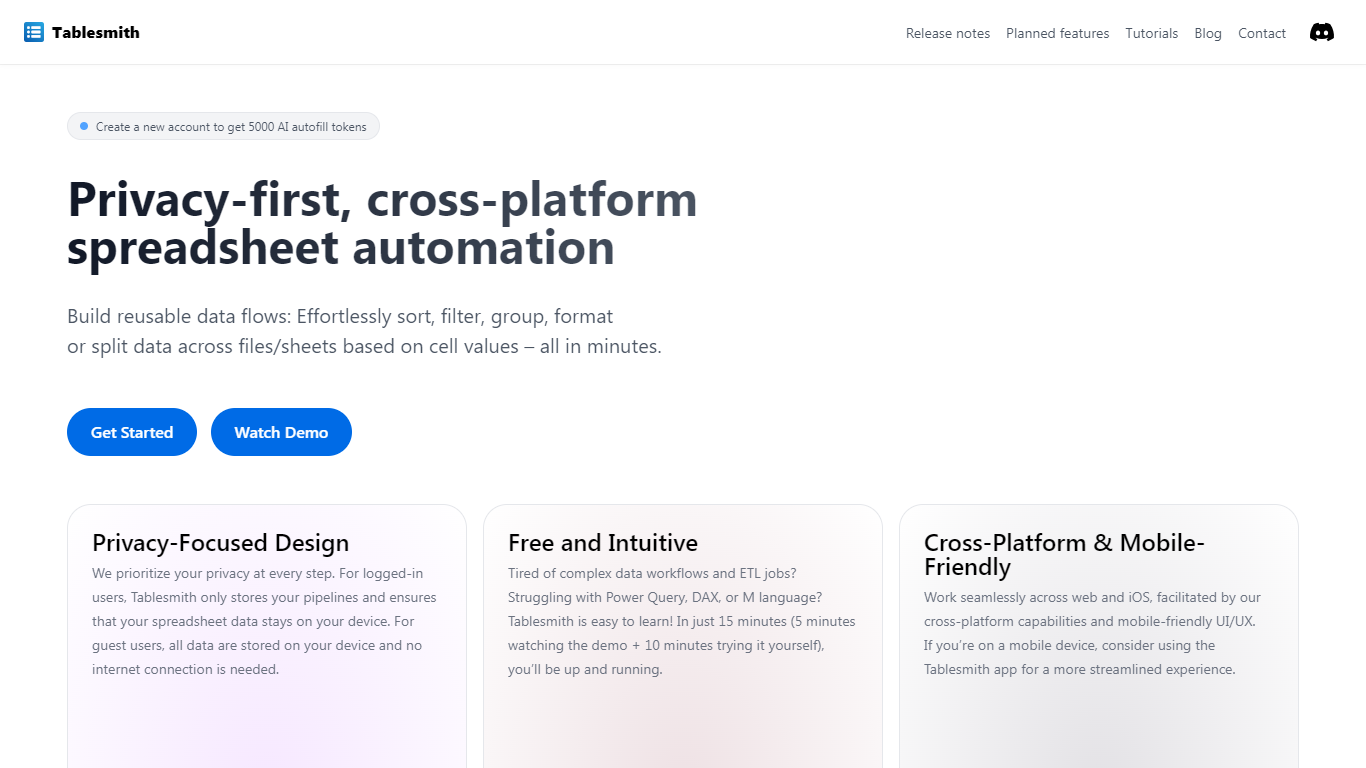
What is Tablesmith?
Tablesmith is an innovative, free no-code ETL platform designed to simplify and automate spreadsheet-related tasks for both CSV and XLSX files. With a focus on user privacy and ease of use, Tablesmith empowers users to create efficient data pipelines for sorting, filtering, formatting, and more, without the need for an internet connection for guest users. It only takes 15 minutes to learn how to use Tablesmith, thanks to a short demo and intuitive interface.
The AI autofill feature leverages upstream AI technology to predict and complete data entries, ensuring your prompts remain private. Tablesmith is compatible across different spreadsheet programs and is optimized for cross-platform use, with a mobile-friendly design that's perfect for working on the go. With Tablesmith, complex data management becomes a straightforward task, enabling users to focus on more important aspects of their work.
FreeParser Upvotes
Tablesmith Upvotes
FreeParser Top Features
Upload files: Users can upload multiple documents at once, ensuring they follow the same pattern for effective data extraction. Supported file types include DOCX, PDF, JPG, and more.
Config parser settings: Users can configure settings for parsing, including optional result fields and prompts to optimize data extraction.
Review result and export: The tool provides results in three formats: Raw, JSON, and CSV, allowing users to choose how they want to view and export their data.
Comprehensive Document Support: FreeParser supports a wide range of document types, including invoices, receipts, resumes, CVs, and more, making it versatile for various use cases.
User-Friendly Interface: The platform is designed to be intuitive, making document parsing and data extraction accessible to everyone.
Tablesmith Top Features
Privacy-First Design: Ensures that user data remains on-device with no internet requirement for guest users.
Free and Easy-to-Learn: Offers a no-cost solution that users can master in just 15 minutes.
Cross-Platform & Mobile-Friendly: Provides a seamless experience across web and iOS platforms, with a mobile-friendly interface.
AI Autofill: Introduces a future-forward data entry feature leveraging AI to suggest and autofill based on user prompts, without storing any data on servers.
Flexible Input and Output: Handles multiple file formats like CSV and XLSX, offering versatility with various spreadsheet applications.
FreeParser Category
- Excel
Tablesmith Category
- Excel
FreeParser Pricing Type
- Freemium
Tablesmith Pricing Type
- Freemium