GEES vs Befront
When comparing GEES vs Befront, which AI Design tool shines brighter? We look at pricing, alternatives, upvotes, features, reviews, and more.
In a comparison between GEES and Befront, which one comes out on top?
When we put GEES and Befront side by side, both being AI-powered design tools, The community has spoken, GEES leads with more upvotes. GEES has been upvoted 8 times by aitools.fyi users, and Befront has been upvoted 6 times.
Not your cup of tea? Upvote your preferred tool and stir things up!
GEES

What is GEES?
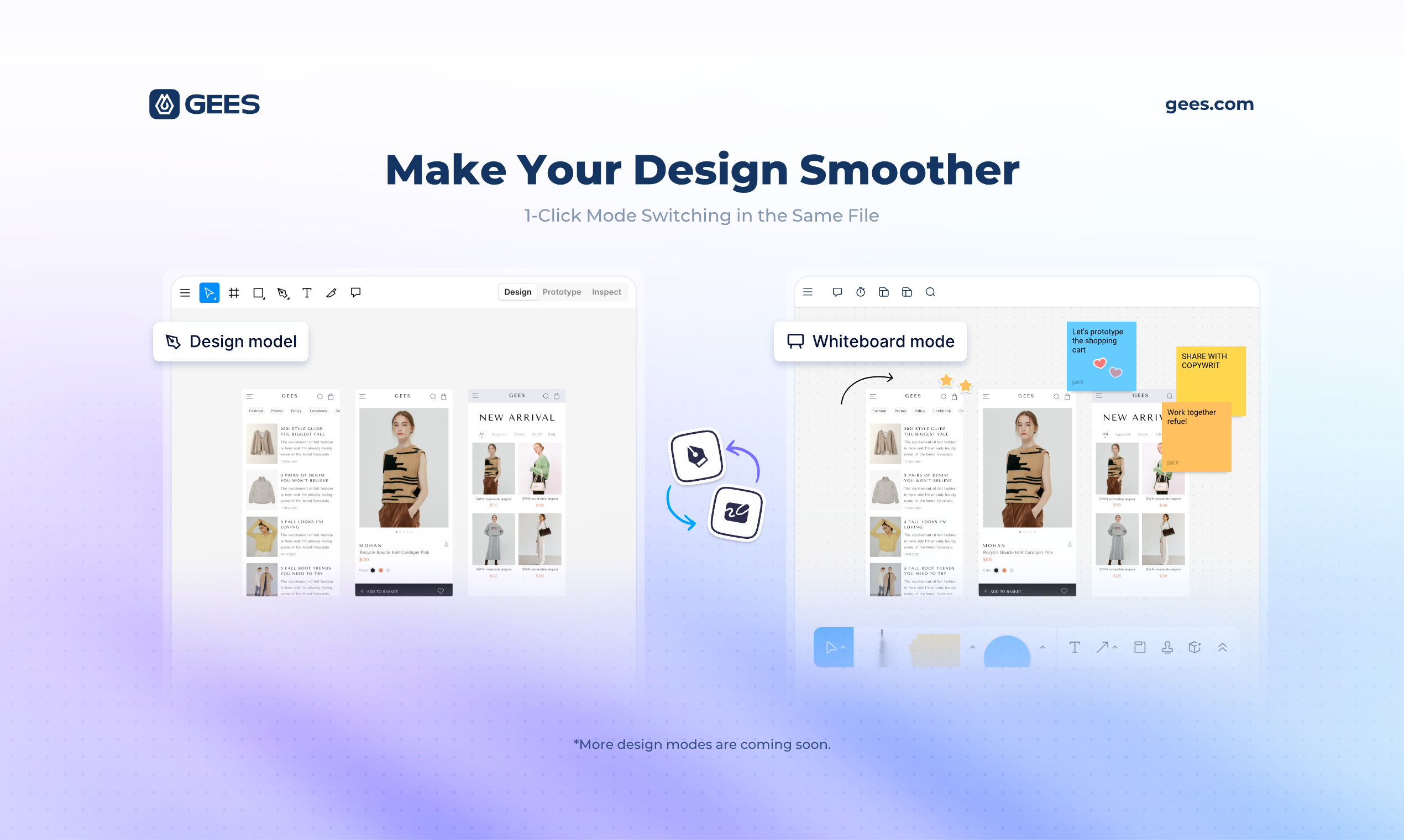
GEES is revolutionizing the design world with its all-in-one AI design platform, where the future is all about seamless transitions between different design modes within a single file. Currently in its beta version, GEES has rolled out its whiteboard mode and UI design mode, with exciting plans to introduce prototype design and graphic design modes soon. This platform is a game-changer, embedding AI assistance across all design modes to turbocharge your design workflows like never before.
Imagine a world where every design task, whether it's UI/UX design, graphic design, product management, development, or marketing, can all converge in one unified file. That's the promise of GEES – to deliver a superior design and collaboration experience for everyone involved in the creative process.
GEES is not just another design tool; it's an AI-powered collaborative ecosystem built for the future of design. It seamlessly integrates various design disciplines, from UI/UX and prototyping to graphic design, all while incorporating interactive whiteboards to streamline the journey from concept to completion. Its user-friendly interface empowers designers of any skill level to explore their creativity and achieve precision in their projects, making collaboration effortless with a focus on communication and real-time updates.
With GEES, the days of switching between multiple software solutions are over. This platform represents the perfect blend of functionality and simplicity, enabling designers and developers to work together efficiently on the same platform. Dive into the future of design with GEES, where AI enhances creativity and productivity reaches new heights.
Befront
What is Befront?
Befront is a Figma Community plugin that works as a hands-on design trainer. You install it in Figma, pick a skill to train, and complete short UI tasks on real interfaces with instant feedback as you work. It focuses on practical layout and component work rather than passive theory.
Most design courses lean on video lectures that are easy to watch and hard to retain. Befront runs short drills you can finish in about five minutes, with topic picks like Auto Layout and components instead of a fixed syllabus. That makes it closer to a daily gym routine than a semester-long course.
The homepage positions Befront for designers who feel stuck in Figma, working designers who want more speed, and career switchers learning UX/UI from scratch. Developers, product managers, founders, and marketers who need to work confidently in Figma are also called out in the FAQ.
You track progress over time, compete with other designers, and can try design mini-games for quick interactive practice. A free trial offers access to trial lessons, while paid plans start at $11 per week or $30 per month for full access.
GEES Upvotes
Befront Upvotes
GEES Top Features
Integrated Design Tools: A suite of UI/UX, prototyping, and graphic design tools all in one place.
Whiteboard Collaboration: Interactive whiteboards to facilitate team brainstorming and planning.
Real-time Collaboration: Features that enable team members to work together in real-time.
Streamlined Process: Simplifies the transition from an idea to a final product, supporting both designers and developers.
AI-Powered: Harnessing the power of artificial intelligence to enhance the design process.
Befront Top Features
Daily drills you can finish in about five minutes with instant feedback inside Figma
Monthly plan at $30 per month or Weekly plan at $11 per week for full access to all content
Topic-specific training for Auto Layout, components, and other job-ready Figma skills
Design mini-games for quick interactive practice on real interfaces
Free Trial at $0 with access to trial lessons inside the Figma plugin
GEES Category
- Design
Befront Category
- Design
GEES Pricing Type
- Freemium
Befront Pricing Type
- Freemium