Gempix 2 vs FaceApp
In the clash of Gempix 2 vs FaceApp, which AI Photo Editing tool emerges victorious? We assess reviews, pricing, alternatives, features, upvotes, and more.
When we put Gempix 2 and FaceApp head to head, which one emerges as the victor?
Let's take a closer look at Gempix 2 and FaceApp, both of which are AI-driven photo editing tools, and see what sets them apart. Both tools are equally favored, as indicated by the identical upvote count. You can help us determine the winner by casting your vote and tipping the scales in favor of one of the tools.
Think we got it wrong? Cast your vote and show us who's boss!
Gempix 2


What is Gempix 2?
Gempix 2 runs a browser-based photo editing workspace where you upload an image, write a prompt up to 2,000 characters, and spend credits on AI edits or generations. The homepage lists Image Edit, Text to Image, Text to Video, Image to Video, Video Edit, and Wan Animate tabs powered by NanoBanana 2 and SeeDream V4.
Most online editors charge flat subscriptions before you test output quality. Gempix 2 starts with free credits, then sells monthly credit buckets on plans that include commercial licensing, 1080p output, batch generation, and no watermarks when you upgrade.
It targets creators who want quick prompt-driven retouching without installing desktop software. The site advertises no registration required on the homepage and routes paid users through monthly, annual, or one-time billing options on its pricing page.
FaceApp
What is FaceApp?
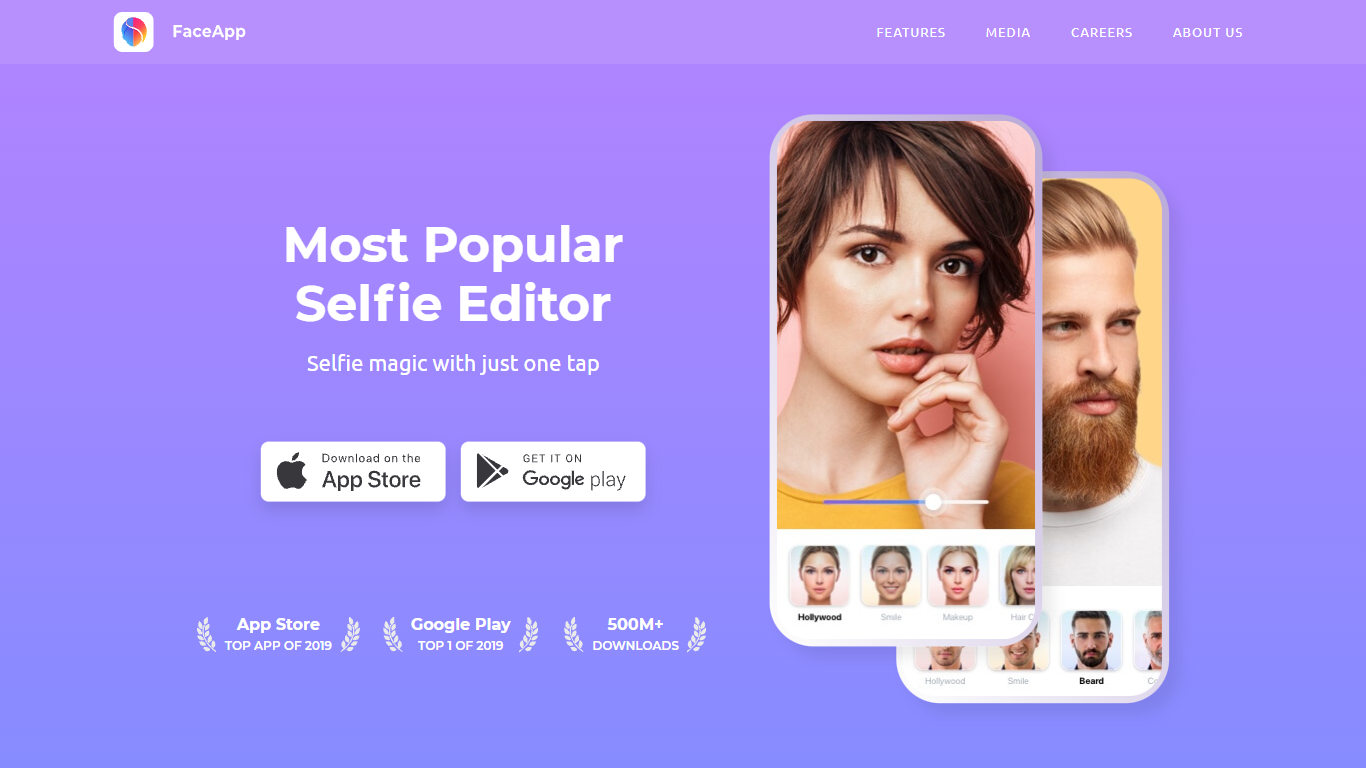
FaceApp turns phone selfies into retouched portraits with one-tap filters for makeup, hair volume, skin cleanup, and age changes. The mobile app has passed one billion downloads and bundles photorealistic face edits that used to require desktop retouching, all from a camera roll photo on iOS or Android.
Unlike general photo editors that spread tools across layers and brushes, FaceApp focuses narrowly on faces and keeps edits to a single tap. That speed makes it popular for social posts, but you trade fine control for convenience compared with Lightroom or Photoshop.
FaceApp suits casual selfie editors, social media creators, and anyone experimenting with looks before a real haircut or makeup purchase. The app is free to download, and FaceApp Pro unlocks the full filter library without watermarks through monthly or annual subscriptions billed via the App Store or Google Play.
Gempix 2 Upvotes
FaceApp Upvotes
Gempix 2 Top Features
Homepage image edit flow shows a Generate button costing 20 credits
Prompt field accepts up to 2,000 characters with dimension and advanced settings
Pricing Basic plan includes 1,500 credits per month and 1080p HD output
Plus plan raises the allowance to 7,500 credits per month on the pricing page
Enterprise adds API access and dedicated support with a 2 hour response target
Batch generation and commercial licensing appear on all paid pricing tiers
FaceApp Top Features
More than 1 billion downloads with App of the Year honors on iOS and Android in 2024
Impression, Retouch, Makeup, and Hair Volume filters for one-tap portrait edits
FaceApp Pro unlocks all filters and removes watermarks via in-app subscription
Free download with optional monthly or annual Pro plans inside the app
Payments processed through Apple App Store or Google Play in local currency
Headquarters in Limassol, Cyprus, led by founder Yaroslav Goncharov
Gempix 2 Category
- Photo Editing
FaceApp Category
- Photo Editing
Gempix 2 Pricing Type
- Freemium
FaceApp Pricing Type
- Freemium