Genmo vs Supercreator AI
Dive into the comparison of Genmo vs Supercreator AI and discover which AI Video Generation tool stands out. We examine alternatives, upvotes, features, reviews, pricing, and beyond.
When comparing Genmo and Supercreator AI, which one rises above the other?
When we compare Genmo and Supercreator AI, two exceptional video generation tools powered by artificial intelligence, and place them side by side, several key similarities and differences come to light. The upvote count favors Supercreator AI, making it the clear winner. Supercreator AI has attracted 52 upvotes from aitools.fyi users, and Genmo has attracted 13 upvotes.
Want to flip the script? Upvote your favorite tool and change the game!
Genmo
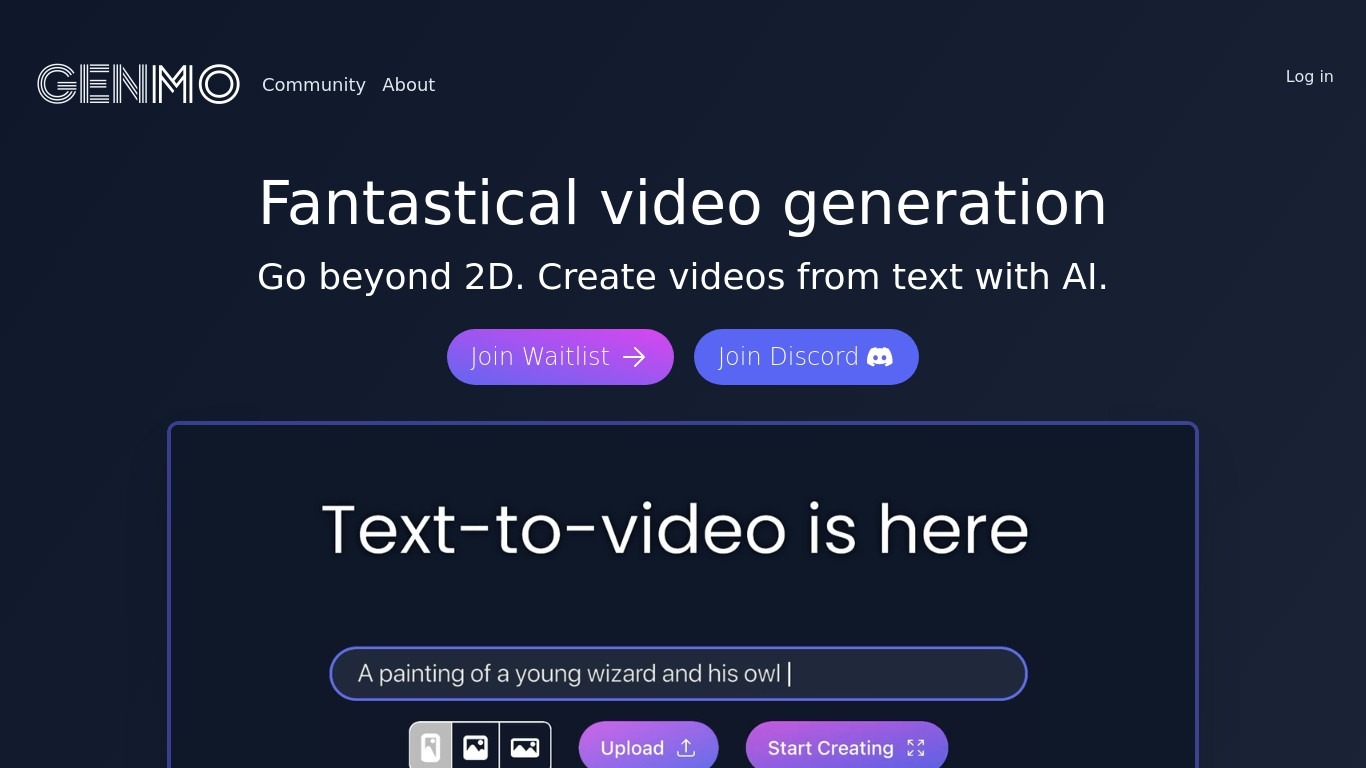

What is Genmo?
Genmo is a research lab building open video world models, with Mochi as its flagship text-to-video line. You can try generation in the browser playground, download weights for local runs, or plug into partner APIs. The team frames video as a path toward world simulators that understand physics, motion, and scene continuity.
Mochi 1 is their first major public release: a 10-billion-parameter diffusion model under Apache 2.0, trained from scratch on an Asymmetric Diffusion Transformer architecture. The preview outputs 480p clips at 30fps for up to 5.4 seconds, with emphasis on prompt adherence and realistic motion rather than static frame polish.
Researchers and developers get open weights on Hugging Face, source on GitHub, and ComfyUI support for custom pipelines. Creators and marketers use the hosted playground to prototype scenes without running GPUs locally. The lab also publishes technical writeups and benchmarks comparing Mochi against closed commercial video generators.
Supercreator AI

What is Supercreator AI?
Supercreator AI lets you plan a short video scene by scene, record it with a scrolling teleprompter, then trim and caption the footage in the same browser workspace. Storyboarding, recording, timeline editing, and mini apps for AI media, talking avatars, and multi-shot sequences all sit on one home screen. You sign in to save creations, but every tool is listed before you start.
Where many video editors assume you already have footage, Supercreator AI front-loads scripting and recording. The storyboard maps scenes before capture, the recorder scrolls your script while you film, and one-click templates plus AI captions sit beside standalone tools like a Reel transcriber and clip editor. That workflow keeps scripting, capture, and polish in one tab instead of three separate apps.
It fits creators who publish to TikTok, Reels, and Shorts and want scripting, capture, and caption polish without switching tools. Founders, educators, and on-camera marketers get teleprompter support, visual aids, and reusable identity presets across projects.
Genmo Upvotes
Supercreator AI Upvotes
Genmo Top Features
Mochi 1 playground turns text prompts into 480p clips at 30fps
Open weights and code under Apache 2.0 for personal and commercial use
Clips run up to 5.4 seconds with strong prompt adherence in benchmarks
Run locally via GitHub, Hugging Face, or ComfyUI workflows
Mochi video costs 100 credits; Replay video costs 50 credits
10B-parameter AsymmDiT architecture with a causal video VAE compressor
Supercreator AI Top Features
Storyboard maps scripts scene by scene before you hit record
Built-in recorder pairs a teleprompter with visual aids and smart overlays
Timeline editor cuts clips and adds AI-generated stylized captions
One-click templates turn raw clips into scroll-stopping social videos
Script Trainer collects high-performing videos, transcribes them, and drafts new scripts
Avatars mini app builds talking-head videos with AI voices
Super Director stitches multi-shot AI video sequences from one workspace
Genmo Category
- Video Generation
Supercreator AI Category
- Video Generation
Genmo Pricing Type
- Freemium
Supercreator AI Pricing Type
- Freemium