ghola vs Ai Helper
Explore the showdown between ghola vs Ai Helper and find out which AI Companion tool wins. We analyze upvotes, features, reviews, pricing, alternatives, and more.
When comparing ghola and Ai Helper, which one rises above the other?
When we contrast ghola with Ai Helper, both of which are exceptional AI-operated companion tools, and place them side by side, we can spot several crucial similarities and divergences. Both tools are equally favored, as indicated by the identical upvote count. Every vote counts! Cast yours and contribute to the decision of the winner.
Does the result make you go "hmm"? Cast your vote and turn that frown upside down!
ghola

What is ghola?
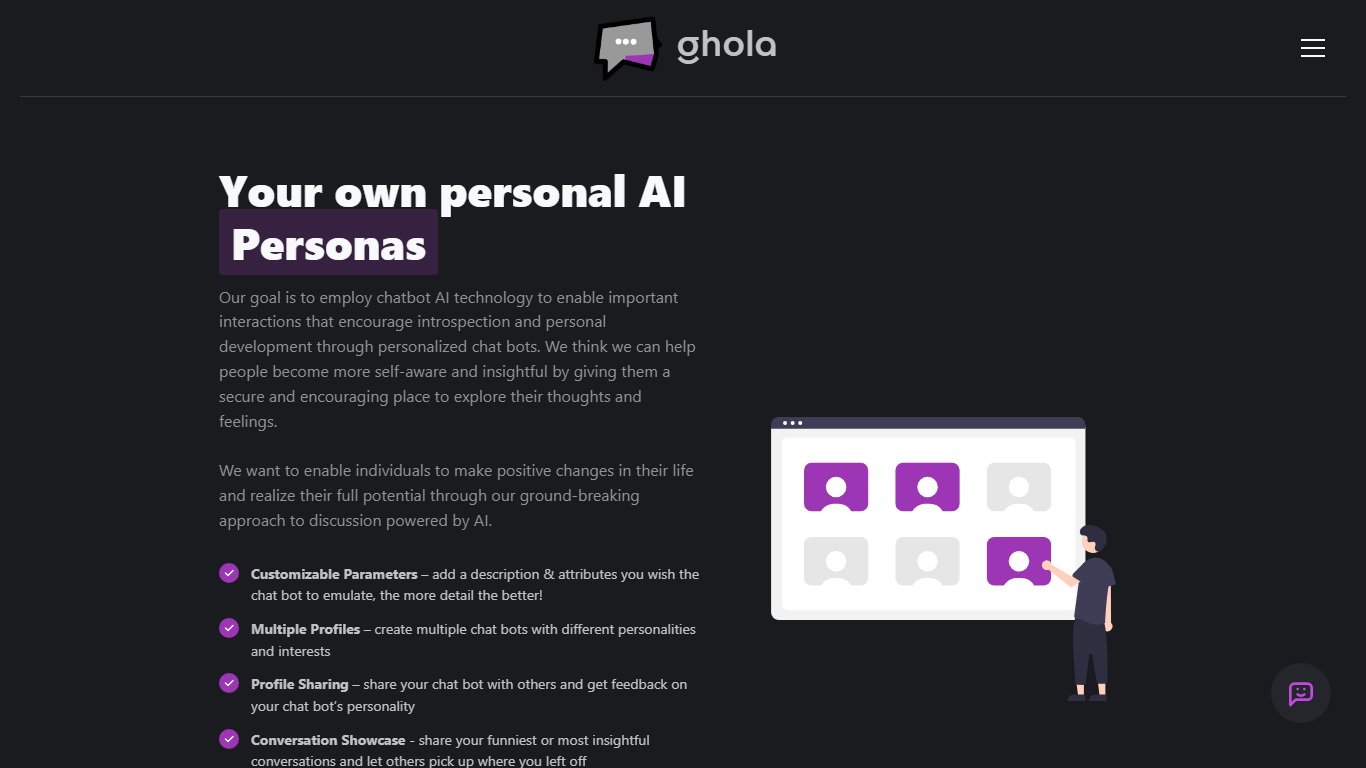
ghola lets you build custom AI chat personas with detailed personality parameters, then talk to them for reflection, practice conversations, or creative roleplay. You can create multiple profiles with different traits, share public bots with the community, and showcase standout chats on an explore page. Sign-in runs through Google OAuth, and ghola states it does not store private conversations unless you choose to publish them.
Generic companion apps give you one preset character. ghola focuses on persona authoring: you write the description and attributes, spin up as many bots as you want, and even run group chats where multiple personas talk to each other (beta). A backend API is available for embedding those profiles in your own projects, with document uploads listed as in development.
People use ghola for self-reflection, testing dialogue ideas, building character-driven side projects, and experimenting with multi-bot group dynamics. The site positions the product around introspection and personal growth rather than productivity automation.
Ai Helper
What is Ai Helper?
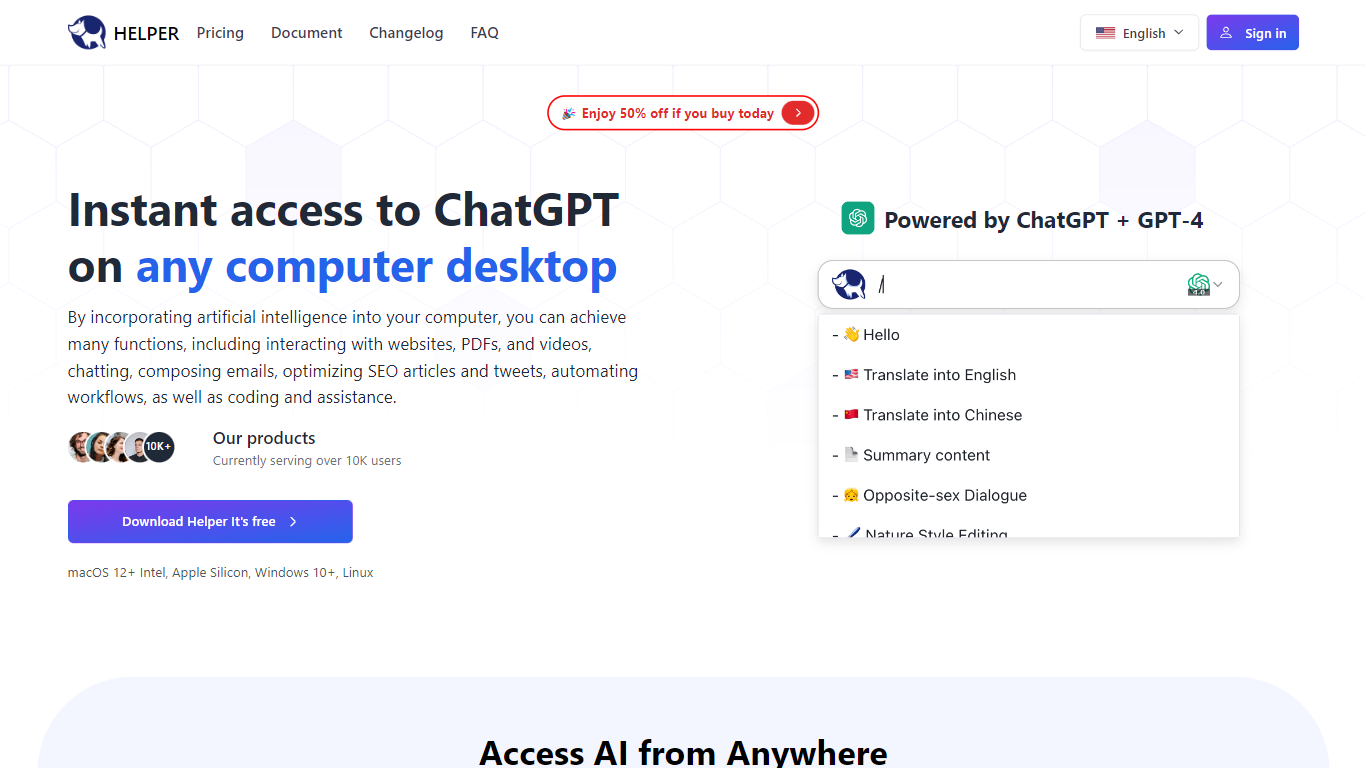
Ai Helper is a desktop AI companion that puts ChatGPT on macOS, Windows, and Linux. Summon it with Option+X on Mac or Alt+X on Windows and Linux, then chat, run slash prompts, or paste answers into whatever app already has focus. You connect your own OpenAI API key, so usage bills through OpenAI rather than a bundled credit pool.
Unlike browser tabs or the official ChatGPT app, Ai Helper is built for in-flow work. It offers three output modes: continuous Ai Chat, fast typewriter streaming, and paste mode that keeps code formatting intact in editors. Version 1.3 added Gemini Pro and Markdown preview, while v1.3.0 brought 30+ model engines you can switch between without leaving the overlay.
Entrepreneurs, developers, and marketers use Ai Helper to draft emails, debug code inside IDEs, and reuse custom assistant personas. The prompt library and built-in assistants let you standardize repetitive tasks, and Chinese plus English UI support makes it workable for bilingual teams.
ghola Upvotes
Ai Helper Upvotes
ghola Top Features
Customizable persona parameters with detailed descriptions and attribute fields
Unlimited profile creation with distinct personalities and interests per bot
Group Conversations beta chats multiple personas in one thread
Backend API for integrating ghola profiles into external apps
Google OAuth sign-in with stated policy of not storing private chats
Conversation Showcase lets users publish insightful chats to the explore page
Ai Helper Top Features
Global hotkey overlay: Option+X on macOS and Alt+X on Windows or Linux
Three output modes: Ai Chat, typewriter streaming, and paste mode for code editors
Slash prompts let you pick saved instructions without leaving the active window
Supports 30+ model engines plus Gemini Pro per the v1.3 changelog
Custom AI assistants with tailored instructions for writing, coding, or brainstorming
English and Chinese interface with API proxy docs for restricted regions
ghola Category
- Companion
Ai Helper Category
- Companion
ghola Pricing Type
- Free
Ai Helper Pricing Type
- Freemium