
Last updated 08-14-2026
Category:
Reviews:
Join thousands of AI enthusiasts in the World of AI!
Ai Helper
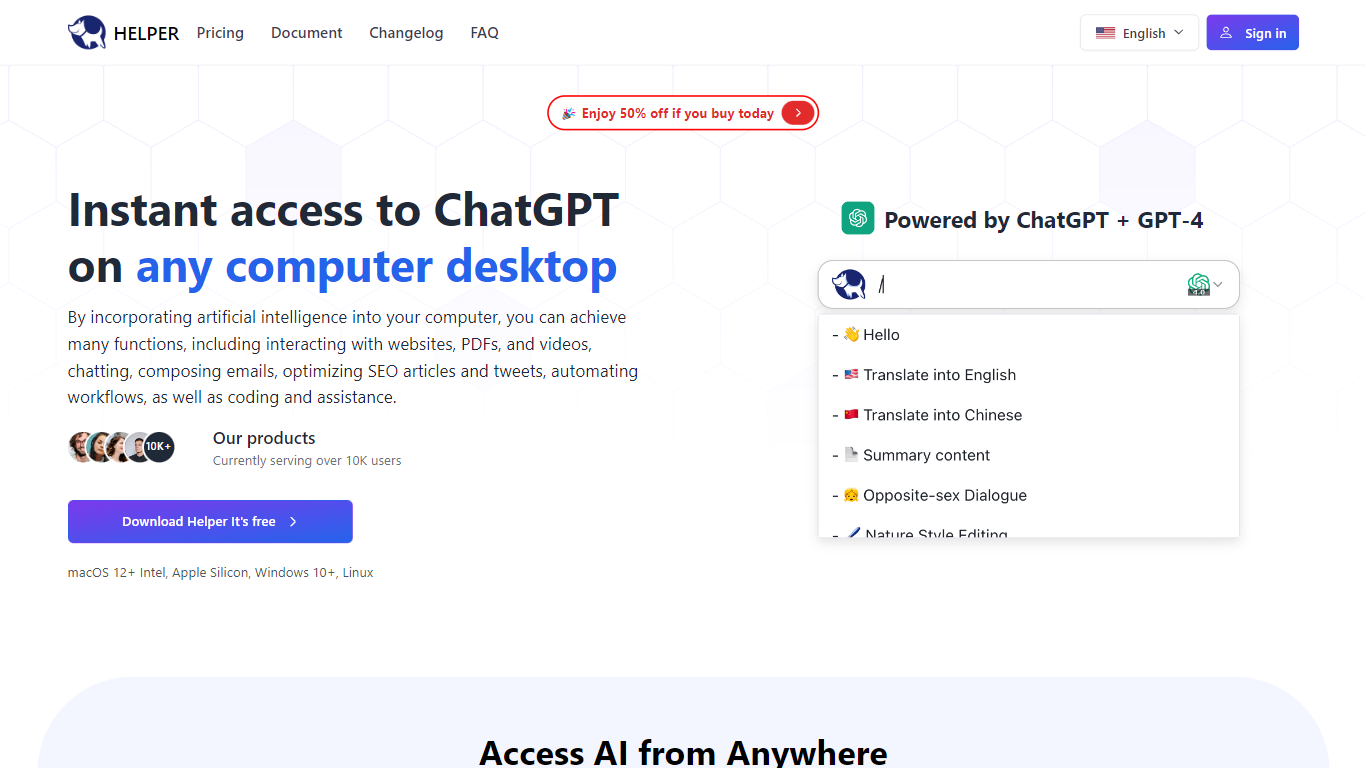
Ai Helper is a desktop AI companion that puts ChatGPT on macOS, Windows, and Linux. Summon it with Option+X on Mac or Alt+X on Windows and Linux, then chat, run slash prompts, or paste answers into whatever app already has focus. You connect your own OpenAI API key, so usage bills through OpenAI rather than a bundled credit pool.
Unlike browser tabs or the official ChatGPT app, Ai Helper is built for in-flow work. It offers three output modes: continuous Ai Chat, fast typewriter streaming, and paste mode that keeps code formatting intact in editors. Version 1.3 added Gemini Pro and Markdown preview, while v1.3.0 brought 30+ model engines you can switch between without leaving the overlay.
Entrepreneurs, developers, and marketers use Ai Helper to draft emails, debug code inside IDEs, and reuse custom assistant personas. The prompt library and built-in assistants let you standardize repetitive tasks, and Chinese plus English UI support makes it workable for bilingual teams.
Global hotkey overlay: Option+X on macOS and Alt+X on Windows or Linux
Three output modes: Ai Chat, typewriter streaming, and paste mode for code editors
Slash prompts let you pick saved instructions without leaving the active window
Supports 30+ model engines plus Gemini Pro per the v1.3 changelog
Custom AI assistants with tailored instructions for writing, coding, or brainstorming
English and Chinese interface with API proxy docs for restricted regions
Works from any desktop app via Option+X or Alt+X without switching windows.
Paste mode keeps code block formatting intact when dropping text into editors.
Bring-your-own-key setup keeps billing and data routing through your OpenAI account.
30+ model engines and Gemini Pro support per recent changelog releases.
Requires your own OpenAI API key and a stable internet connection to generate replies.
Windows antivirus tools may flag Helper.exe until you whitelist the executable.
Pricing page is a client-side route, so plan details are harder to verify without signing in.
What platforms does Ai Helper support?
Ai Helper runs on macOS 12 or newer (Intel and Apple Silicon), Windows 7 or newer, and Linux. You download the desktop client from helper.im and sign in with an account before connecting your OpenAI API key.
Does Ai Helper need an OpenAI API key?
Yes. Ai Helper connects to GPT models through your own OpenAI API key, as stated in the official FAQ. You register on OpenAI, add the key in Ai Helper, and pay OpenAI directly for token usage.
How do you summon Ai Helper?
Ai Helper opens from a global hotkey: Option+X on macOS or Alt+X on Windows and Linux. Click the target input field first so Ai Helper knows where to send generated text.
What output modes does Ai Helper offer?
Ai Helper has three modes. Ai Chat keeps a conversation thread. Typewriter mode streams text in real time. Paste mode generates the full reply first, then pastes it so code formatting stays intact in editors.
Is Ai Helper free to download?
Ai Helper markets itself as a free ChatGPT desktop client on helper.im. The changelog notes a paid version shipped in v1.0.0, and the site links to a pricing page for upgraded cloud or license options.
How do prompts work in Ai Helper?
Ai Helper lets you type slash (/) to pick a saved Prompt from the library. You can also configure AI assistants with custom instructions for roles like coding help or marketing copy, as described in the product FAQ.