GitQuest vs CaptureKit
In the contest of GitQuest vs CaptureKit, which AI Developer tool is the champion? We evaluate pricing, alternatives, upvotes, features, reviews, and more.
If you had to choose between GitQuest and CaptureKit, which one would you go for?
When we examine GitQuest and CaptureKit, both of which are AI-enabled developer tools, what unique characteristics do we discover? CaptureKit stands out as the clear frontrunner in terms of upvotes. The upvote count for CaptureKit is 7, and for GitQuest it's 6.
Don't agree with the result? Cast your vote and be a part of the decision-making process!
GitQuest
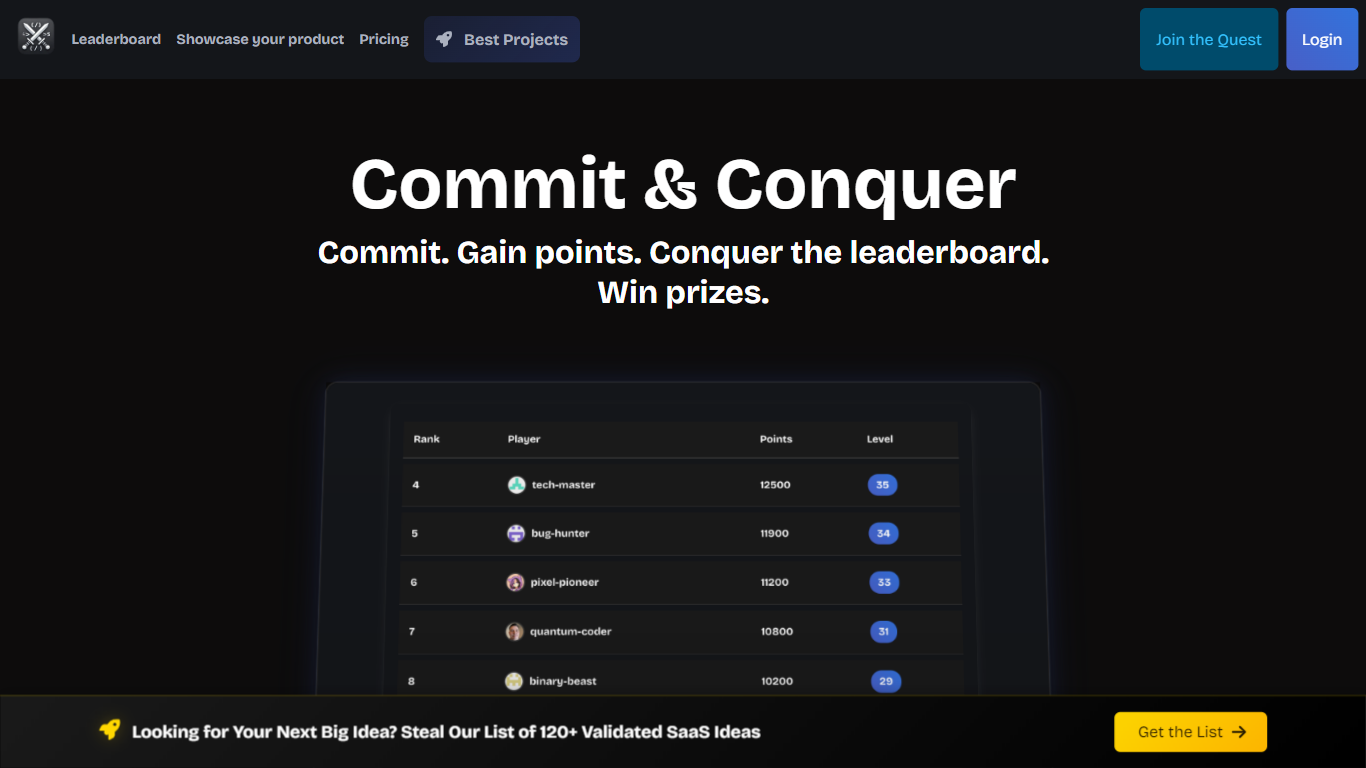

What is GitQuest?
GitQuest is a platform that turns software development into a game by tracking git events and awarding points for coding activities. It motivates developers to improve their skills through friendly competition and real-time scoring based on their contributions. The platform supports individual developers and teams who want to boost productivity and collaboration by making coding more engaging. GitQuest offers challenges where users can compete, earn rewards, and gain recognition within the developer community. Its unique approach combines gamification with version control systems to create a lively environment that encourages continuous learning and active participation. The platform integrates with popular git repositories to monitor commits, pull requests, and other git events, providing a clear leaderboard and progress tracking. This makes GitQuest a useful tool for developers who enjoy competitive coding and want to foster a stronger team culture.
CaptureKit
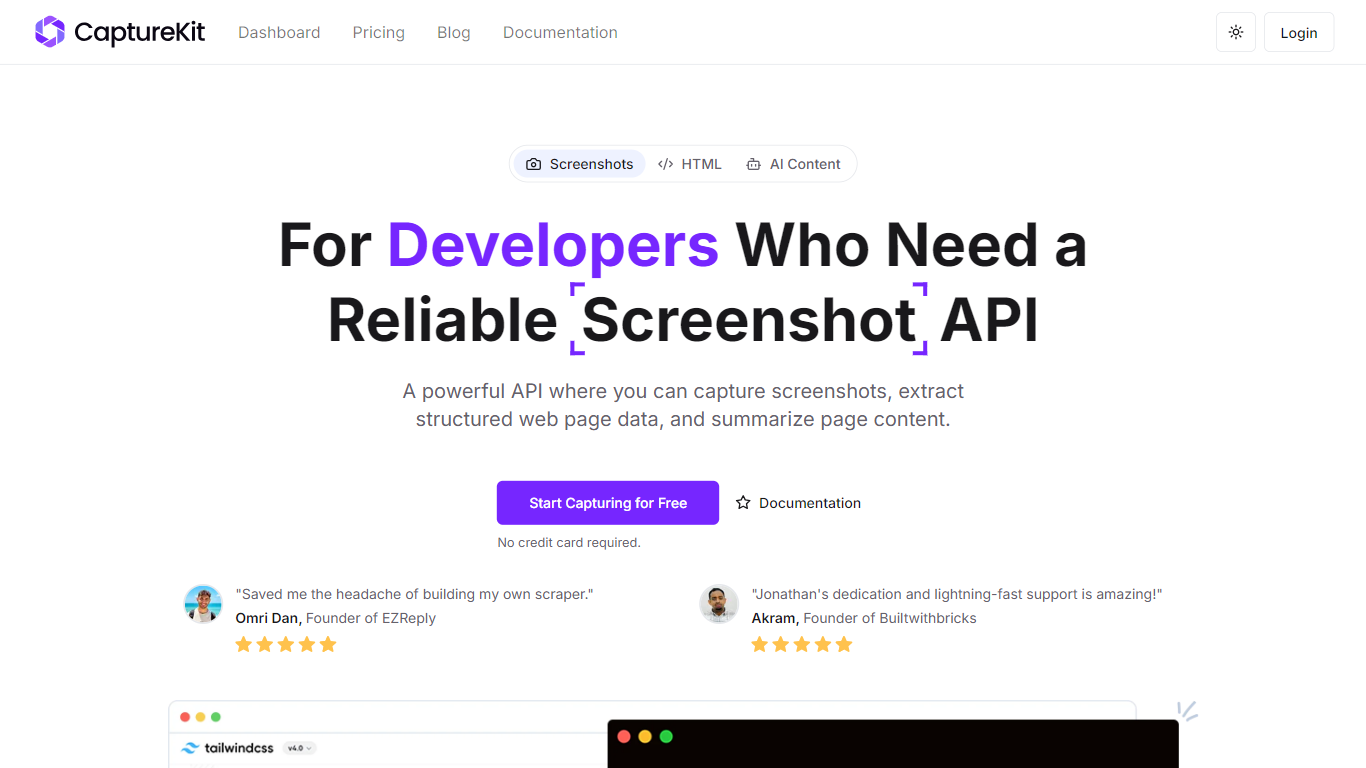
What is CaptureKit?
CaptureKit is a developer API for capturing website screenshots, extracting structured page content, and running AI analysis on any URL. You send a POST request with a target URL and get back PNG, JPEG, WebP, or PDF output, plus optional Markdown, HTML, metadata, or AI-generated summaries.
The platform runs headless browsers on managed infrastructure, so you skip maintaining Chromium clusters, proxy pools, or anti-bot workarounds. Features include full-page capture, CSS selector targeting, device emulation across 17+ profiles, cookie banner blocking, edge caching with custom TTLs up to 30 days, stealth mode with residential proxies, and direct S3 uploads.
CaptureKit targets developers and teams who need reliable web capture at scale for compliance archiving, visual testing, marketing previews, price monitoring, documentation, and LLM data pipelines. It integrates with Zapier, Make, n8n, and common AI platforms, and offers a free tier with 100 credits to start.
GitQuest Upvotes
CaptureKit Upvotes
GitQuest Top Features
🎯 Real-time scoring based on git activity to track progress instantly
🏆 Competitive challenges that motivate developers to improve skills
📊 Leaderboards that foster friendly competition among teams and individuals
🎁 Rewards system to recognize top contributors and encourage participation
🔗 Integration with popular git platforms for seamless event tracking
CaptureKit Top Features
Capture full-page or viewport screenshots as PNG, JPEG, WebP, or PDF with one API call
Extract HTML, Markdown, links, sitemaps, and metadata from any URL without maintaining scrapers
Run AI summarization and custom prompts to get structured JSON insights from web pages
Block cookie banners, ads, and popups automatically for cleaner captures
Enable edge caching with custom TTLs up to 30 days so repeat requests resolve instantly
GitQuest Category
- Developer
CaptureKit Category
- Developer
GitQuest Pricing Type
- Freemium
CaptureKit Pricing Type
- Freemium