GitQuest vs Cursor AI
In the face-off between GitQuest vs Cursor AI, which AI Developer tool takes the crown? We scrutinize features, alternatives, upvotes, reviews, pricing, and more.
In a face-off between GitQuest and Cursor AI, which one takes the crown?
If we were to analyze GitQuest and Cursor AI, both of which are AI-powered developer tools, what would we find? Both tools are equally favored, as indicated by the identical upvote count. Every vote counts! Cast yours and contribute to the decision of the winner.
Want to flip the script? Upvote your favorite tool and change the game!
GitQuest

What is GitQuest?
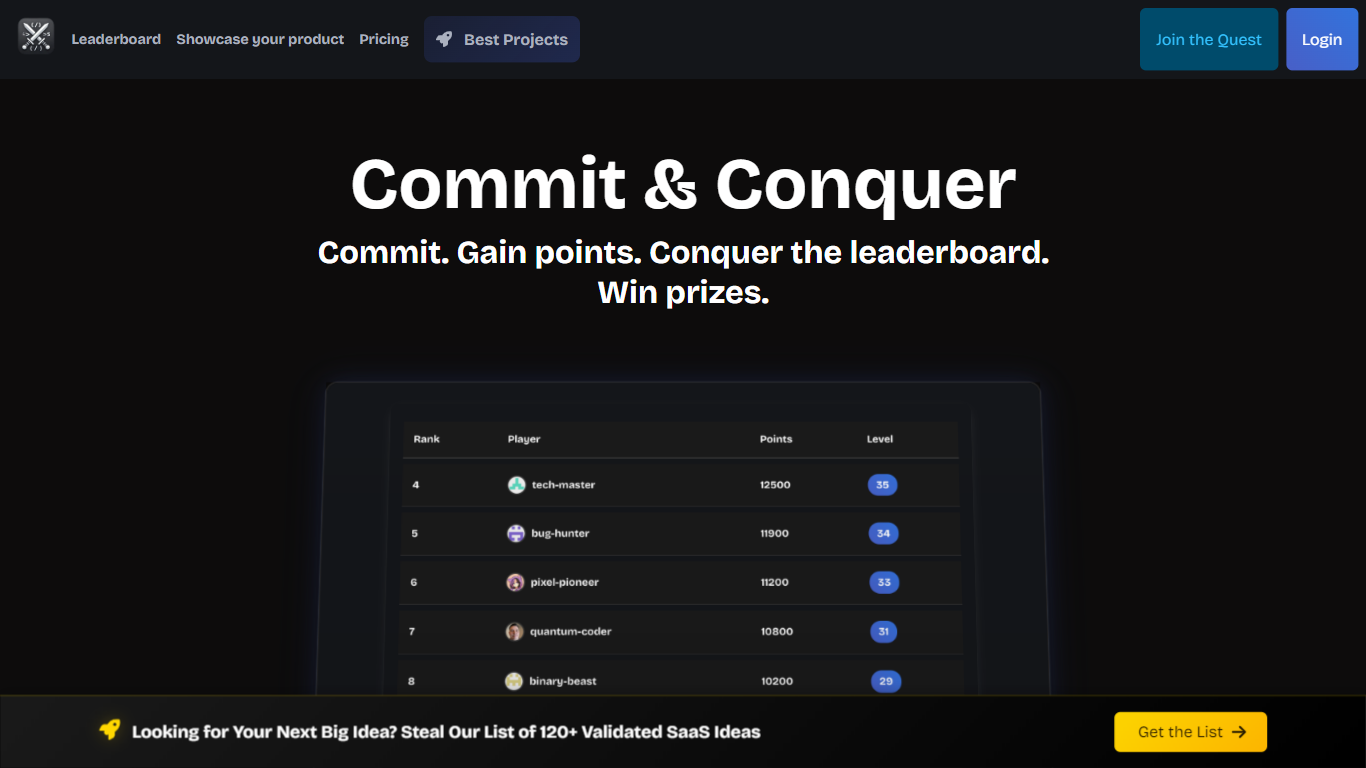
GitQuest is a platform that turns software development into a game by tracking git events and awarding points for coding activities. It motivates developers to improve their skills through friendly competition and real-time scoring based on their contributions. The platform supports individual developers and teams who want to boost productivity and collaboration by making coding more engaging. GitQuest offers challenges where users can compete, earn rewards, and gain recognition within the developer community. Its unique approach combines gamification with version control systems to create a lively environment that encourages continuous learning and active participation. The platform integrates with popular git repositories to monitor commits, pull requests, and other git events, providing a clear leaderboard and progress tracking. This makes GitQuest a useful tool for developers who enjoy competitive coding and want to foster a stronger team culture.
Cursor AI
What is Cursor AI?
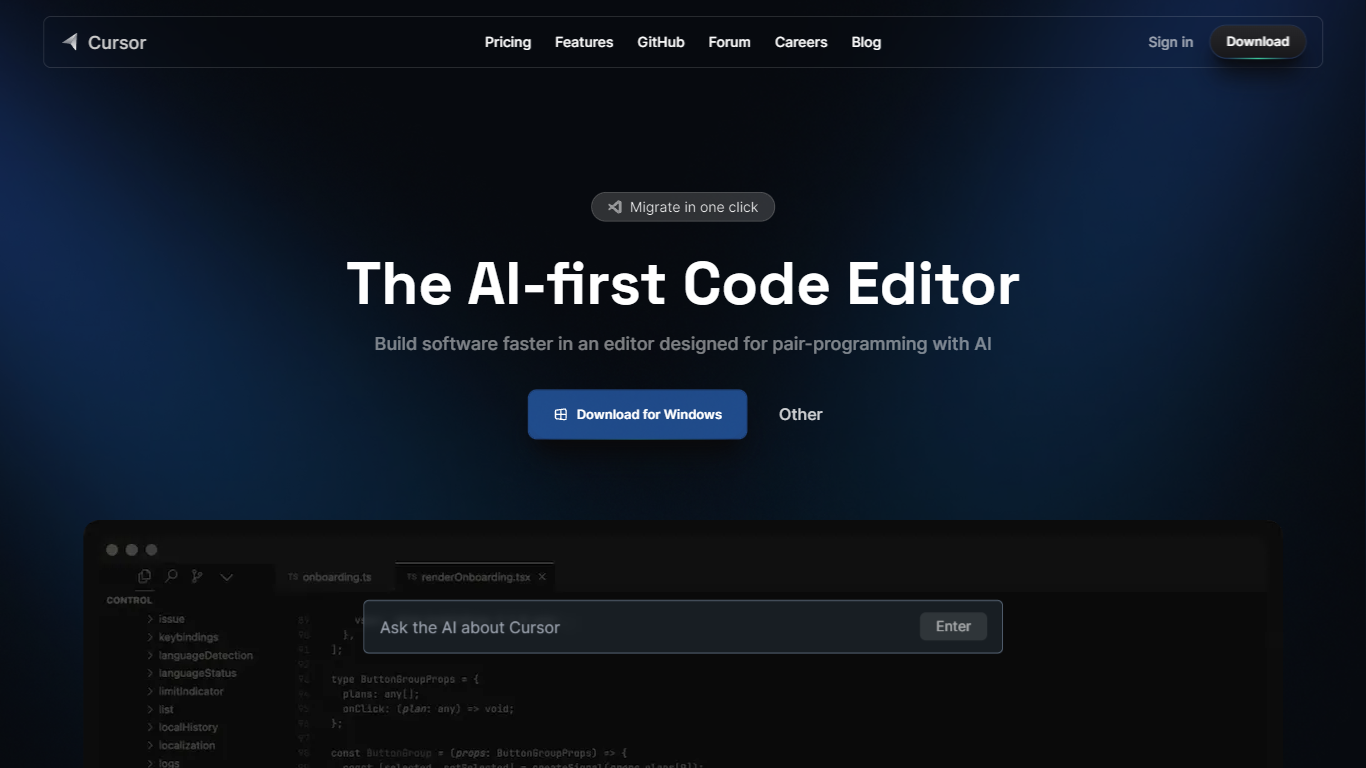
Cursor AI gives developers an agentic coding environment where you delegate implementation work while keeping architectural control. The editor indexes your full codebase, runs multi-step agents in the IDE, terminal, Slack, and GitHub, and ships changes through Tab autocomplete, Composer edits, and cloud agents that can build and demo features end to end. A free Hobby tier requires no credit card to start.
Compared with chat-only copilots that suggest single lines, Cursor AI runs parallel agents on their own machines and ties into Bugbot for pull request reviews. Individual plans start at $20 per month with frontier models, MCP servers, and cloud agents, while Teams adds $40 per user billing with SAML SSO and shared team context. That agent-first stack suits fast-moving product teams, though usage-based model billing can add cost after included limits.
Software engineers, startup teams, and enterprise developers use Cursor AI to migrate from VS Code with one-click extension imports, trigger tasks from issue trackers, and enforce privacy mode so code is not used for training. The pricing page lists Pro, Pro+, and Ultra individual tiers plus Enterprise with pooled usage and audit logs. Contact for sales and support is available at [email protected].
GitQuest Upvotes
Cursor AI Upvotes
GitQuest Top Features
🎯 Real-time scoring based on git activity to track progress instantly
🏆 Competitive challenges that motivate developers to improve skills
📊 Leaderboards that foster friendly competition among teams and individuals
🎁 Rewards system to recognize top contributors and encourage participation
🔗 Integration with popular git platforms for seamless event tracking
Cursor AI Top Features
Hobby plan is free with no credit card and includes limited Agent requests plus Composer access
Individual Pro plan costs $20 per month with extended Agent limits and frontier model access
Teams plan costs $40 per user per month with SAML/OIDC SSO and centralized billing
Cloud agents build, test, and demo features end to end on their own machines
Bugbot reviews pull requests with agentic code reviews on Teams and usage-based billing on Individual
CLI installs on macOS, Linux, and Windows via curl https://cursor.com/install
GitQuest Category
- Developer
Cursor AI Category
- Developer
GitQuest Pricing Type
- Freemium
Cursor AI Pricing Type
- Freemium