GitQuest vs Gradio
In the clash of GitQuest vs Gradio, which AI Developer tool emerges victorious? We assess reviews, pricing, alternatives, features, upvotes, and more.
When we put GitQuest and Gradio head to head, which one emerges as the victor?
Let's take a closer look at GitQuest and Gradio, both of which are AI-driven developer tools, and see what sets them apart. The upvote count is neck and neck for both GitQuest and Gradio. The power is in your hands! Cast your vote and have a say in deciding the winner.
Think we got it wrong? Cast your vote and show us who's boss!
GitQuest

What is GitQuest?
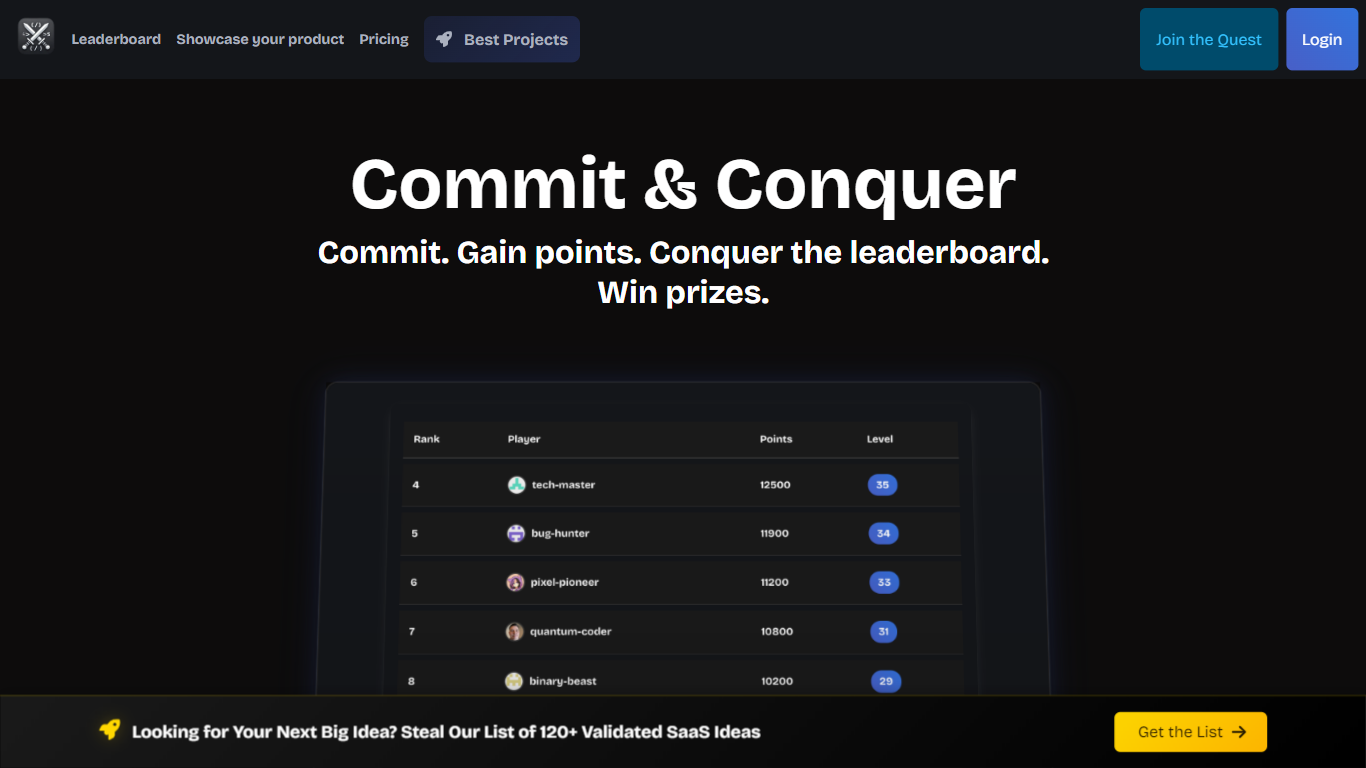
GitQuest is a platform that turns software development into a game by tracking git events and awarding points for coding activities. It motivates developers to improve their skills through friendly competition and real-time scoring based on their contributions. The platform supports individual developers and teams who want to boost productivity and collaboration by making coding more engaging. GitQuest offers challenges where users can compete, earn rewards, and gain recognition within the developer community. Its unique approach combines gamification with version control systems to create a lively environment that encourages continuous learning and active participation. The platform integrates with popular git repositories to monitor commits, pull requests, and other git events, providing a clear leaderboard and progress tracking. This makes GitQuest a useful tool for developers who enjoy competitive coding and want to foster a stronger team culture.
Gradio
What is Gradio?
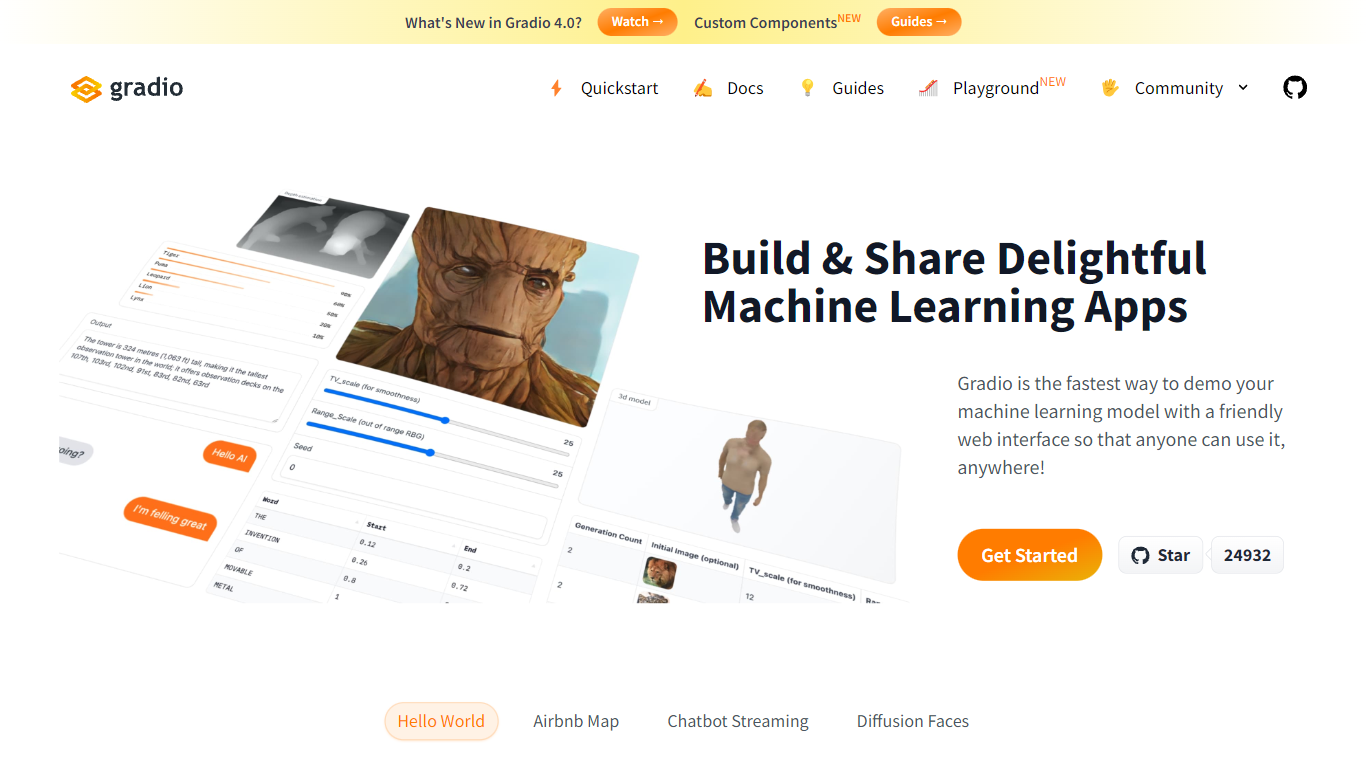
Gradio lets you wrap any Python function or ML model in a web demo with a few lines of code. This open-source Python library ships 40-plus UI components for images, audio, video, chat, dataframes, and JSON, then serves the interface locally or deploys it permanently to Hugging Face Spaces. Run pip install gradio, define your function, and call demo.launch() to get a browser UI at localhost:7860.
Streamlit and Dash also build Python web apps, but Gradio is built specifically for model demos: gr.Interface wraps a single prediction function, gr.ChatInterface handles chatbots, and gr.Blocks supports multi-step layouts like the Automatic1111 Stable Diffusion UI. The share=True flag creates a temporary public URL in seconds, which is hard to replicate without setting up your own hosting.
ML engineers, researchers, and hobbyists use Gradio to prototype interfaces before production. It requires Python 3.10 or higher, needs no JavaScript or CSS knowledge, and is free and open source with optional free hosting on Hugging Face Spaces.
GitQuest Upvotes
Gradio Upvotes
GitQuest Top Features
🎯 Real-time scoring based on git activity to track progress instantly
🏆 Competitive challenges that motivate developers to improve skills
📊 Leaderboards that foster friendly competition among teams and individuals
🎁 Rewards system to recognize top contributors and encourage participation
🔗 Integration with popular git platforms for seamless event tracking
Gradio Top Features
Build a working demo with
gr.Interface(fn, inputs, outputs)in under 10 lines of Python40-plus built-in components for images, audio, video, 3D, chat, plots, and dataframes
Free permanent hosting on Hugging Face Spaces with auto-scaling and a shareable URL
demo.launch(share=True)creates a temporary public link like https://xxxxx.gradio.live in secondsGradio 6 adds MCP support, vibe mode for natural-language app editing, and hot reload via
gradio app.py43,000-plus GitHub stars with clients for querying any Gradio app from Python or JavaScript
GitQuest Category
- Developer
Gradio Category
- Developer
GitQuest Pricing Type
- Freemium
Gradio Pricing Type
- Free