GitQuest vs TwoSlash
In the contest of GitQuest vs TwoSlash, which AI Developer tool is the champion? We evaluate pricing, alternatives, upvotes, features, reviews, and more.
If you had to choose between GitQuest and TwoSlash, which one would you go for?
When we examine GitQuest and TwoSlash, both of which are AI-enabled developer tools, what unique characteristics do we discover? Both tools have received the same number of upvotes from aitools.fyi users. Be a part of the decision-making process. Your vote could determine the winner.
Want to flip the script? Upvote your favorite tool and change the game!
GitQuest
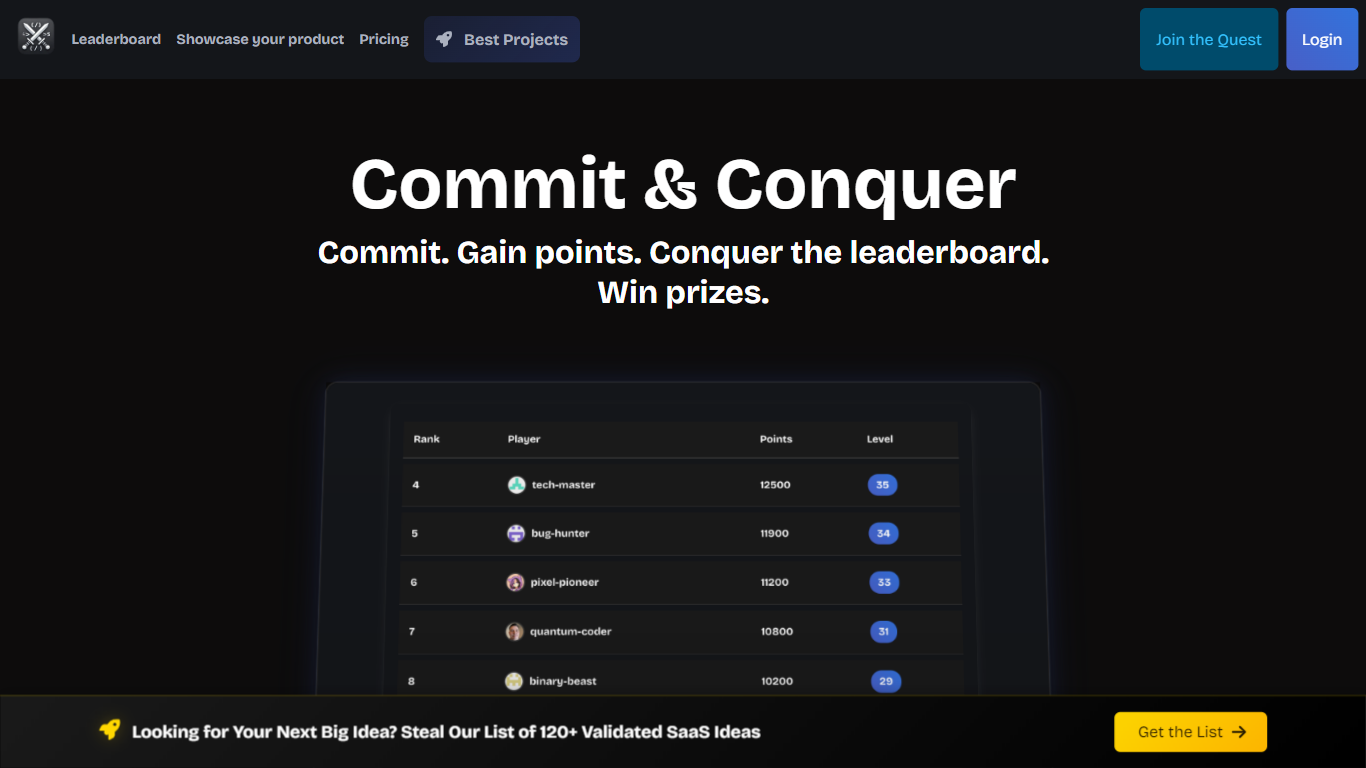

What is GitQuest?
GitQuest is a platform that turns software development into a game by tracking git events and awarding points for coding activities. It motivates developers to improve their skills through friendly competition and real-time scoring based on their contributions. The platform supports individual developers and teams who want to boost productivity and collaboration by making coding more engaging. GitQuest offers challenges where users can compete, earn rewards, and gain recognition within the developer community. Its unique approach combines gamification with version control systems to create a lively environment that encourages continuous learning and active participation. The platform integrates with popular git repositories to monitor commits, pull requests, and other git events, providing a clear leaderboard and progress tracking. This makes GitQuest a useful tool for developers who enjoy competitive coding and want to foster a stronger team culture.
TwoSlash
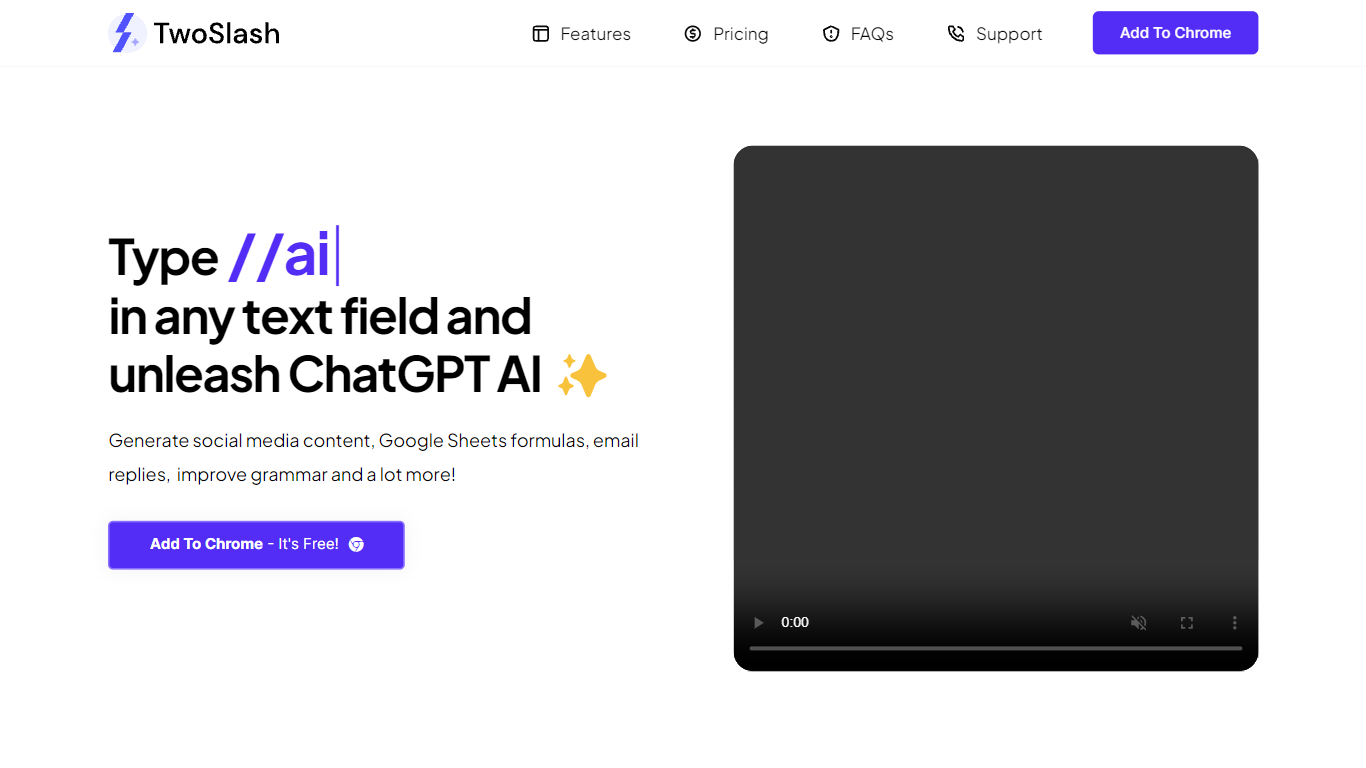
What is TwoSlash?
TwoSlash is a Chrome extension that drops ChatGPT into everyday text boxes across the web. Type // in a field on Gmail, Google Sheets, social sites, or code editors and the extension opens an AI command palette for rewriting, translating, summarizing, or generating content in place. Marketers, developers, and operators use it when they want ChatGPT-style help without copying text into a separate tab.
Browser chat sidebars are general purpose. TwoSlash focuses on inline triggers inside the field you are already typing in, with presets for emails, spreadsheet formulas, social replies, and code fixes. That makes it faster for repetitive micro-tasks than a standalone chat window, though it currently targets Chrome only while Edge and Firefox support are listed as coming soon.
The Standard plan runs on GPT-3.5 with up to 1,000 commands per month and no OpenAI API key required. A lifetime Bring Your Own Key tier lets you connect your own OpenAI credentials for unlimited commands and model choice including GPT-4. Feature requests go to support email, and the FAQ notes regular extension updates based on user feedback.
GitQuest Upvotes
TwoSlash Upvotes
GitQuest Top Features
🎯 Real-time scoring based on git activity to track progress instantly
🏆 Competitive challenges that motivate developers to improve skills
📊 Leaderboards that foster friendly competition among teams and individuals
🎁 Rewards system to recognize top contributors and encourage participation
🔗 Integration with popular git platforms for seamless event tracking
TwoSlash Top Features
Type // in any text field to open AI commands without leaving the current page
Standard plan costs $9 per month with up to 1,000 commands and GPT-3.5, no API key required
Lifetime BYOK plan is $49 with unlimited commands when you connect your own OpenAI key
Built-in workflows cover writing, coding help, social replies, email drafts, and Google Sheets formulas
Chrome Web Store listing lets users install the extension for free to start
FAQ states GPT-4 and other OpenAI models are selectable on the bring-your-own-key plan
GitQuest Category
- Developer
TwoSlash Category
- Developer
GitQuest Pricing Type
- Freemium
TwoSlash Pricing Type
- Freemium