
Last updated 08-11-2026
Category:
Reviews:
Join thousands of AI enthusiasts in the World of AI!
TwoSlash
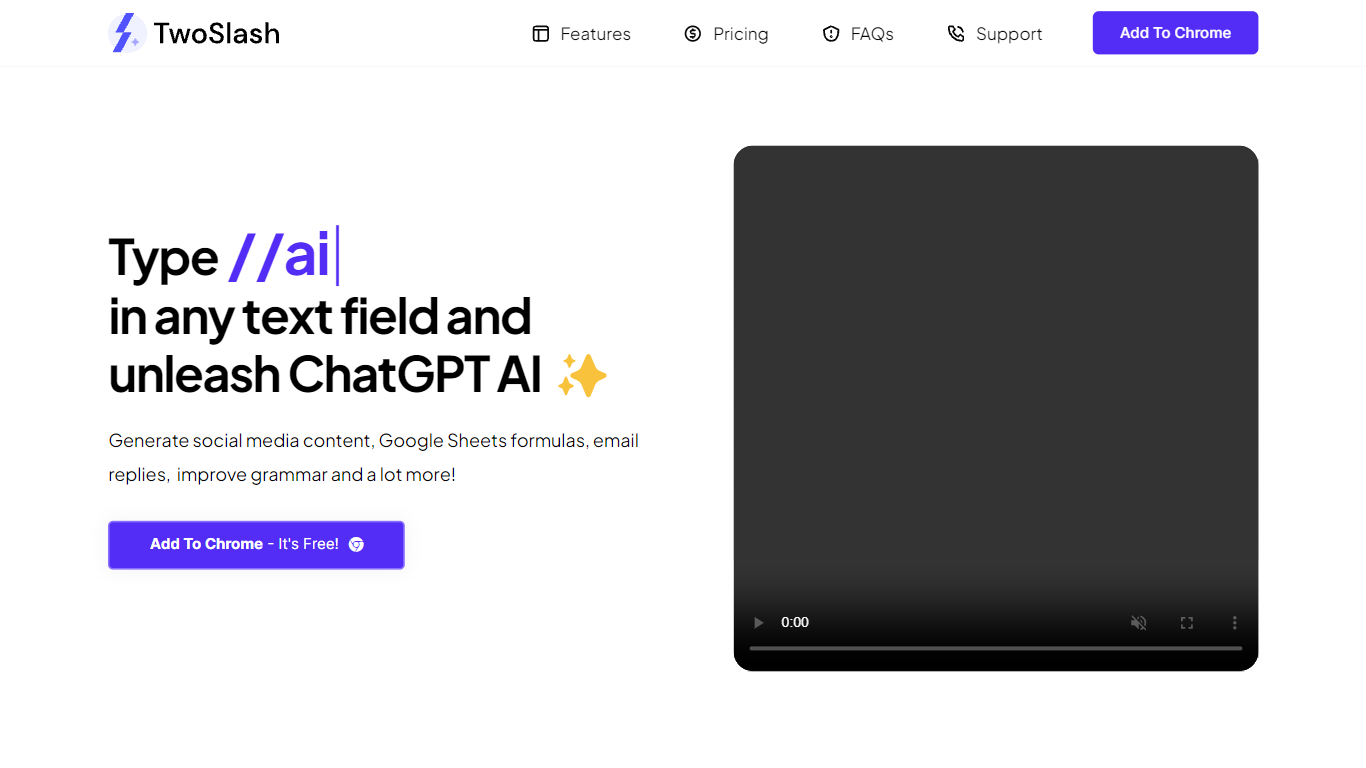
TwoSlash is a Chrome extension that drops ChatGPT into everyday text boxes across the web. Type // in a field on Gmail, Google Sheets, social sites, or code editors and the extension opens an AI command palette for rewriting, translating, summarizing, or generating content in place. Marketers, developers, and operators use it when they want ChatGPT-style help without copying text into a separate tab.
Browser chat sidebars are general purpose. TwoSlash focuses on inline triggers inside the field you are already typing in, with presets for emails, spreadsheet formulas, social replies, and code fixes. That makes it faster for repetitive micro-tasks than a standalone chat window, though it currently targets Chrome only while Edge and Firefox support are listed as coming soon.
The Standard plan runs on GPT-3.5 with up to 1,000 commands per month and no OpenAI API key required. A lifetime Bring Your Own Key tier lets you connect your own OpenAI credentials for unlimited commands and model choice including GPT-4. Feature requests go to support email, and the FAQ notes regular extension updates based on user feedback.
Type // in any text field to open AI commands without leaving the current page
Standard plan costs $9 per month with up to 1,000 commands and GPT-3.5, no API key required
Lifetime BYOK plan is $49 with unlimited commands when you connect your own OpenAI key
Built-in workflows cover writing, coding help, social replies, email drafts, and Google Sheets formulas
Chrome Web Store listing lets users install the extension for free to start
FAQ states GPT-4 and other OpenAI models are selectable on the bring-your-own-key plan
// trigger works inside the field you are already typing in, which saves copy-paste steps
Standard plan includes GPT-3.5 usage without managing an OpenAI API key
Lifetime BYOK option supports unlimited commands for heavy users
Preset commands cover emails, social replies, formulas, and code tasks
Chrome is the only supported browser today despite plans for Edge and Firefox
Standard plan caps usage at 1,000 commands per month
DNS and fetch reliability for twoslash.ai varied during research, so confirm pricing on install
What is TwoSlash?
TwoSlash is a Chrome extension that adds ChatGPT-style commands to text fields on websites. You type // in an input box and TwoSlash generates or edits content for emails, social posts, code, and spreadsheets in context.
How much does TwoSlash cost?
TwoSlash lists a Standard plan at $9 per month with up to 1,000 commands on GPT-3.5 without an API key. The bring-your-own-key lifetime plan is $49 with unlimited commands when you supply OpenAI credentials.
Does TwoSlash need an OpenAI API key?
TwoSlash does not require an API key on the Standard monthly plan because the service includes GPT-3.5 usage. The BYOK lifetime tier asks you to connect your own OpenAI key for unlimited commands and broader model choice.
Which browsers support TwoSlash?
TwoSlash is available on Google Chrome today through its Web Store listing. The site FAQ says Microsoft Edge, Firefox, and other Chromium browsers are planned but not yet released.
What can TwoSlash do in Google Sheets?
TwoSlash can generate spreadsheet formulas directly inside Google Sheets and explain existing formulas from the same // command palette. That keeps formula help inside the sheet instead of a separate chat tab.
Which AI model does TwoSlash use?
TwoSlash uses GPT-3.5 on the Standard monthly plan. Users on the bring-your-own-key lifetime plan can select GPT-3.5, GPT-4, and other OpenAI models tied to their API account.