TwoSlash vs PSEUDO.AI
In the face-off between TwoSlash vs PSEUDO.AI, which AI Developer tool takes the crown? We scrutinize features, alternatives, upvotes, reviews, pricing, and more.
In a face-off between TwoSlash and PSEUDO.AI, which one takes the crown?
If we were to analyze TwoSlash and PSEUDO.AI, both of which are AI-powered developer tools, what would we find? PSEUDO.AI is the clear winner in terms of upvotes. PSEUDO.AI has attracted 7 upvotes from aitools.fyi users, and TwoSlash has attracted 6 upvotes.
Feeling rebellious? Cast your vote and shake things up!
TwoSlash
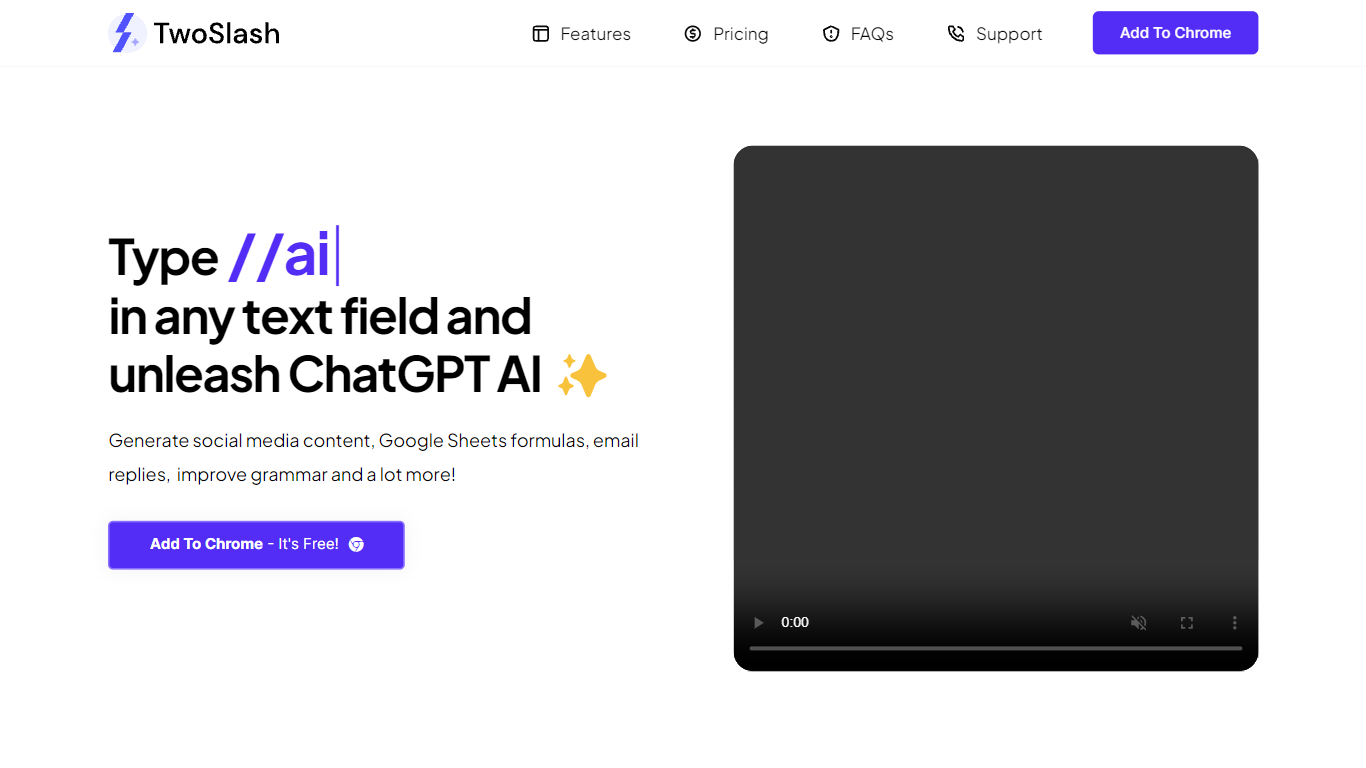

What is TwoSlash?
TwoSlash is a Chrome extension that drops ChatGPT into everyday text boxes across the web. Type // in a field on Gmail, Google Sheets, social sites, or code editors and the extension opens an AI command palette for rewriting, translating, summarizing, or generating content in place. Marketers, developers, and operators use it when they want ChatGPT-style help without copying text into a separate tab.
Browser chat sidebars are general purpose. TwoSlash focuses on inline triggers inside the field you are already typing in, with presets for emails, spreadsheet formulas, social replies, and code fixes. That makes it faster for repetitive micro-tasks than a standalone chat window, though it currently targets Chrome only while Edge and Firefox support are listed as coming soon.
The Standard plan runs on GPT-3.5 with up to 1,000 commands per month and no OpenAI API key required. A lifetime Bring Your Own Key tier lets you connect your own OpenAI credentials for unlimited commands and model choice including GPT-4. Feature requests go to support email, and the FAQ notes regular extension updates based on user feedback.
PSEUDO.AI
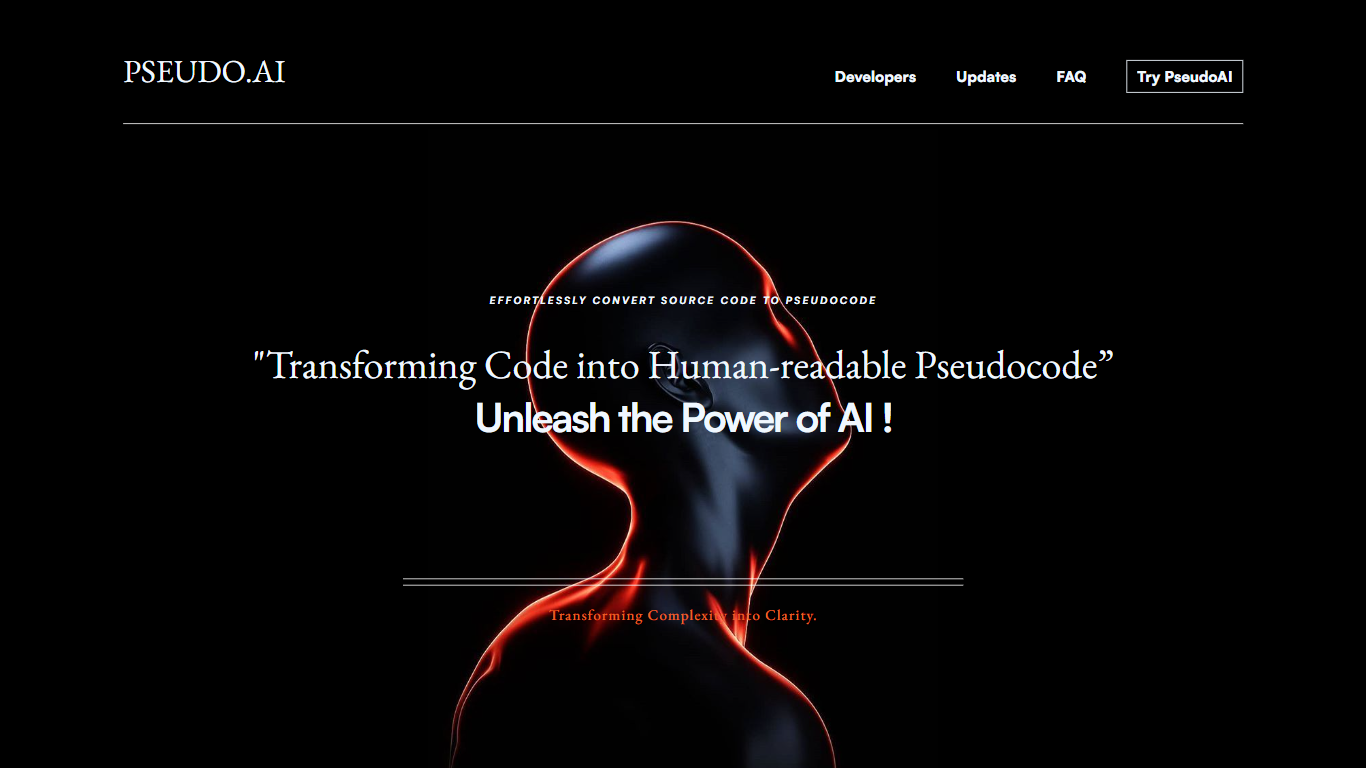
What is PSEUDO.AI?
PSEUDO.AI turns source code into human-readable pseudocode in your browser. You enter a prompt or code snippet, pick a language, and the app returns plain-language steps that read like structured pseudocode rather than raw syntax. It runs on the web at pseudoai.vercel.app with no install, and targets teams who need to explain implementation details to people who do not read code daily.
Most code explainers summarize what a snippet does in prose. PSEUDO.AI keeps the output closer to pseudocode structure, which makes handoffs to designers, product owners, or junior developers easier to scan. The trade-off is focus: it is built for pseudocode conversion, not debugging, testing, or repo-wide documentation. That narrow scope is the point when the goal is shared comprehension, not a full IDE workflow.
Software developers use it to translate tricky logic before code reviews or stakeholder meetings. Computer science students and instructors lean on it when a textbook example needs a readable walkthrough. Product managers and mentors who sit in technical discussions but do not write production code get a format they can follow without parsing braces and semicolons.
TwoSlash Upvotes
PSEUDO.AI Upvotes
TwoSlash Top Features
Type // in any text field to open AI commands without leaving the current page
Standard plan costs $9 per month with up to 1,000 commands and GPT-3.5, no API key required
Lifetime BYOK plan is $49 with unlimited commands when you connect your own OpenAI key
Built-in workflows cover writing, coding help, social replies, email drafts, and Google Sheets formulas
Chrome Web Store listing lets users install the extension for free to start
FAQ states GPT-4 and other OpenAI models are selectable on the bring-your-own-key plan
PSEUDO.AI Top Features
Choose from 12 languages on the converter page, including C, C++, C#, Java, Python 3, JavaScript, Node.js, PHP, Kotlin, Swift, and SQL.
Runs entirely in the browser at pseudoai.vercel.app with no downloads required, per the homepage FAQ.
Uses an OpenAI-trained GPT model to generate pseudocode from your code input, according to the site FAQ.
Three-step workflow on the converter: enter a prompt or topic, pick a language, then click GO and copy the output.
Homepage FAQ lists Java, Python, C++, and JavaScript among supported languages, with a broader list on the live converter.
TwoSlash Category
- Developer
PSEUDO.AI Category
- Developer
TwoSlash Pricing Type
- Freemium
PSEUDO.AI Pricing Type
- Free