Starlens vs TwoSlash
In the face-off between Starlens vs TwoSlash, which AI Developer tool takes the crown? We scrutinize features, alternatives, upvotes, reviews, pricing, and more.
In a face-off between Starlens and TwoSlash, which one takes the crown?
If we were to analyze Starlens and TwoSlash, both of which are AI-powered developer tools, what would we find? Interestingly, both tools have managed to secure the same number of upvotes. Every vote counts! Cast yours and contribute to the decision of the winner.
Does the result make you go "hmm"? Cast your vote and turn that frown upside down!
Starlens
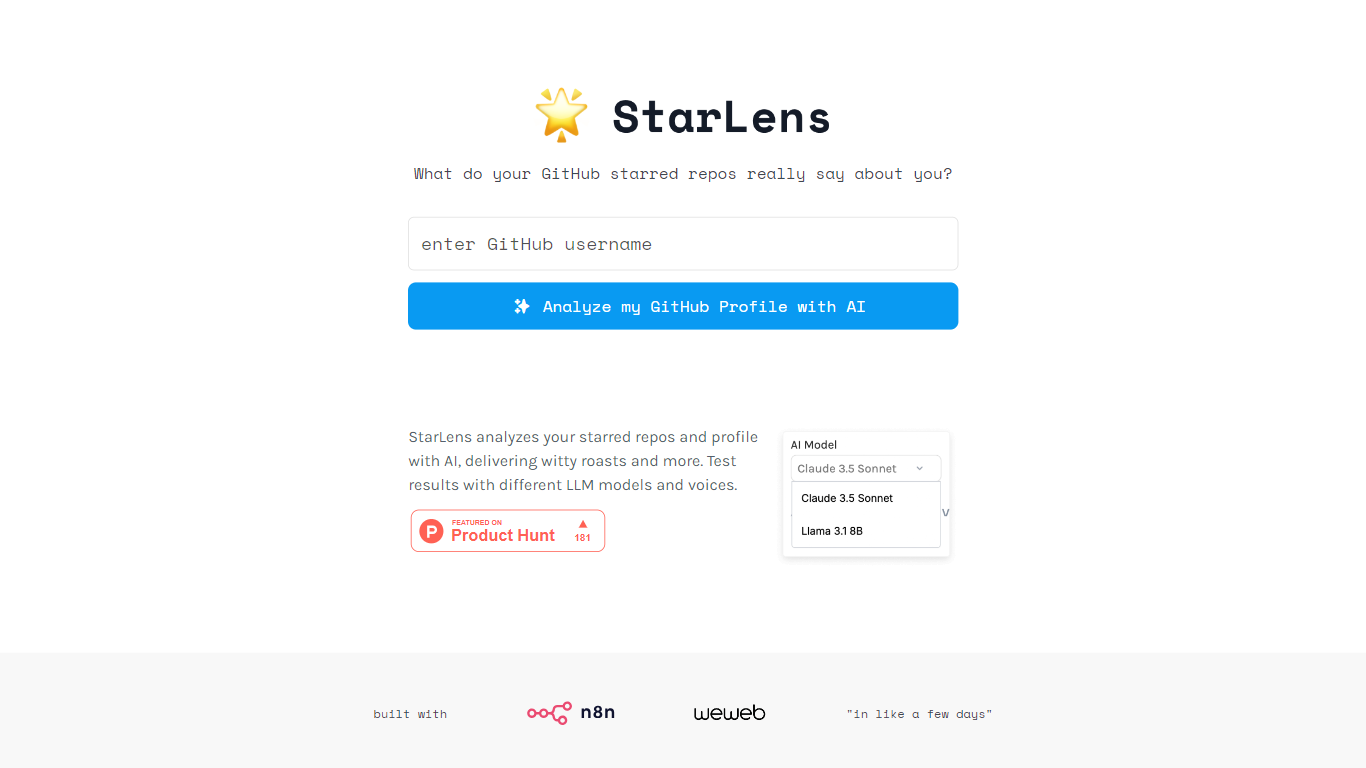

What is Starlens?
The website offers a comprehensive platform designed to enhance productivity and streamline workflows for professionals across various industries. Its core functionality revolves around task management, collaboration tools, and performance tracking, making it an essential tool for teams looking to optimize their operations. The target audience includes project managers, team leaders, and organizations seeking to improve efficiency and communication within their teams. The unique value proposition lies in its user-friendly interface combined with powerful features that cater to both small businesses and large enterprises. Key differentiators include real-time collaboration capabilities, customizable dashboards, and integration with popular third-party applications, setting it apart from competitors in the productivity software market.
TwoSlash
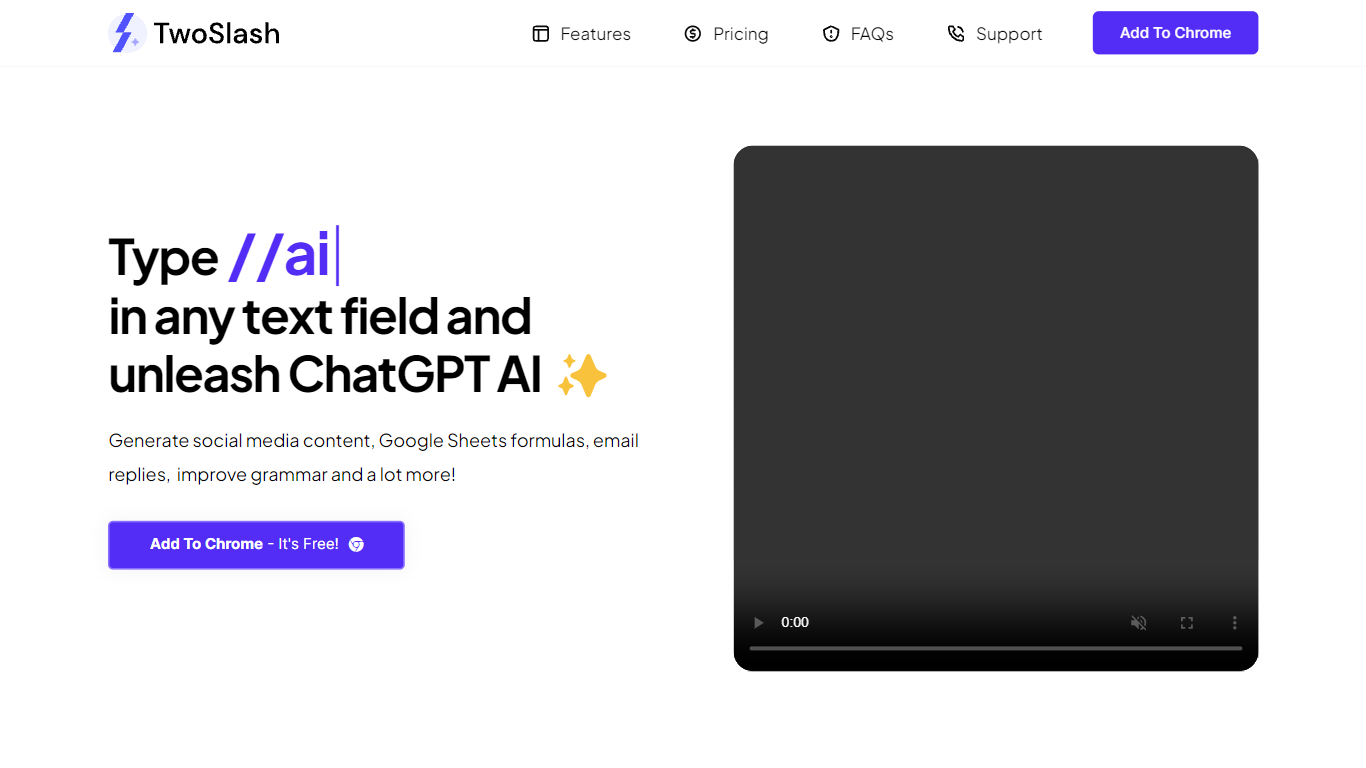
What is TwoSlash?
TwoSlash is a Chrome extension that drops ChatGPT into everyday text boxes across the web. Type // in a field on Gmail, Google Sheets, social sites, or code editors and the extension opens an AI command palette for rewriting, translating, summarizing, or generating content in place. Marketers, developers, and operators use it when they want ChatGPT-style help without copying text into a separate tab.
Browser chat sidebars are general purpose. TwoSlash focuses on inline triggers inside the field you are already typing in, with presets for emails, spreadsheet formulas, social replies, and code fixes. That makes it faster for repetitive micro-tasks than a standalone chat window, though it currently targets Chrome only while Edge and Firefox support are listed as coming soon.
The Standard plan runs on GPT-3.5 with up to 1,000 commands per month and no OpenAI API key required. A lifetime Bring Your Own Key tier lets you connect your own OpenAI credentials for unlimited commands and model choice including GPT-4. Feature requests go to support email, and the FAQ notes regular extension updates based on user feedback.
Starlens Upvotes
TwoSlash Upvotes
Starlens Top Features
Real-Time Collaboration: Enables team members to work together simultaneously on projects, enhancing communication and reducing delays.
Customizable Dashboards: Users can tailor their dashboards to display relevant metrics and tasks, improving focus and efficiency.
Integration with Third-Party Applications: Seamlessly connects with tools like Slack, Google Drive, and Trello, allowing for a unified workflow.
Performance Tracking: Provides analytics and reporting features to monitor team performance and project progress, facilitating data-driven decision-making.
User-Friendly Interface: Designed with simplicity in mind, ensuring that users can navigate the platform easily without extensive training.
TwoSlash Top Features
Type // in any text field to open AI commands without leaving the current page
Standard plan costs $9 per month with up to 1,000 commands and GPT-3.5, no API key required
Lifetime BYOK plan is $49 with unlimited commands when you connect your own OpenAI key
Built-in workflows cover writing, coding help, social replies, email drafts, and Google Sheets formulas
Chrome Web Store listing lets users install the extension for free to start
FAQ states GPT-4 and other OpenAI models are selectable on the bring-your-own-key plan
Starlens Category
- Developer
TwoSlash Category
- Developer
Starlens Pricing Type
- Freemium
TwoSlash Pricing Type
- Freemium