Gitya vs HuggingChat
Dive into the comparison of Gitya vs HuggingChat and discover which AI Code Assistant tool stands out. We examine alternatives, upvotes, features, reviews, pricing, and beyond.
In a comparison between Gitya and HuggingChat, which one comes out on top?
When we compare Gitya and HuggingChat, two exceptional code assistant tools powered by artificial intelligence, and place them side by side, several key similarities and differences come to light. With more upvotes, Gitya is the preferred choice. Gitya has received 7 upvotes from aitools.fyi users, while HuggingChat has received 6 upvotes.
Don't agree with the result? Cast your vote and be a part of the decision-making process!
Gitya

What is Gitya?
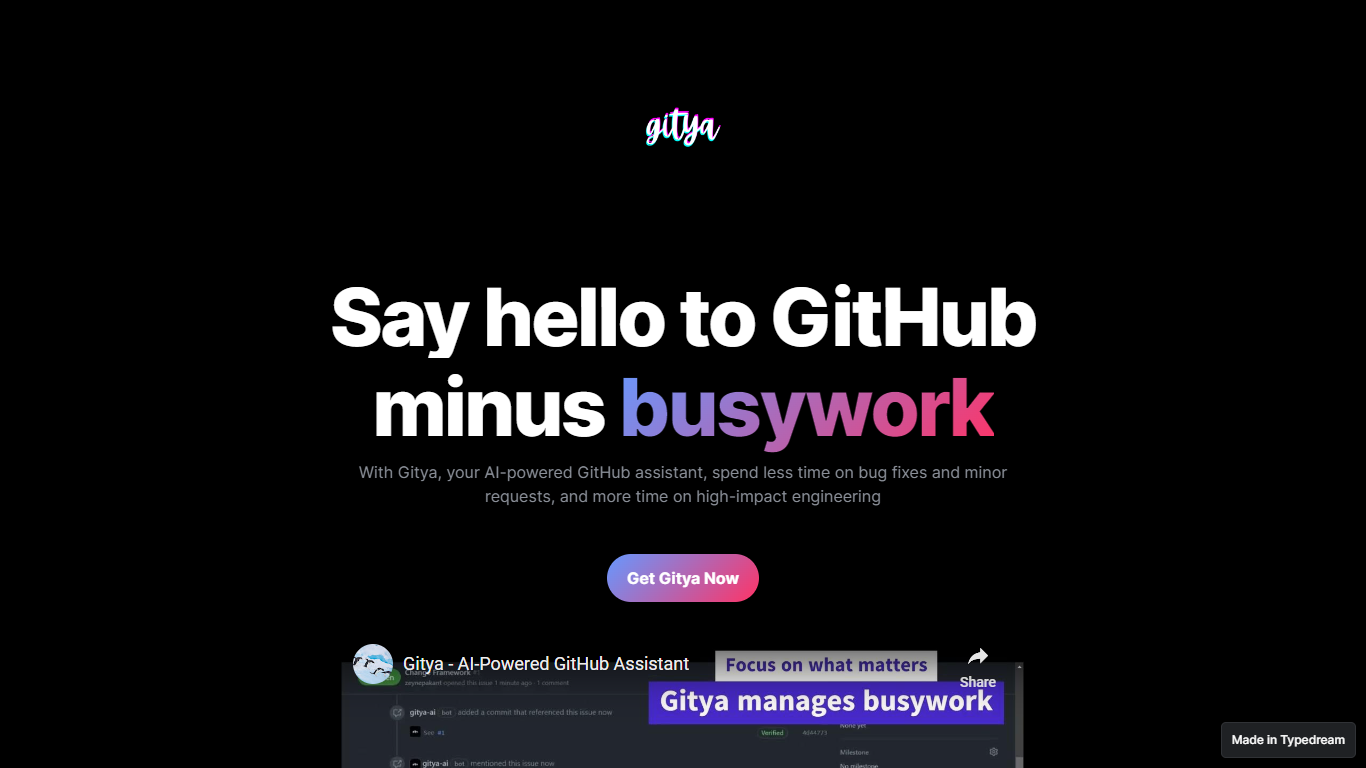
Gitya is a code assistant built as a GitHub App for repository workflow automation. It focuses on minor bug fixes, small requests, and pull request handling inside GitHub. The product positions itself as a way to spend less time on busywork and more on high-impact engineering. KocDigital develops Gitya as a standalone assistant for GitHub-native teams.
Most code assistants plug into your IDE and suggest completions line by line. Gitya instead runs as a GitHub App and automates work at the issue and pull request layer. Ticket automation starts when you label an issue with gitya, which tells the assistant to pick up minor tasks tied to that ticket. That label-driven trigger is a narrower, repo-centric approach than general copilots that do not manage GitHub issues directly.
Software engineers and development teams who manage bugs and reviews inside GitHub are the core audience. The landing page highlights automated pull request reviews and responses alongside issue automation for smaller fixes. New users request access through an email signup linked from the homepage rather than an on-site checkout flow.
HuggingChat
What is HuggingChat?
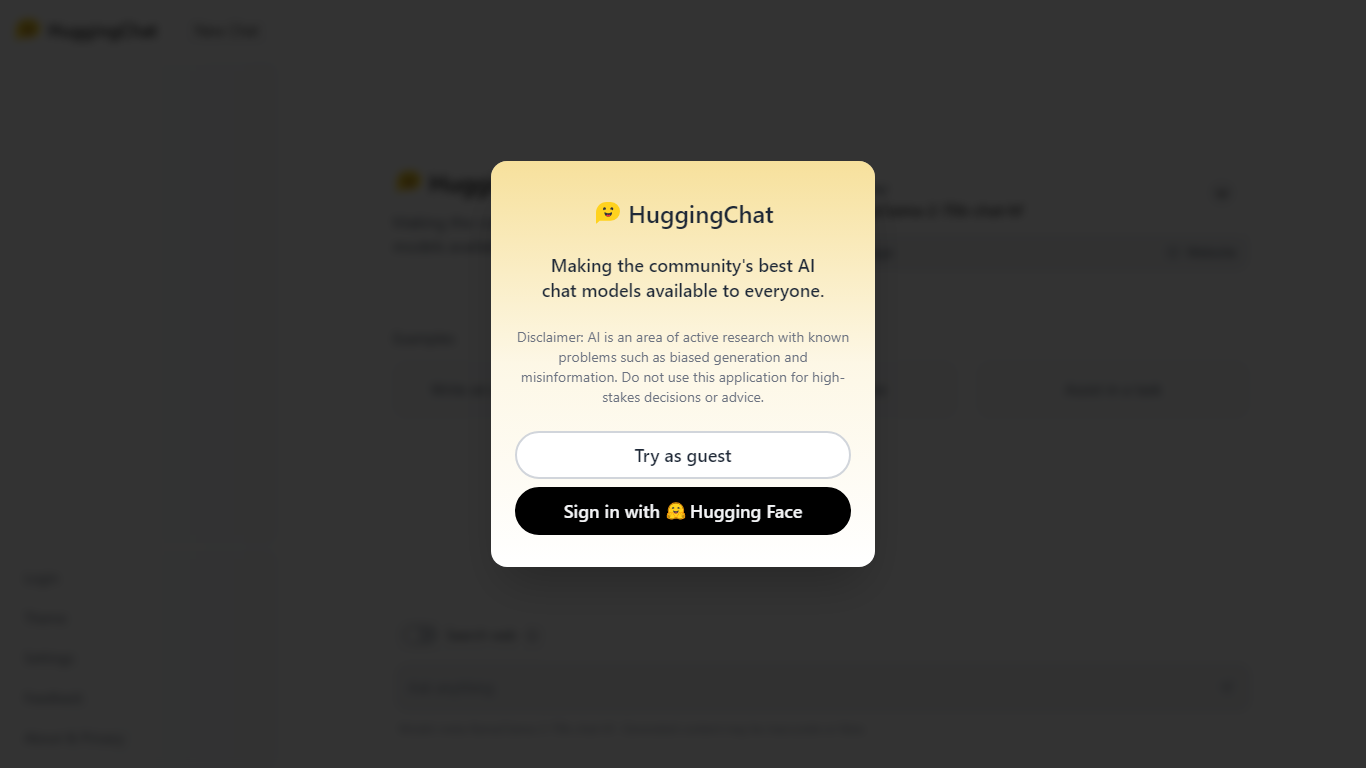
HuggingChat is a free chat assistant that runs open source AI models from the Hugging Face community. Pick a model directly or let Omni route your prompt to the best available option. The interface supports image generation, web tasks, dataset search, and MCP tool connections alongside standard text chat.
Closed chatbots lock you into one vendor model. HuggingChat exposes 137 open source models you can switch between mid-conversation, including newcomers like DeepSeek V4 Flash with a 1M-token context window. The trade-off is variable quality across models and a Hugging Face account requirement to save chats.
Developers, researchers, and curious users reach for it to test Llama, DeepSeek, and other community models without API keys or local GPU setup. Hugging Face positions it as making the community's best chat models available to everyone.
Gitya Upvotes
HuggingChat Upvotes
Gitya Top Features
Installs as a GitHub App inside your existing GitHub workflow
Label any issue with gitya to trigger automated handling of minor tasks
Automated pull request reviews and responses for open PRs
Built by KocDigital, with a public demo video on YouTube
Access starts through an email signup form linked from the homepage
HuggingChat Top Features
Choose from 137 open source chat models or let Omni auto-select the best fit
DeepSeek V4 Flash offers a 1M-token context window and adjustable thinking modes
MCP (Model Context Protocol) connections extend chat with external tools
Built-in prompts cover image generation, website building, and dataset search
Free to use with a Hugging Face account for chat history and settings
New Chat shortcut and per-model settings pages for application and Omni routing
Powered by Hugging Face with DR 91 on the parent domain
Gitya Category
- Code Assistant
HuggingChat Category
- Code Assistant
Gitya Pricing Type
- Freemium
HuggingChat Pricing Type
- Free