Glarity vs ChatPDF
In the battle of Glarity vs ChatPDF, which AI tool comes out on top? We compare reviews, pricing, alternatives, upvotes, features, and more.
Between Glarity and ChatPDF, which one is superior?
Upon comparing Glarity with ChatPDF, which are both AI-powered tools, In the race for upvotes, ChatPDF takes the trophy. ChatPDF has garnered 19 upvotes, and Glarity has garnered 9 upvotes.
Think we got it wrong? Cast your vote and show us who's boss!
Glarity

What is Glarity?
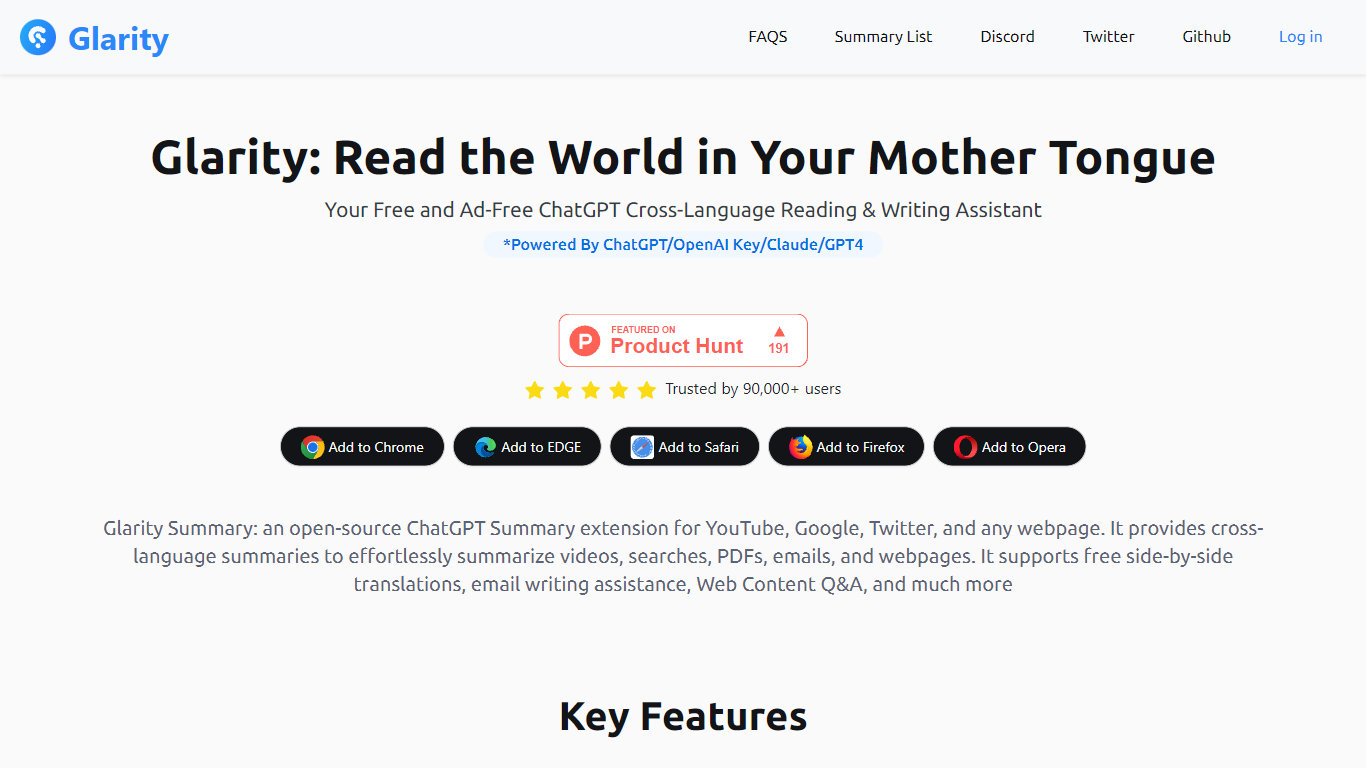
Glarity is a free browser extension from Felo Inc. that summarizes and translates pages as you browse. Install it on Chrome, Edge, Safari, Firefox, or Opera to get summaries for YouTube videos, Google results, Twitter posts, Gmail threads, PDFs, and any open webpage. It runs on models including GPT-4o, Claude 3.5, and Gemini Pro, and the core extension is ad-free.
Most standalone chat tools make you copy URLs into a separate window. Glarity embeds summaries, side-by-side translation, and page Q&A directly in the sites you already use, including an open-source extension repo on GitHub. Compared with default ChatGPT limits, Glarity membership advertises unlimited-duration YouTube summaries and PDF handling for roughly 300 pages versus four-page caps on the free ChatGPT side.
It suits readers working across languages, researchers who want quick digests of pages and videos, and anyone who prefers AI helpers inside Google, YouTube, and Gmail rather than switching tabs. Paid Glarity Standard, Pro, and Plus plans add higher monthly token limits and advanced query allowances when the free tier is not enough.
ChatPDF
What is ChatPDF?
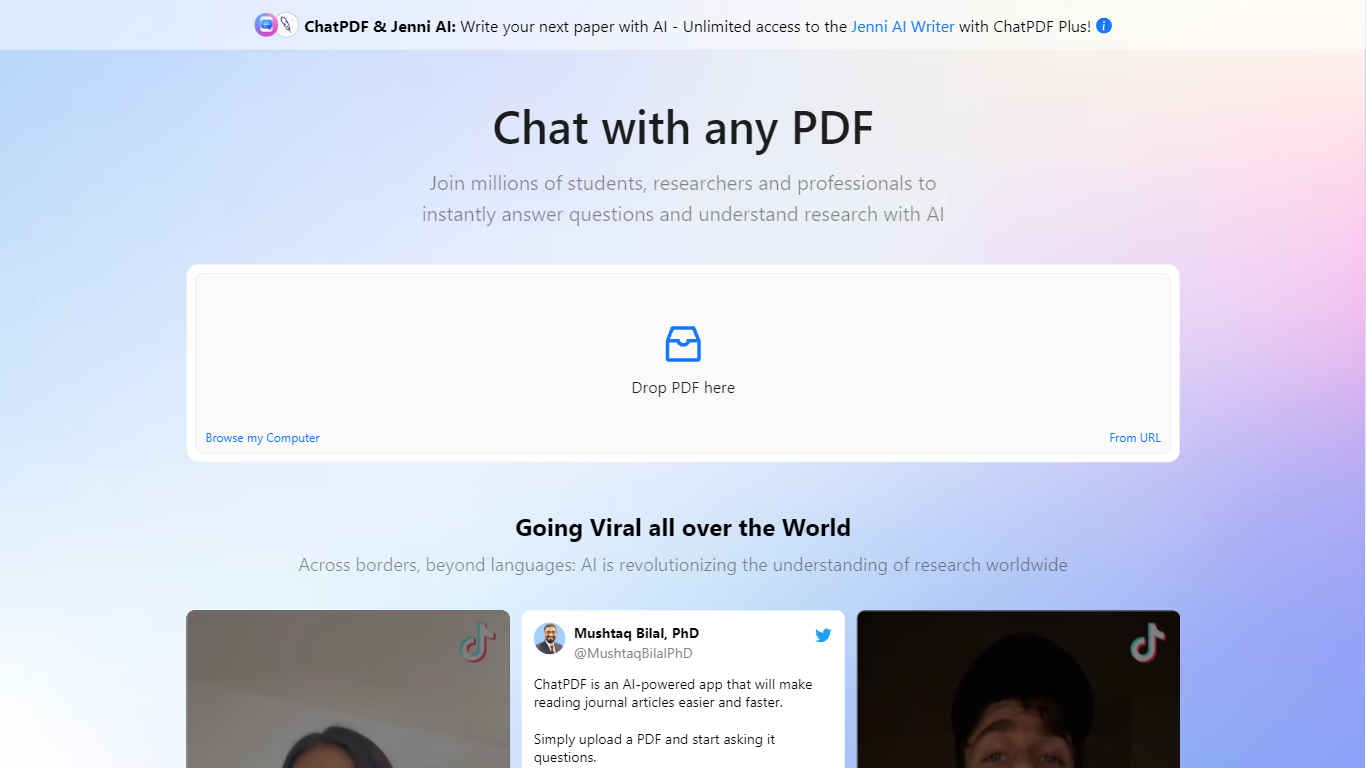
Upload a PDF and ask questions in plain language; ChatPDF maps every answer back to the page where it found the evidence. You can also paste YouTube links, website URLs, or plain text to start a chat without uploading a file. Supported uploads include PDF, Word, PowerPoint, Markdown, and plain text.
Unlike standalone PDF chat apps, ChatPDF bundles document chat with AI Research, AI Writer, AI Detector, YouTube chat, flashcards, and slides under one account. The side-by-side layout keeps your source open next to the chat, and citations jump straight to the referenced passage. General chatbots can summarize pasted text, but they do not map answers back to page numbers across multiple files in a folder.
Students use it to study for exams, summarize lecture notes, and work through homework faster. Researchers run literature reviews, chat with open-access papers in AI Research, and draft cite-ready text in AI Writer. Professionals turn to it for contracts, manuals, financial reports, and training materials.
The site cites more than 10 million users and over one million questions answered daily. ChatPDF routes queries between GPT-4o and GPT-4o-mini, and the free tier covers two documents per day with no account required.
Glarity Upvotes
ChatPDF Upvotes
Glarity Top Features
Summarize YouTube videos with highlights, FAQs, subtitles, and timestamped key moments in over a dozen languages
Generate summaries for Google search results, Twitter posts, news pages, and any webpage with custom extraction prompts
Translate full webpages side by side with up to 10 parallel translation streams per second
Chat with PDF and webpage content; Glarity advertises PDF summaries for documents of roughly 300 pages
Draft Gmail replies with quick responses, summaries, and sender intent analysis from the extension
Use Felo AI Chat with 10+ models, a 200k context window, and image generation
ChatPDF Top Features
Free tier analyzes up to 2 documents per day with no account required
Supports PDF, Word (.doc/.docx), PowerPoint (.ppt/.pptx), Markdown, and .txt uploads
Answers include clickable citations that jump to the exact page in your document
Multi-file folders let you query and compare several documents in one conversation
Routes queries between GPT-4o and GPT-4o-mini for speed and answer quality
AI Research searches academic papers and chats with open-access PDFs
YouTube chat returns answers with timestamp links to relevant video moments
Glarity Category
- Translation
ChatPDF Category
- PDF
Glarity Pricing Type
- Freemium
ChatPDF Pricing Type
- Freemium