Glarity vs VideoDubber
In the battle of Glarity vs VideoDubber, which AI Translation tool comes out on top? We compare reviews, pricing, alternatives, upvotes, features, and more.
Which one is better? Glarity or VideoDubber?
Upon comparing Glarity with VideoDubber, which are both AI-powered translation tools, Glarity is the clear winner in terms of upvotes. Glarity has 9 upvotes, and VideoDubber has 6 upvotes.
You don't agree with the result? Cast your vote to help us decide!
Glarity
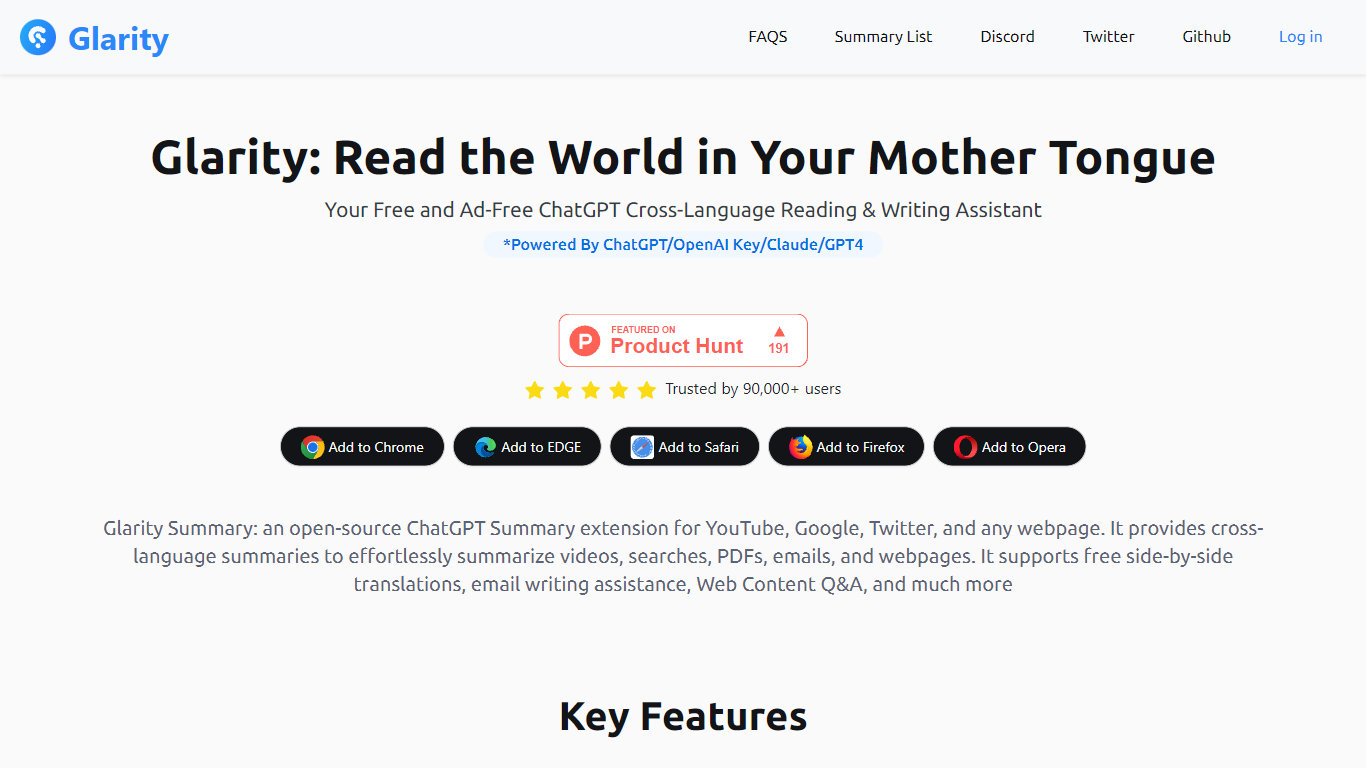

What is Glarity?
Glarity is a free browser extension from Felo Inc. that summarizes and translates pages as you browse. Install it on Chrome, Edge, Safari, Firefox, or Opera to get summaries for YouTube videos, Google results, Twitter posts, Gmail threads, PDFs, and any open webpage. It runs on models including GPT-4o, Claude 3.5, and Gemini Pro, and the core extension is ad-free.
Most standalone chat tools make you copy URLs into a separate window. Glarity embeds summaries, side-by-side translation, and page Q&A directly in the sites you already use, including an open-source extension repo on GitHub. Compared with default ChatGPT limits, Glarity membership advertises unlimited-duration YouTube summaries and PDF handling for roughly 300 pages versus four-page caps on the free ChatGPT side.
It suits readers working across languages, researchers who want quick digests of pages and videos, and anyone who prefers AI helpers inside Google, YouTube, and Gmail rather than switching tabs. Paid Glarity Standard, Pro, and Plus plans add higher monthly token limits and advanced query allowances when the free tier is not enough.
VideoDubber
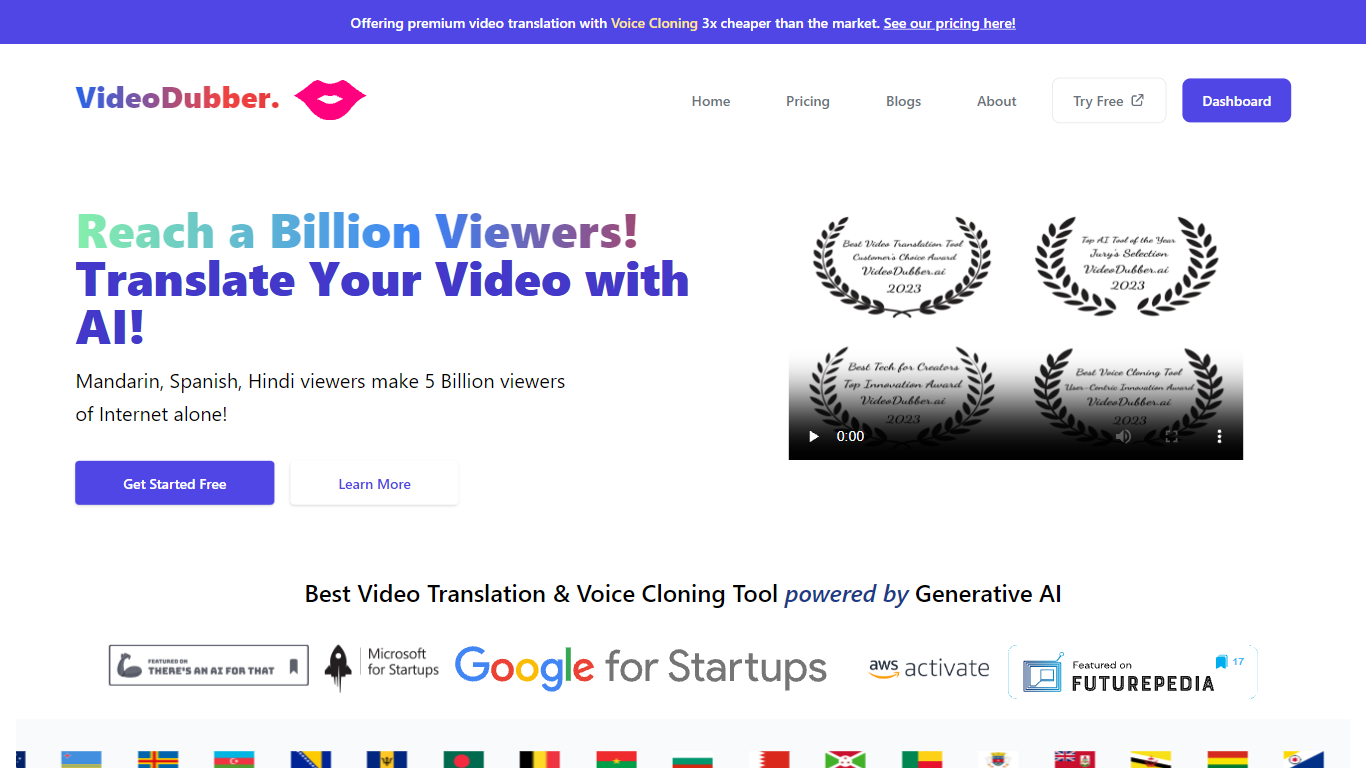
What is VideoDubber?
VideoDubber is a video translation and dubbing platform that turns uploaded footage into localized versions with cloned voices, lip sync, and subtitles. You upload a video, pick a target language, and get back a dubbed MP4 or subtitle files in SRT or VTT format. The service covers 150+ languages and handles multi-speaker projects with per-speaker voice selection.
Where most voice tools stop at audio-only dubbing, VideoDubber bundles frame-accurate lip sync (SyncPRO) and unlimited post-export edits in the same workflow. Its per-minute pricing undercuts ElevenLabs on the comparison table the site publishes, and editing scripts or re-exporting does not trigger metered revision fees on any plan.
YouTubers, e-learning teams, and marketing departments use VideoDubber to localize course libraries, YouTube channels, and promotional videos without reshooting. The platform also ships a REST API with translate, dub, and lipsync endpoints for teams embedding dubbing into a CMS or LMS pipeline.
Glarity Upvotes
VideoDubber Upvotes
Glarity Top Features
Summarize YouTube videos with highlights, FAQs, subtitles, and timestamped key moments in over a dozen languages
Generate summaries for Google search results, Twitter posts, news pages, and any webpage with custom extraction prompts
Translate full webpages side by side with up to 10 parallel translation streams per second
Chat with PDF and webpage content; Glarity advertises PDF summaries for documents of roughly 300 pages
Draft Gmail replies with quick responses, summaries, and sender intent analysis from the extension
Use Felo AI Chat with 10+ models, a 200k context window, and image generation
VideoDubber Top Features
150+ target languages with 180+ voice options listed on the about page
VoicePARROT voice cloning trained on 200K+ hours of real speech for natural dubbing
SyncPRO frame-accurate lip sync that tracks dubbed audio syllable by syllable
Export finished projects as SRT, VTT, or fully dubbed MP4 from one editor
REST API with POST /v1/translate, /v1/dub, and /v1/lipsync endpoints plus job polling
Glossary locking keeps product names and key terms consistent across languages
Unlimited script edits and re-exports with no metered revision fees on any plan
Glarity Category
- Translation
VideoDubber Category
- Translation
Glarity Pricing Type
- Freemium
VideoDubber Pricing Type
- Freemium