Glean vs Ask an AI
In the battle of Glean vs Ask an AI, which AI Search Engine tool comes out on top? We compare reviews, pricing, alternatives, upvotes, features, and more.
Which one is better? Glean or Ask an AI?
Upon comparing Glean with Ask an AI, which are both AI-powered search engine tools, Both tools have received the same number of upvotes from aitools.fyi users. Every vote counts! Cast yours and contribute to the decision of the winner.
Want to flip the script? Upvote your favorite tool and change the game!
Glean
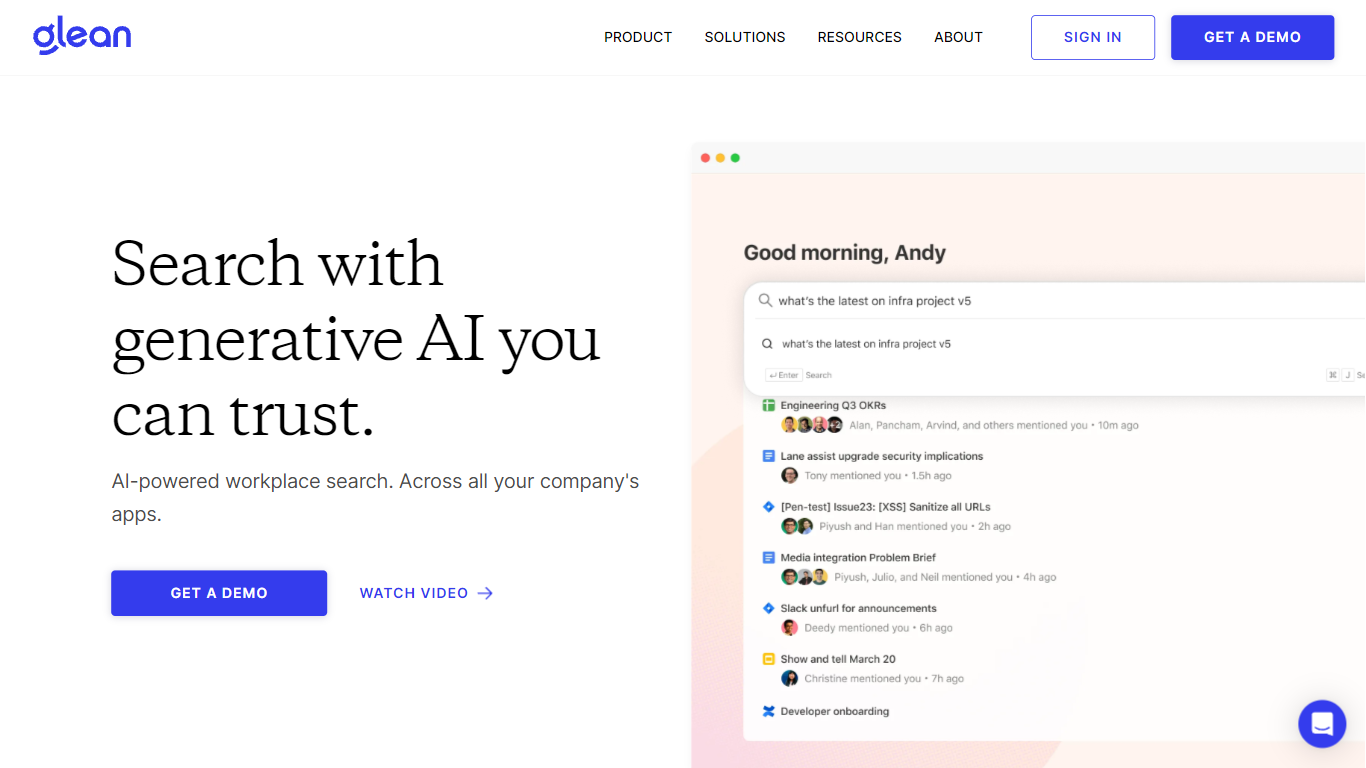

What is Glean?
Glean connects your company's apps, documents, and permissions into one enterprise search and Work AI platform. Employees ask questions in natural language, get answers grounded in Slack, Google Drive, Jira, Confluence, Salesforce, and hundreds of other sources, then automate follow-up work with assistants and agents. The system respects existing access controls so people only see what they are already allowed to view.
Generic AI chat tools send broad prompts to models without your org chart, ticket history, or doc permissions baked in. Glean indexes enterprise context once, maps relationships in an Enterprise Graph, and claims a 30% reduction in token usage compared with off-the-shelf MCP tools because less irrelevant text reaches the model. That matters when every department is spinning up agents on the same data.
IT, engineering, sales, support, and HR teams at companies like Booking.com, Zillow, and Samsung use Glean to find answers faster, build no-code agents, and cut internal support tickets. Deployment is demo-led: you request access through Glean's sales flow rather than self-serve signup.
Ask an AI
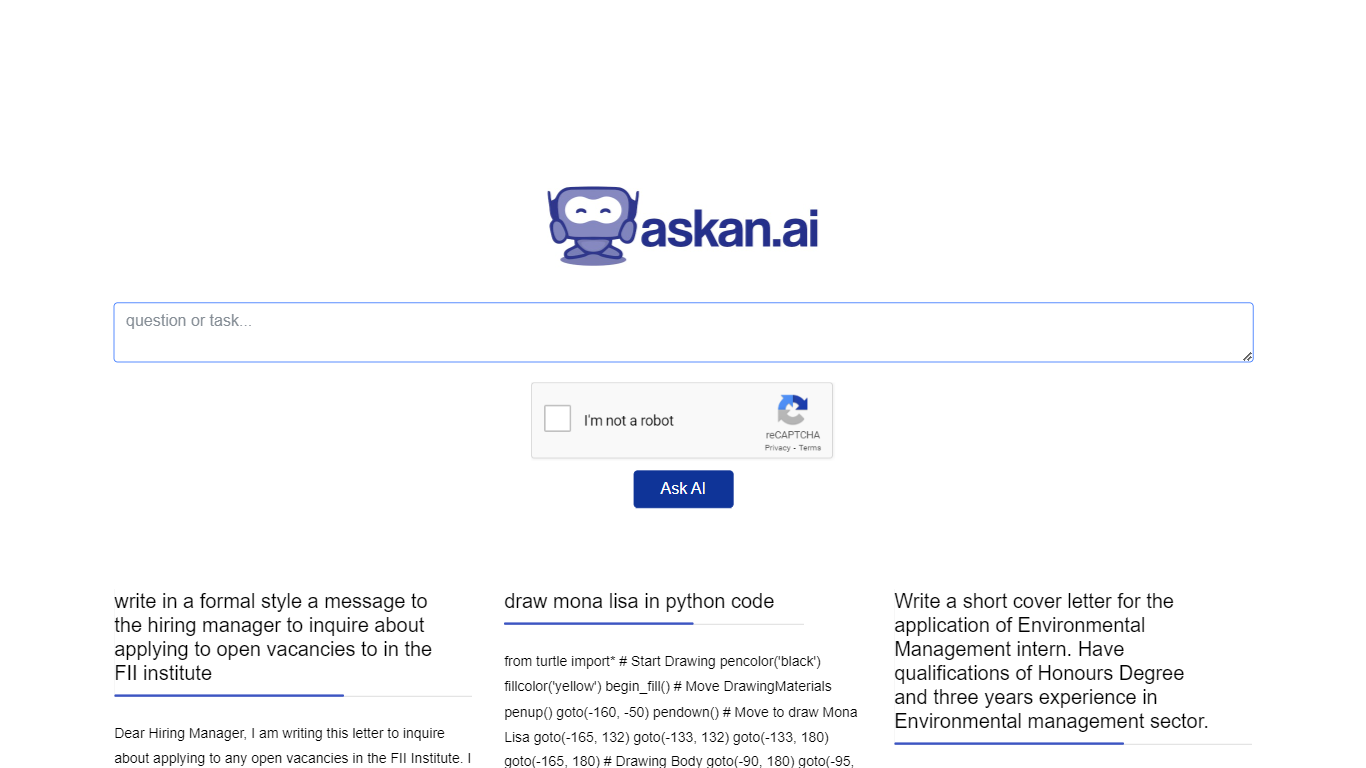
What is Ask an AI?
Ask an AI (askan.ai) is a free AI search and Q&A site where you type a question and get a checked answer in seconds. It runs entirely in the browser with no account signup. Answers are generated through the OpenAI API, then screened before you see them.
Most answer bots publish whatever the model returns. askan.ai sends each answer through an independent editorial model that scores it on five dimensions, including search demand, usefulness, originality, clarity, and legal safety. Only 45.8% pass that quality gate, and the site lists 707 published answers with a median editorial score of 78 out of 100. Strong answers become permanent public pages you can link to and cite.
The site targets writers, researchers, and anyone who needs a referenceable answer rather than a throwaway chat reply. Questions must stay between 10 and 500 characters, and inputs with email addresses or phone numbers are rejected automatically. Personal data is never published on answer pages.
Fair-use rate limits apply per person and per day to keep the service free. You can request removal of a published page through the imprint contact details at any time.
Glean Upvotes
Ask an AI Upvotes
Glean Top Features
275+ out-of-the-box connectors sync Slack, Google Drive, Jira, Confluence, GitHub, and Salesforce
Supports 35+ unique LLMs with flexible model choice across the platform
Glean claims 110 hours saved per user per year and 20% fewer internal support tickets
Permission-aware search inherits source-app access rules so users only see allowed content
SOC 2 Type II, ISO 27001, ISO 42001, HIPAA, and GDPR compliance badges listed on the homepage
Ask an AI Top Features
Only 45.8% of generated answers pass the editorial quality gate to become published pages
707 answers live in the public knowledge base with a median editorial score of 78/100
Questions must be 10-500 characters with no personal data or contact details
No account signup required; ask and get an answer in seconds
Published answers carry a visible quality-checked mark and an AI disclaimer
Answers that fail the gate are unlisted or shown once and not stored
Glean Category
- Search Engine
Ask an AI Category
- Search Engine
Glean Pricing Type
- Paid
Ask an AI Pricing Type
- Free