Glimmer AI vs SlidesAI
In the clash of Glimmer AI vs SlidesAI, which AI Presentation tool emerges victorious? We assess reviews, pricing, alternatives, features, upvotes, and more.
When we put Glimmer AI and SlidesAI head to head, which one emerges as the victor?
Let's take a closer look at Glimmer AI and SlidesAI, both of which are AI-driven presentation tools, and see what sets them apart. SlidesAI is the clear winner in terms of upvotes. SlidesAI has attracted 9 upvotes from aitools.fyi users, and Glimmer AI has attracted 6 upvotes.
Does the result make you go "hmm"? Cast your vote and turn that frown upside down!
Glimmer AI

What is Glimmer AI?
Glimmer AI revolutionizes the way presentations are created and delivered by leveraging the power of AI. Utilizing advanced technologies such as GPT-3 and DALL·E 2, Glimmer provides an intuitive platform to turn your ideas into professionally crafted presentations with stunning visuals. With GlimmerAI's innovative tools, users can simply describe their ideas through text or voice commands, and Glimmer does the heavy lifting to bring those concepts to life in the form of a ready-made presentation. This streamlined approach allows for quick text and voice edits as well as the integration of interactive elements to make your presentations truly engaging. Whether you're collaborating with a team or presenting to a global audience, Glimmer gives you the capabilities to share and export your presentations with just one click. Sign up for the waitlist now to obtain free credits upon launch and experience the new era of dynamic and immersive presentation creating and sharing with GlimmerAI.
SlidesAI
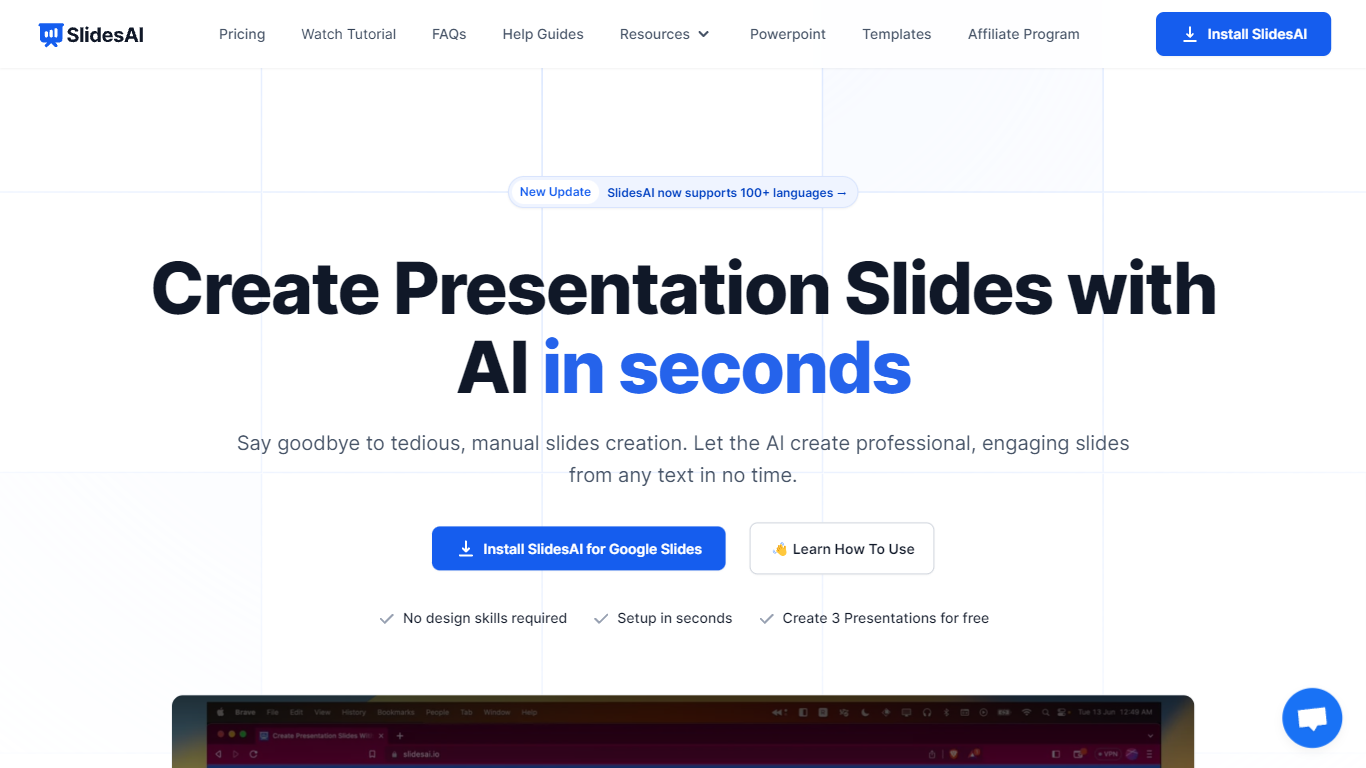
What is SlidesAI?
SlidesAI turns text, topics, or uploaded documents into structured presentation slides inside Google Slides, Microsoft PowerPoint, or its web app. You enter a prompt or paste notes, pick a theme, and the tool builds a full deck with layouts, speaker-ready content, and visuals.
It runs as a Google Workspace add-on, a PowerPoint add-in, a browser web app, and a ChatGPT integration that saves decks directly to Google Drive. That means you stay in the editors you already use instead of exporting files from a separate design tool.
SlidesAI is built for teachers, students, and professionals who need classroom lessons, pitch decks, or training slides without spending hours on formatting. It supports 100+ languages for slide content, offers quiz layouts for educators, and includes AI editing tools to rephrase, translate, or regenerate individual slides.
Glimmer AI Upvotes
SlidesAI Upvotes
Glimmer AI Top Features
AI-Driven Content Generation: Utilizes GPT-3 and DALL·E 2 to automatically create presentations from user-provided text or voice commands.
Ease of Use: Offers a simple and intuitive interface for describing ideas and getting results.
Editable Presentations: Allows text and voice edits post-creation for personalized adjustments.
Sharing and Export Options: Enables users to export presentations to PPTX or PDF with a single click.
Collaboration and Analytics: Supports team collaboration and provides analytics for a thorough examination of presentation viewership.
SlidesAI Top Features
Build full slide decks from a topic, bullet list, or uploaded PDF and Word documents
Works inside Google Slides, PowerPoint, a web app, and ChatGPT with direct Google Drive saves
Rephrase, shorten, translate, or remix individual slides without leaving your editor
Insert AI-generated images or search royalty-free stock photos by category
Create classroom quiz slides with multiple-choice, true/false, and open-ended layouts
Generate presentations in 100+ languages with 22 app interface translations
Glimmer AI Category
- Presentation
SlidesAI Category
- Presentation
Glimmer AI Pricing Type
- Freemium
SlidesAI Pricing Type
- Freemium