
Last updated 08-31-2026
Category:
Reviews:
Join thousands of AI enthusiasts in the World of AI!
SlidesAI
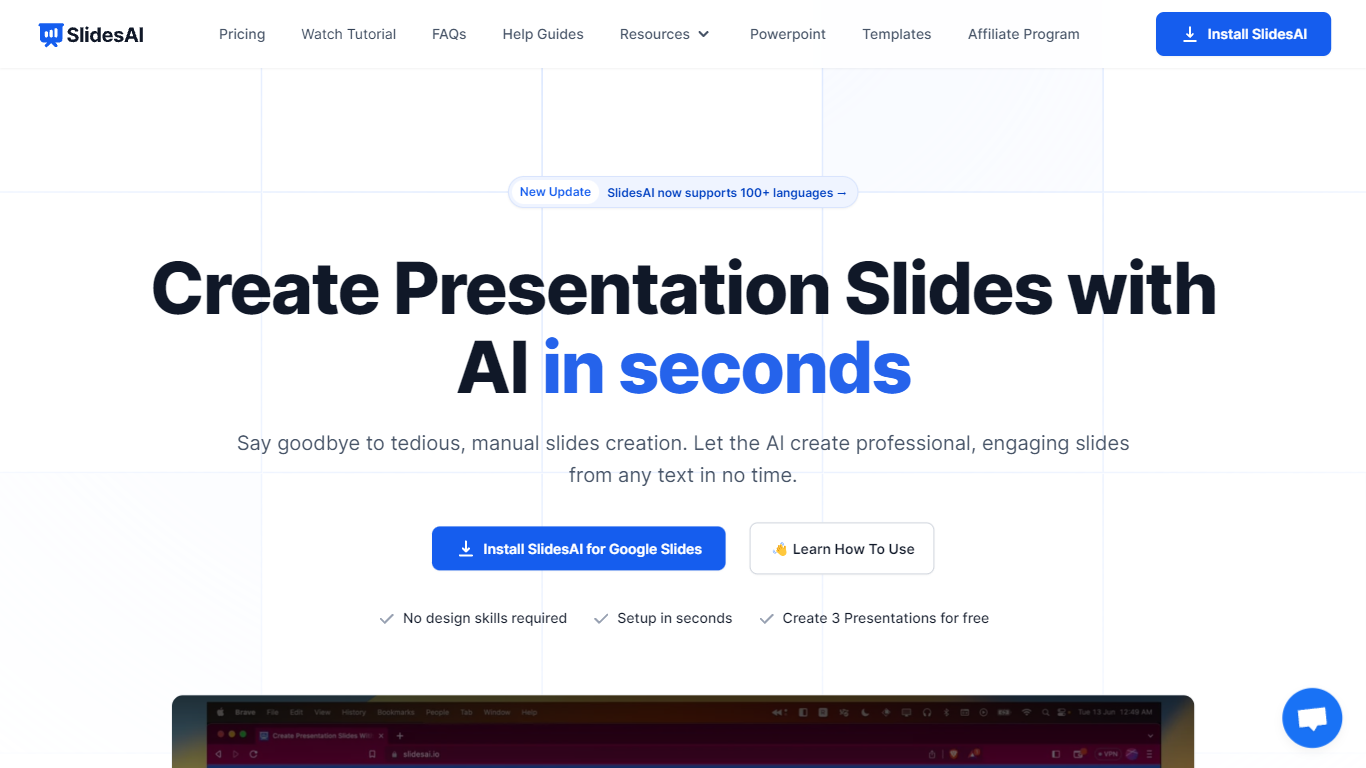
SlidesAI is a presentation generator that turns topics, notes, scripts, and uploaded documents into slide decks inside Google Slides, PowerPoint, ChatGPT, or a browser web app. You paste text or upload a file, pick tone and template, and get structured slides with layouts and visuals without leaving the editor you already use. The product reports 14M+ installs and 3.7M+ presentations created across its Google Workspace and Microsoft marketplace add-ons.
Most AI deck builders live in their own canvas and ask you to export when you are done. SlidesAI meets you inside Google Slides, PowerPoint, and ChatGPT, then hands off native files you can keep editing. Its comparison page lists automatic animations on generation and editable AI diagrams as full supports where several rivals mark those as partial or unavailable.
Teachers use it for lecture decks and lesson plans, students for thesis defenses and class presentations, and professionals for pitch decks, board updates, and sales proposals. Use-case pages map common workflows like meeting notes to client pitches and research notes to defense slides.
Build decks from topics, notes, scripts, or uploaded Word, PDF, and Google Doc files
Runs inside Google Slides, PowerPoint, ChatGPT, and a web app with export to native PPTX and Google Slides files
Free Basic plan includes 12 presentations per year with 1,000-character input and 120 AI credits per year
Pro plan at $10 per month or $120 per year includes 120 presentations per year, 6,000-character input, and document upload
Applies animations automatically at generation and supports editable AI diagrams, flowcharts, and timelines
Premium plan at $20.83 per month or $250 per year adds unlimited presentations and 12,000-character input per deck
Works inside Google Slides, PowerPoint, ChatGPT, and the web without forcing a separate editor.
Free Basic tier needs no credit card and includes 12 presentations per year.
Document upload on paid plans structures PDFs and Word files into slide outlines.
Automatic animations and AI diagram editing at generation time, per SlidesAI's public comparison table.
Free plan limits input to 1,000 characters per presentation.
Basic tier caps usage at 12 presentations and 120 AI credits per year.
Team and Institution plan details are not spelled out on the public Individual pricing tab.
Does SlidesAI work with Google Slides and PowerPoint?
Yes. SlidesAI runs as a Google Slides add-on, a PowerPoint add-in, a browser web app, and a ChatGPT integration. Decks export as editable native Google Slides and PowerPoint files, and the web app can also export PDF.
How many presentations can I create on the free SlidesAI plan?
SlidesAI Basic is free and includes 12 presentations per year, up to 1,000 characters of input per presentation, and 120 AI credits per year. Paid Pro and Premium plans raise those limits, with Premium offering unlimited presentations.
Can SlidesAI turn a PDF or document into slides?
Yes. SlidesAI accepts pasted notes, scripts, document URLs, and file uploads including Word docs and PDFs on paid plans. It extracts key points, organizes sections, and builds a structured deck you can refine before presenting.
Does SlidesAI work inside ChatGPT?
Yes. SlidesAI offers a ChatGPT presentation maker where you describe the deck in chat and save the result to Google Slides. That keeps the same workflow as the Google Slides add-on without opening a separate design canvas first.
What is included in SlidesAI Pro versus Premium?
SlidesAI Pro costs $10 per month or $120 per year and includes 120 presentations per year, 6,000-character input, 600 AI credits per year, and document upload. Premium costs $20.83 per month or $250 per year with unlimited presentations, 12,000-character input, and 1,200 AI credits per year.
Does SlidesAI export editable presentation files?
Yes. SlidesAI exports native Google Slides and PowerPoint files rather than static images. You can keep editing layouts, text, and visuals in the host app, share for real-time collaboration, or download a working PPTX from the web app.