Peach App vs SlidesAI
In the contest of Peach App vs SlidesAI, which AI Presentation tool is the champion? We evaluate pricing, alternatives, upvotes, features, reviews, and more.
If you had to choose between Peach App and SlidesAI, which one would you go for?
When we examine Peach App and SlidesAI, both of which are AI-enabled presentation tools, what unique characteristics do we discover? SlidesAI is the clear winner in terms of upvotes. SlidesAI has been upvoted 9 times by aitools.fyi users, and Peach App has been upvoted 6 times.
Not your cup of tea? Upvote your preferred tool and stir things up!
Peach App

What is Peach App?
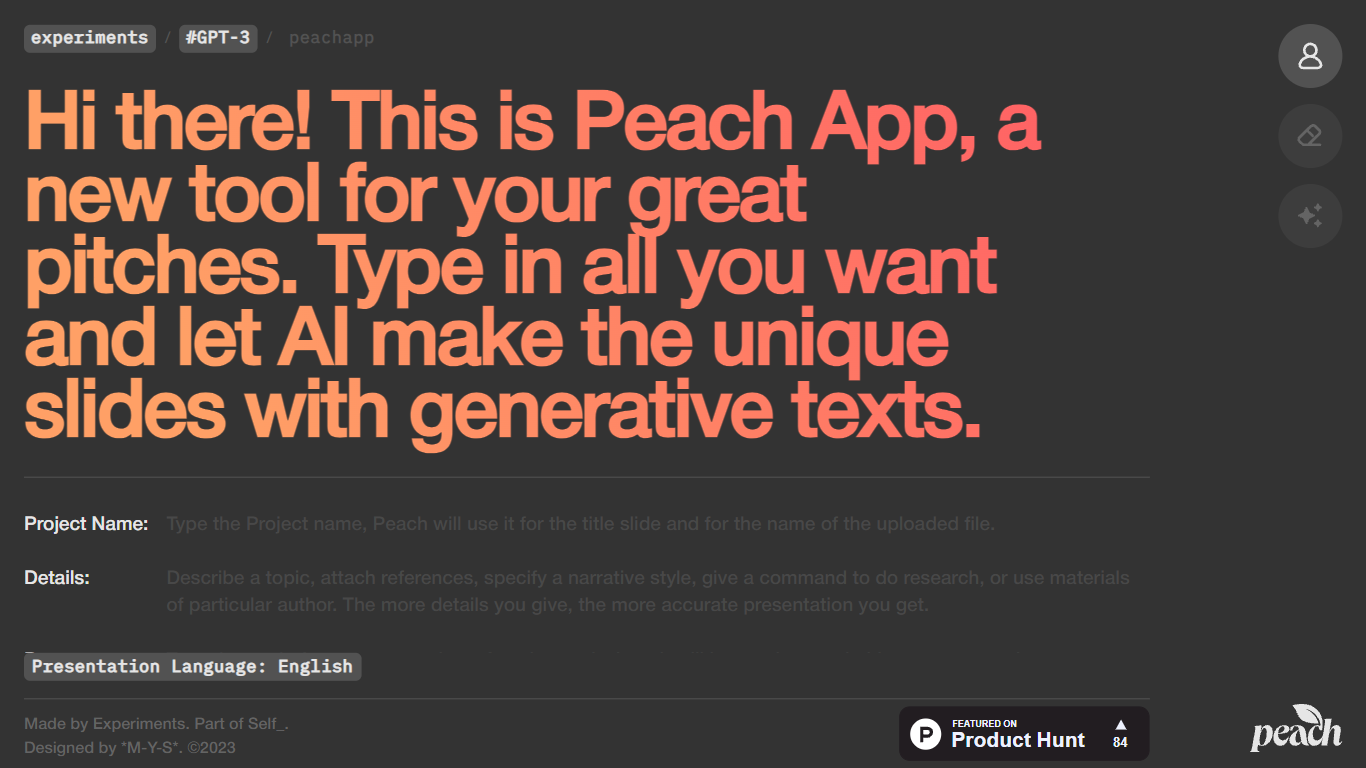
Peach App turns a short project brief into a slide deck with AI-written copy. You enter a project name, details, purpose, and presentation language, and Peach App generates unique slides with generative text for each one. It lives on Self.team's experiments hub as a lightweight pitch builder rather than a full presentation suite.
Compared with Canva or Gamma, Peach App skips templates, branding controls, and export options. You get a fast first draft from four text fields, which works when you need slides in minutes and do not care about pixel-level design.
Peach App suits founders, students, and freelancers who want a starting point for investor or client pitches without opening PowerPoint. It launched on Product Hunt in 2023 as a Self.team experiment and remains free to use with no account gate on the homepage.
SlidesAI
What is SlidesAI?
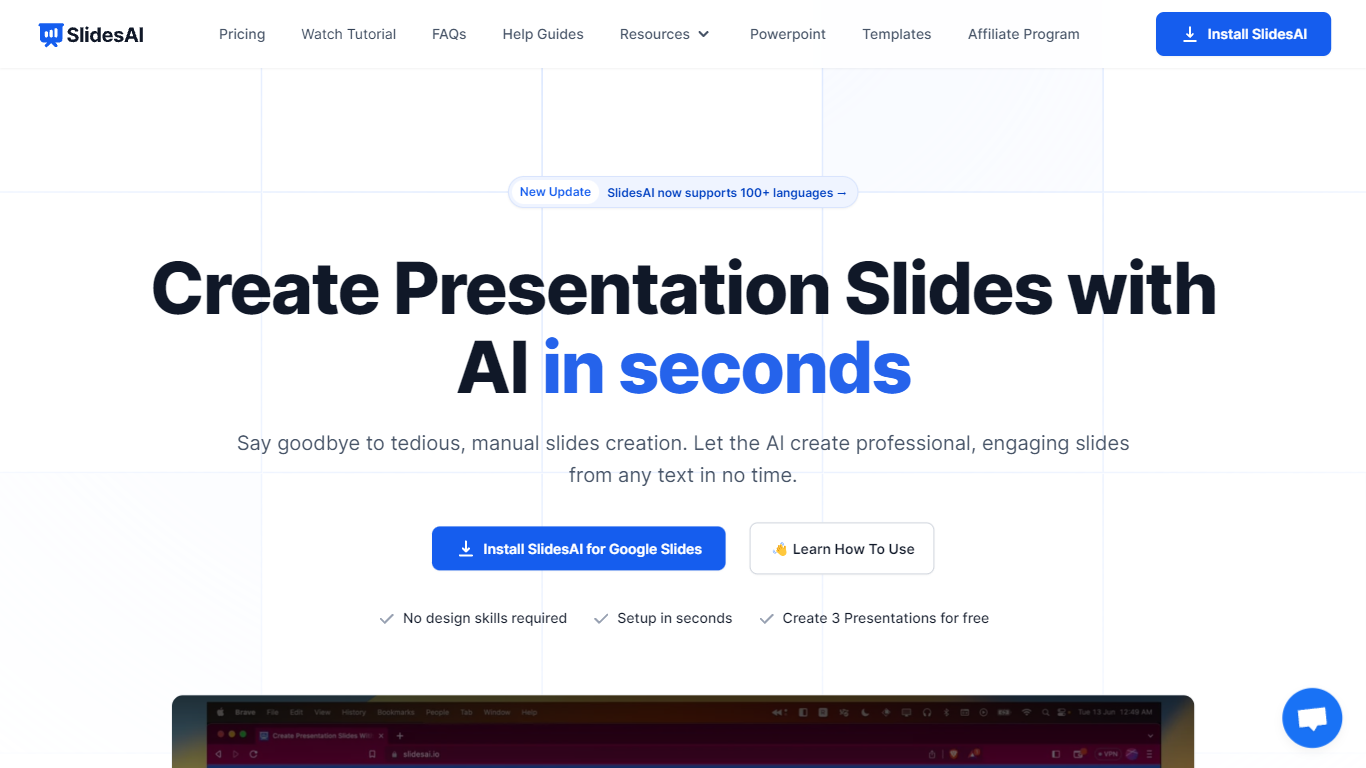
SlidesAI is a presentation generator that turns topics, notes, scripts, and uploaded documents into slide decks inside Google Slides, PowerPoint, ChatGPT, or a browser web app. You paste text or upload a file, pick tone and template, and get structured slides with layouts and visuals without leaving the editor you already use. The product reports 14M+ installs and 3.7M+ presentations created across its Google Workspace and Microsoft marketplace add-ons.
Most AI deck builders live in their own canvas and ask you to export when you are done. SlidesAI meets you inside Google Slides, PowerPoint, and ChatGPT, then hands off native files you can keep editing. Its comparison page lists automatic animations on generation and editable AI diagrams as full supports where several rivals mark those as partial or unavailable.
Teachers use it for lecture decks and lesson plans, students for thesis defenses and class presentations, and professionals for pitch decks, board updates, and sales proposals. Use-case pages map common workflows like meeting notes to client pitches and research notes to defense slides.
Peach App Upvotes
SlidesAI Upvotes
Peach App Top Features
Generates unique presentation slides from project name, details, and purpose fields
Supports multiple presentation languages including English
No account required on the homepage to start building a pitch
Built by Self.team as part of their experiments lab in 2023
Featured on Product Hunt as a lightweight AI pitch tool
SlidesAI Top Features
Build decks from topics, notes, scripts, or uploaded Word, PDF, and Google Doc files
Runs inside Google Slides, PowerPoint, ChatGPT, and a web app with export to native PPTX and Google Slides files
Free Basic plan includes 12 presentations per year with 1,000-character input and 120 AI credits per year
Pro plan at $10 per month or $120 per year includes 120 presentations per year, 6,000-character input, and document upload
Applies animations automatically at generation and supports editable AI diagrams, flowcharts, and timelines
Premium plan at $20.83 per month or $250 per year adds unlimited presentations and 12,000-character input per deck
Peach App Category
- Presentation
SlidesAI Category
- Presentation
Peach App Pricing Type
- Free
SlidesAI Pricing Type
- Freemium