Slides.bot vs SlidesAI
Dive into the comparison of Slides.bot vs SlidesAI and discover which AI Presentation tool stands out. We examine alternatives, upvotes, features, reviews, pricing, and beyond.
When comparing Slides.bot and SlidesAI, which one rises above the other?
When we compare Slides.bot and SlidesAI, two exceptional presentation tools powered by artificial intelligence, and place them side by side, several key similarities and differences come to light. In the race for upvotes, SlidesAI takes the trophy. SlidesAI has attracted 9 upvotes from aitools.fyi users, and Slides.bot has attracted 6 upvotes.
You don't agree with the result? Cast your vote to help us decide!
Slides.bot

What is Slides.bot?
Slides.bot is a free online presentation maker that turns a topic or block of text into a finished slide deck. You sign up for an account, enter a prompt, adjust the layout and visuals, then download the result. It targets anyone who needs slides quickly without building each one from scratch.
The site is powered by GPT-4o and focuses on text-to-presentation conversion rather than manual slide design. It generates structured slides from your input, offers customizable templates, and supports multiple languages for international audiences.
Slides.bot fits business decks, classroom lectures, and creative projects where speed matters more than pixel-perfect manual design. The workflow is built around prompt in, edit, download out.
SlidesAI
What is SlidesAI?
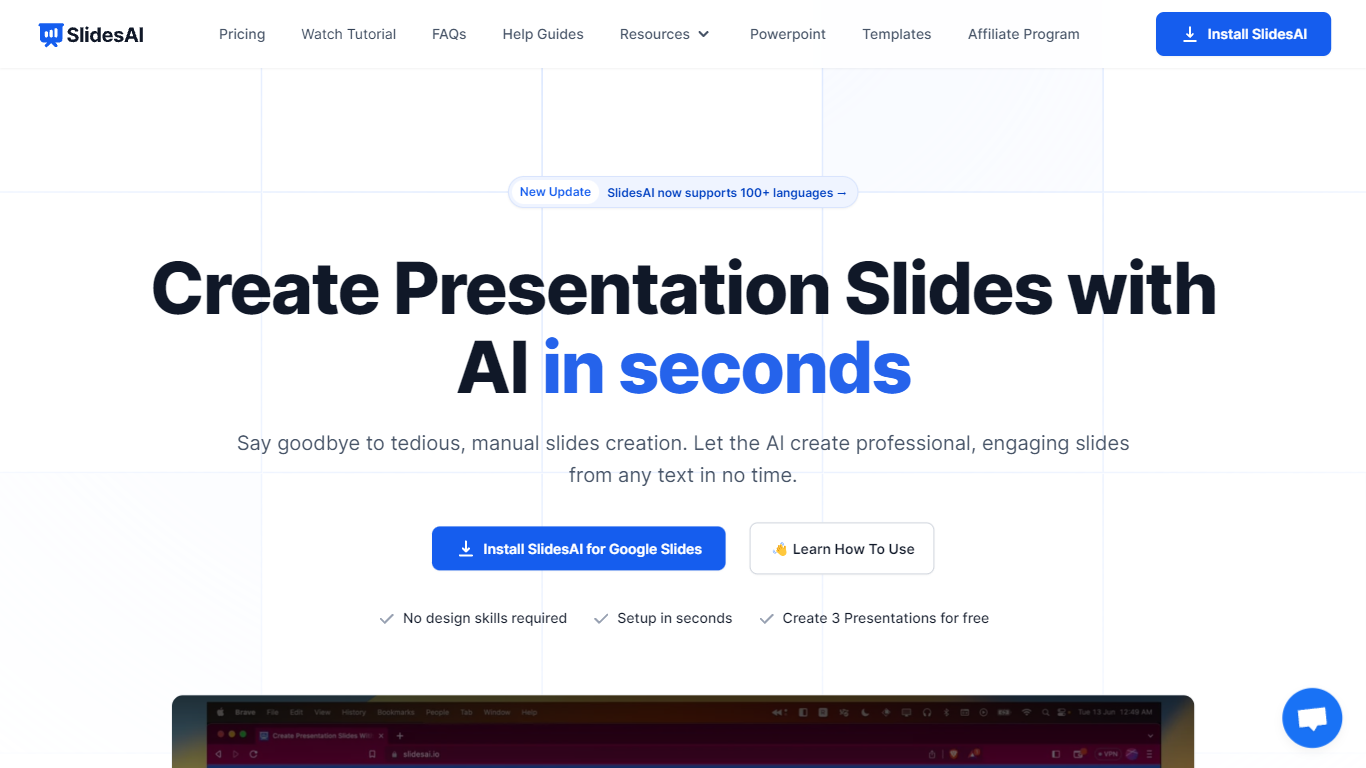
SlidesAI is a presentation generator that turns topics, notes, scripts, and uploaded documents into slide decks inside Google Slides, PowerPoint, ChatGPT, or a browser web app. You paste text or upload a file, pick tone and template, and get structured slides with layouts and visuals without leaving the editor you already use. The product reports 14M+ installs and 3.7M+ presentations created across its Google Workspace and Microsoft marketplace add-ons.
Most AI deck builders live in their own canvas and ask you to export when you are done. SlidesAI meets you inside Google Slides, PowerPoint, and ChatGPT, then hands off native files you can keep editing. Its comparison page lists automatic animations on generation and editable AI diagrams as full supports where several rivals mark those as partial or unavailable.
Teachers use it for lecture decks and lesson plans, students for thesis defenses and class presentations, and professionals for pitch decks, board updates, and sales proposals. Use-case pages map common workflows like meeting notes to client pitches and research notes to defense slides.
Slides.bot Upvotes
SlidesAI Upvotes
Slides.bot Top Features
Homepage title states the deck generator runs on GPT-4o for text-to-slide output
Site alternates cover 8 locales including English, Spanish, French, German, Russian, Japanese, Arabic, and Portuguese
Four-step workflow: register an account, enter a prompt, customize slides, then download
Customize templates, text, images, and layout before you download
Add images, charts, and graphs to make data-heavy decks more readable
SlidesAI Top Features
Build decks from topics, notes, scripts, or uploaded Word, PDF, and Google Doc files
Runs inside Google Slides, PowerPoint, ChatGPT, and a web app with export to native PPTX and Google Slides files
Free Basic plan includes 12 presentations per year with 1,000-character input and 120 AI credits per year
Pro plan at $10 per month or $120 per year includes 120 presentations per year, 6,000-character input, and document upload
Applies animations automatically at generation and supports editable AI diagrams, flowcharts, and timelines
Premium plan at $20.83 per month or $250 per year adds unlimited presentations and 12,000-character input per deck
Slides.bot Category
- Presentation
SlidesAI Category
- Presentation
Slides.bot Pricing Type
- Free
SlidesAI Pricing Type
- Freemium