MindShow vs SlidesAI
Compare MindShow vs SlidesAI and see which AI Presentation tool is better when we compare features, reviews, pricing, alternatives, upvotes, etc.
Which one is better? MindShow or SlidesAI?
When we compare MindShow with SlidesAI, which are both AI-powered presentation tools, The upvote count shows a clear preference for SlidesAI. SlidesAI has received 9 upvotes from aitools.fyi users, while MindShow has received 6 upvotes.
Don't agree with the result? Cast your vote and be a part of the decision-making process!
MindShow

What is MindShow?
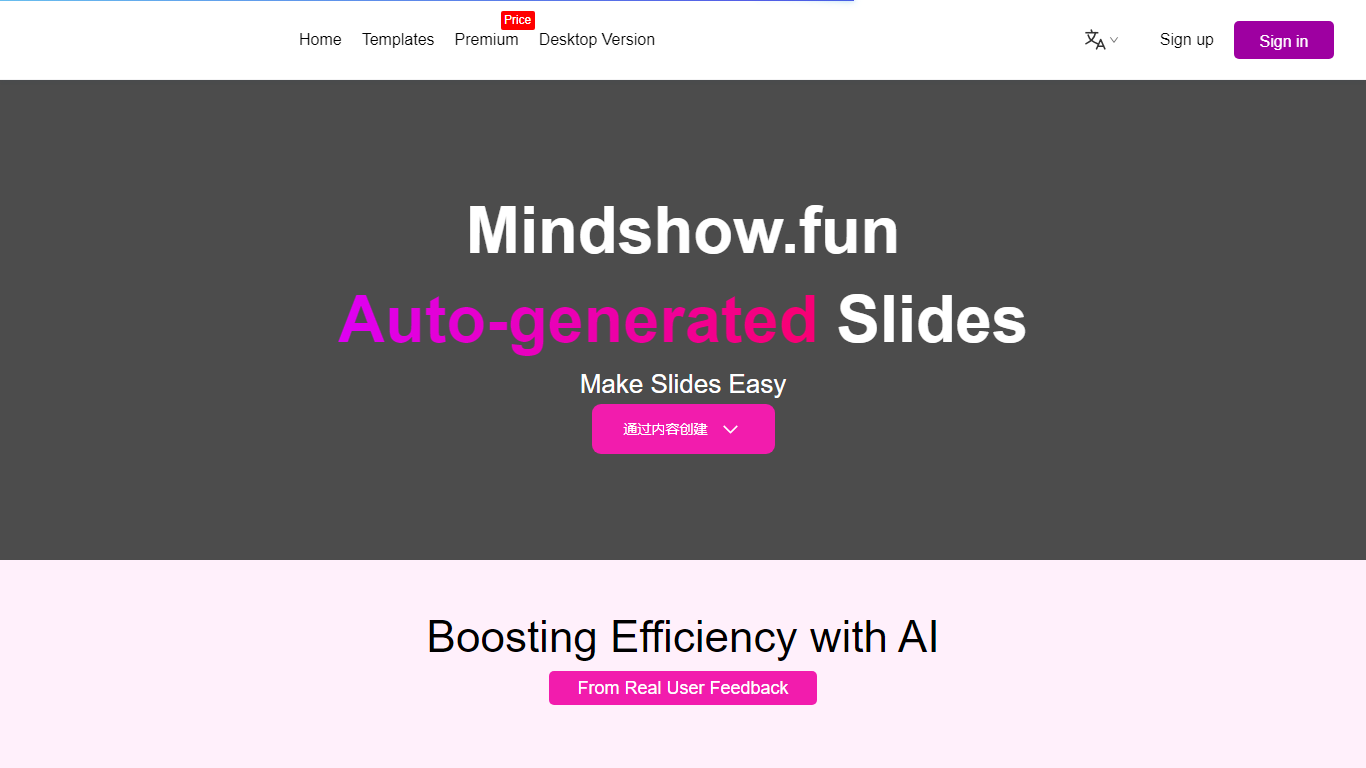
MindShow is an online presentation builder that turns a title, pasted text, or uploaded file into a finished slide deck. You can start from a prompt, drop in a Word or PDF file, or import Markdown and mind maps, then let the tool generate layouts, graphics, and animations automatically. It fits anyone who needs a PPT fast without rebuilding every slide by hand.
Where many slide tools stop at blank templates, MindShow pushes import paths and long-document handling. The site lists dedicated flows for Markdown, Word, PDF, PPTX redesign, mind maps in .xmind and .mm, plain text, image analysis, and long-text summaries up to 100,000 words. That breadth matters if your source material already lives outside the presentation app.
Office workers, teachers, and students use it for work reports, product decks, and defense presentations. MindShow also offers a downloadable desktop application, publishes help at mindshow.fun/help, and lists [email protected] for contact.
SlidesAI
What is SlidesAI?
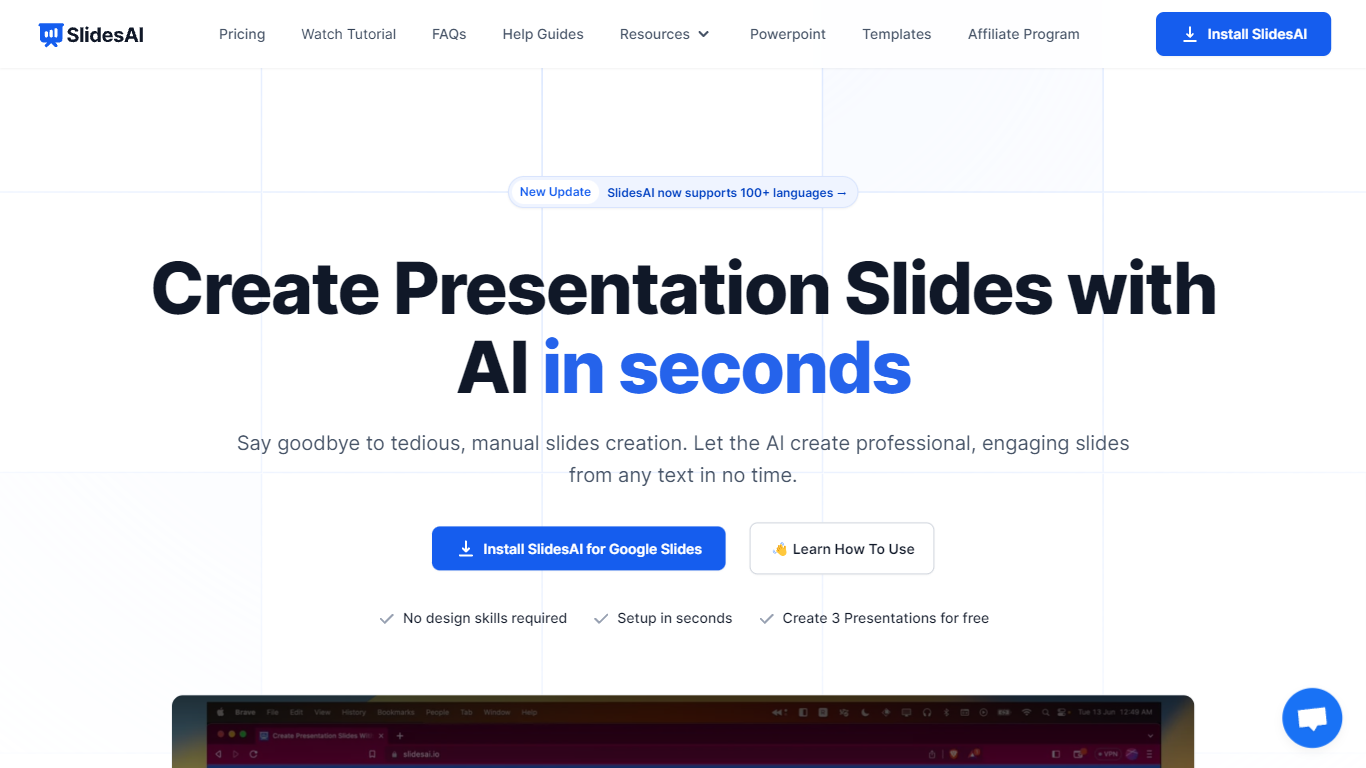
SlidesAI is a presentation generator that turns topics, notes, scripts, and uploaded documents into slide decks inside Google Slides, PowerPoint, ChatGPT, or a browser web app. You paste text or upload a file, pick tone and template, and get structured slides with layouts and visuals without leaving the editor you already use. The product reports 14M+ installs and 3.7M+ presentations created across its Google Workspace and Microsoft marketplace add-ons.
Most AI deck builders live in their own canvas and ask you to export when you are done. SlidesAI meets you inside Google Slides, PowerPoint, and ChatGPT, then hands off native files you can keep editing. Its comparison page lists automatic animations on generation and editable AI diagrams as full supports where several rivals mark those as partial or unavailable.
Teachers use it for lecture decks and lesson plans, students for thesis defenses and class presentations, and professionals for pitch decks, board updates, and sales proposals. Use-case pages map common workflows like meeting notes to client pitches and research notes to defense slides.
MindShow Upvotes
SlidesAI Upvotes
MindShow Top Features
Generate a full PPT from a title, uploaded document, or pasted text
Import Markdown, Word .docx, PDF, PPTX, and mind maps in .xmind or .mm formats
Summarize long text up to 100,000 words into a condensed presentation
Switch between multiple themes and layouts with one click after generation
Edit generated content in an outline view before exporting to PPTX
Desktop application available alongside the browser-based editor
SlidesAI Top Features
Build decks from topics, notes, scripts, or uploaded Word, PDF, and Google Doc files
Runs inside Google Slides, PowerPoint, ChatGPT, and a web app with export to native PPTX and Google Slides files
Free Basic plan includes 12 presentations per year with 1,000-character input and 120 AI credits per year
Pro plan at $10 per month or $120 per year includes 120 presentations per year, 6,000-character input, and document upload
Applies animations automatically at generation and supports editable AI diagrams, flowcharts, and timelines
Premium plan at $20.83 per month or $250 per year adds unlimited presentations and 12,000-character input per deck
MindShow Category
- Presentation
SlidesAI Category
- Presentation
MindShow Pricing Type
- Freemium
SlidesAI Pricing Type
- Freemium