Gling AI vs Peech AI
When comparing Gling AI vs Peech AI, which AI Video Editing tool shines brighter? We look at pricing, alternatives, upvotes, features, reviews, and more.
Between Gling AI and Peech AI, which one is superior?
When we put Gling AI and Peech AI side by side, both being AI-powered video editing tools, Gling AI is the clear winner in terms of upvotes. Gling AI has been upvoted 6 times by aitools.fyi users, and Peech AI has been upvoted 5 times.
Not your cup of tea? Upvote your preferred tool and stir things up!
Gling AI

What is Gling AI?
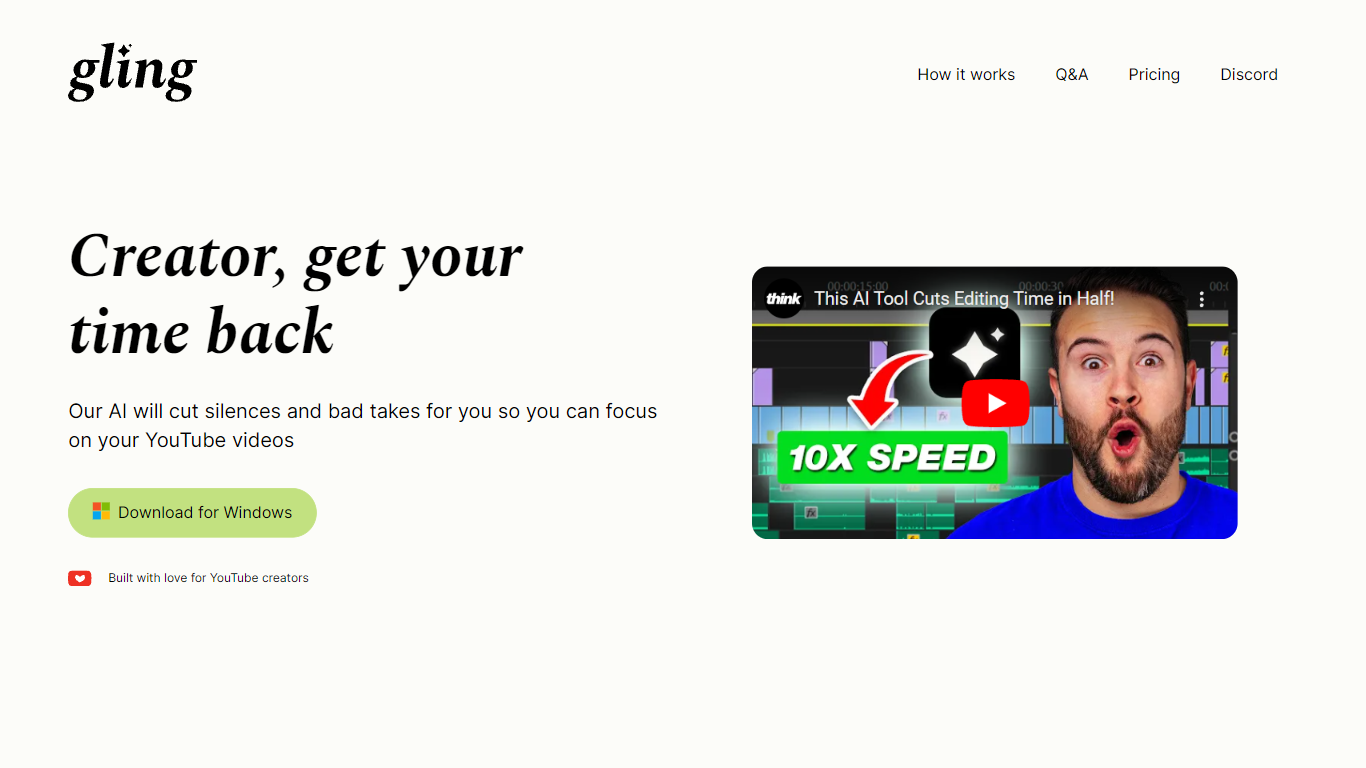
Gling AI is a desktop video editor built for YouTube creators who want rough cuts cleaned up before they touch a timeline. Upload a raw recording, and Gling transcribes the audio, strips bad takes, silences, and filler words, then lets you refine the cut in a text-based editor before exporting.
Generic auto-cutters often stop at silence removal. Gling pairs transcript editing with creator-specific extras: AI captions, auto zoom framing, noise cleanup, multicam support, and metadata helpers that draft YouTube titles, chapters, and next-video ideas. You can also export an XML project to Adobe Premiere, Final Cut Pro, or DaVinci Resolve instead of being locked into a single proprietary timeline.
The product is aimed at talking-head YouTubers and podcast-style creators who lose hours to jump cuts. Testimonials on gling.ai cite creators with subscriber counts from 184K to 2.2M, and the pricing page caps usage in hours of AI-edited media rather than unlimited exports, which keeps the free tier usable but bounded.
Peech AI

What is Peech AI?
Peech turns raw video footage into branded, platform-ready clips through automated post-production. Upload your content and the platform tags scenes, transcribes speech, applies your brand elements, and outputs resized versions for social, web, and ads. A text-to-video editor lets you trim clips and remove filler words as easily as editing a document.
Agency-style post-production usually means days of editor time for every batch of marketing videos. Peech automates transcription in 20+ languages, facial-recognition framing, aspect-ratio cropping, and highlight clip generation in one workflow. Media teams report cutting post-production time by up to 95% and design costs by over 80% compared to hiring external editors.
Marketing teams at B2B companies like Peerspot and Datarails use Peech to repurpose webinars and interviews into daily social clips. Media companies organize large footage libraries with automatic tagging and topic-based highlight recommendations. You can start free without a credit card, then scale to dozens of branded videos per month through the app at app.peech-ai.com.
Gling AI Upvotes
Peech AI Upvotes
Gling AI Top Features
Free plan includes 1 hour of AI edited media per month with watermarked MP4 exports
Plus plan ($20/mo monthly, $10/mo annual) includes 10 hours of AI edited media or 300 words of link-generated video
Pro plan ($40/mo monthly, $20/mo annual) raises the cap to 30 hours or 900 words of generated video
Exports XML timelines to Adobe Premiere, Final Cut Pro, and DaVinci Resolve plus MP4, MP3, and SRT captions
Text-based trimmer lets you delete clips by editing the transcript instead of scrubbing waveforms
Auto framing zooms in and out, removes background noise, and adds AI captions in one pass
YouTube helpers generate titles, chapters, and next video suggestions from the edited transcript
Peech AI Top Features
Real-time transcription and translation into 20+ languages with subtitle export
Text-to-video editor cuts clips and removes filler words like editing a doc
Automated brand elements applied across every output with one-click execution
Frame cropper centers speakers via facial recognition across aspect ratios
Clip Generator produces ready-to-publish social videos from long-form footage
Gling AI Category
- Video Editing
Peech AI Category
- Video Editing
Gling AI Pricing Type
- Freemium
Peech AI Pricing Type
- Freemium