
Last updated 08-10-2026
Category:
Reviews:
Join thousands of AI enthusiasts in the World of AI!
Gling AI
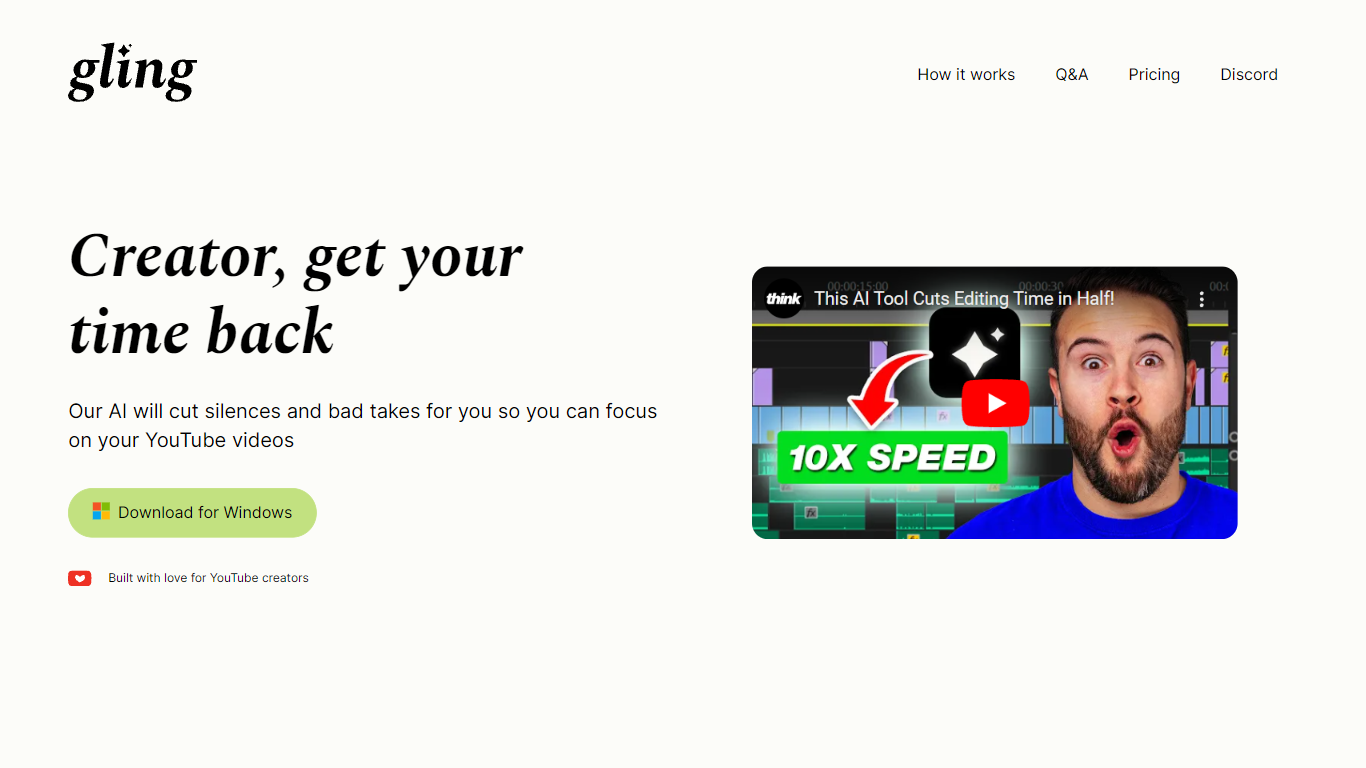
Gling AI is a desktop video editor built for YouTube creators who want rough cuts cleaned up before they touch a timeline. Upload a raw recording, and Gling transcribes the audio, strips bad takes, silences, and filler words, then lets you refine the cut in a text-based editor before exporting.
Generic auto-cutters often stop at silence removal. Gling pairs transcript editing with creator-specific extras: AI captions, auto zoom framing, noise cleanup, multicam support, and metadata helpers that draft YouTube titles, chapters, and next-video ideas. You can also export an XML project to Adobe Premiere, Final Cut Pro, or DaVinci Resolve instead of being locked into a single proprietary timeline.
The product is aimed at talking-head YouTubers and podcast-style creators who lose hours to jump cuts. Testimonials on gling.ai cite creators with subscriber counts from 184K to 2.2M, and the pricing page caps usage in hours of AI-edited media rather than unlimited exports, which keeps the free tier usable but bounded.
Free plan includes 1 hour of AI edited media per month with watermarked MP4 exports
Plus plan ($20/mo monthly, $10/mo annual) includes 10 hours of AI edited media or 300 words of link-generated video
Pro plan ($40/mo monthly, $20/mo annual) raises the cap to 30 hours or 900 words of generated video
Exports XML timelines to Adobe Premiere, Final Cut Pro, and DaVinci Resolve plus MP4, MP3, and SRT captions
Text-based trimmer lets you delete clips by editing the transcript instead of scrubbing waveforms
Auto framing zooms in and out, removes background noise, and adds AI captions in one pass
YouTube helpers generate titles, chapters, and next video suggestions from the edited transcript
Exports XML to Premiere, Final Cut Pro, and DaVinci Resolve so you are not trapped in a closed editor.
Text-based trimming maps cuts to the transcript, which is faster for talking-head footage than frame-by-frame edits.
Free tier grants 1 hour of AI edited media monthly without requiring a card on the pricing page.
Bundles YouTube metadata helpers (titles, chapters, next video ideas) alongside the actual cut.
Desktop-only workflow; gling.ai states the app is designed exclusively for desktop and emails a download link.
Free exports carry a watermark, so publish-ready files require a paid tier.
Usage is metered in hours of AI edited media, so heavy creators can hit Plus or Pro caps quickly.
Is Gling AI free to use?
Yes. Gling AI offers a Free plan at $0 with 1 hour of AI edited media per month and unlimited exports that include a watermark. Paid Plus, Pro, and Elite tiers raise the hourly caps and remove the watermark on exports.
Does Gling AI need a credit card to start?
No. Gling AI's pricing page lists Start for Free buttons on every tier, including paid plans, so you can try the desktop app before committing to a subscription. Billing details are only required when you upgrade beyond the free allowance.
What file types does Gling AI support?
Gling AI accepts video and audio uploads for transcription and editing, then exports finished cuts as MP4 or MP3. It can also output subtitle files in SRT format and XML projects for Adobe Premiere, Final Cut Pro, and DaVinci Resolve.
How much AI editing time do Gling AI paid plans include?
On monthly billing, Gling AI Plus includes 10 hours of AI edited media, Pro includes 30 hours, and Elite includes 100 hours per month. Each tier also allows a monthly quota of words for video generated from a link (300, 900, or 2700 words respectively).
Can Gling AI export subtitles separately?
Yes. Gling AI can generate subtitles and export them as an SRT file alongside your edited video. The feature is listed on both the homepage workflow and every paid plan's feature checklist on gling.ai.
Does Gling AI work with multicam footage?
Yes. Gling AI lists multicam editing on its pricing feature matrix for every plan tier. The desktop app is built for creators who record with multiple angles and want AI-assisted cleanup before handing off to a pro NLE.