Gling AI vs Timebolt
When comparing Gling AI vs Timebolt, which AI Video Editing tool shines brighter? We look at pricing, alternatives, upvotes, features, reviews, and more.
In a comparison between Gling AI and Timebolt, which one comes out on top?
When we put Gling AI and Timebolt side by side, both being AI-powered video editing tools, The community has spoken, Timebolt leads with more upvotes. Timebolt has 18 upvotes, and Gling AI has 6 upvotes.
Think we got it wrong? Cast your vote and show us who's boss!
Gling AI

What is Gling AI?
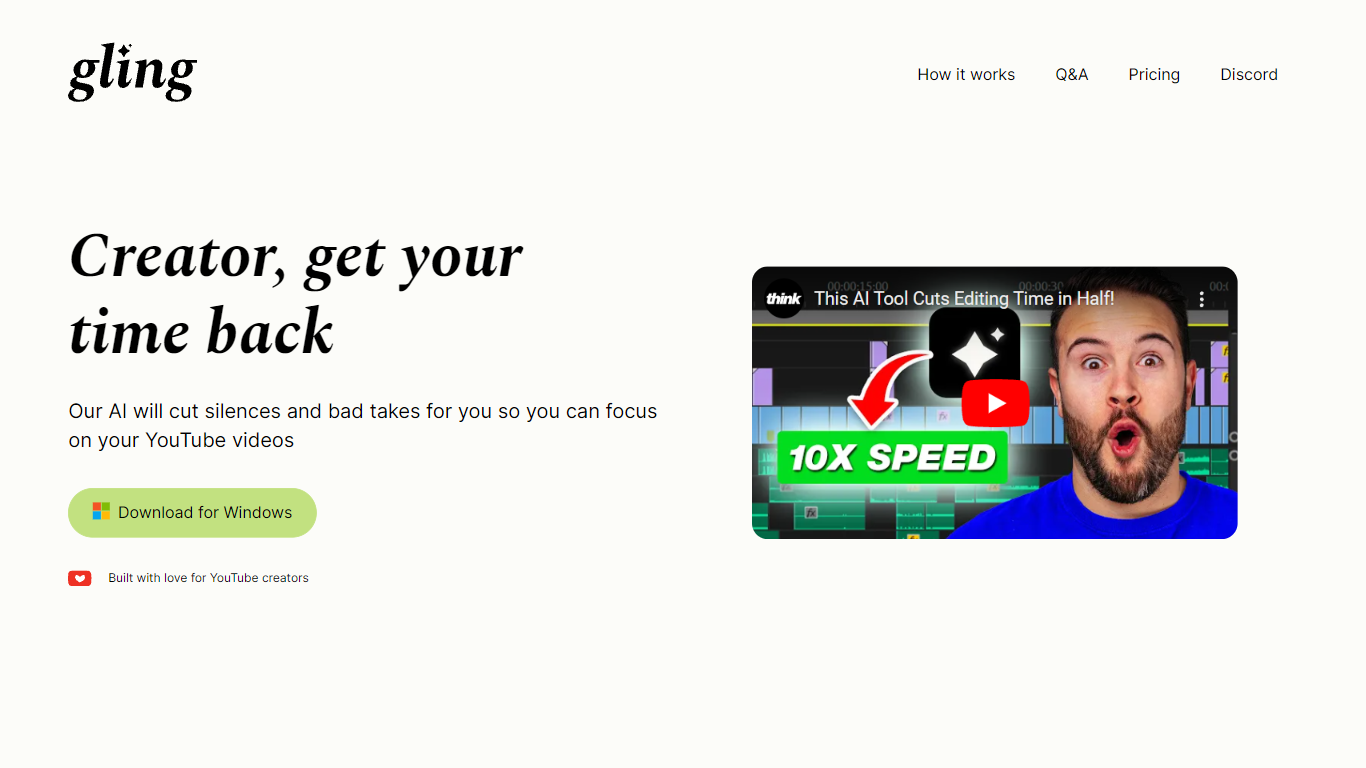
Gling AI is a desktop video editor built for YouTube creators who want rough cuts cleaned up before they touch a timeline. Upload a raw recording, and Gling transcribes the audio, strips bad takes, silences, and filler words, then lets you refine the cut in a text-based editor before exporting.
Generic auto-cutters often stop at silence removal. Gling pairs transcript editing with creator-specific extras: AI captions, auto zoom framing, noise cleanup, multicam support, and metadata helpers that draft YouTube titles, chapters, and next-video ideas. You can also export an XML project to Adobe Premiere, Final Cut Pro, or DaVinci Resolve instead of being locked into a single proprietary timeline.
The product is aimed at talking-head YouTubers and podcast-style creators who lose hours to jump cuts. Testimonials on gling.ai cite creators with subscriber counts from 184K to 2.2M, and the pricing page caps usage in hours of AI-edited media rather than unlimited exports, which keeps the free tier usable but bounded.
Timebolt

What is Timebolt?
Timebolt is a desktop video editor built around waveform-first jump cuts for podcasts, interviews, and screen recordings. It strips silence, filler words, and bad takes with 0.01 second cut control, then exports timelines to Premiere Pro, Final Cut Pro, DaVinci Resolve, or Camtasia without re-cutting by hand.
Most text-based AI editors guess where pauses live and leave hundreds of missed cuts per hour. Timebolt measures the audio waveform first, which is why its benchmark claims zero mistakes left per hour while rivals like Descript and Gling still need manual cleanup. That trade-off favors editors who want frame-tight cuts over a chat-style transcript workflow.
Podcasters, YouTubers, and course creators use Timebolt to shrink raw talking-head footage before publishing. Post-production teams also route Riverside multicam sessions through Timebolt XML exports so senior editors finish polish work in their preferred NLE.
Gling AI Upvotes
Timebolt Upvotes
Gling AI Top Features
Free plan includes 1 hour of AI edited media per month with watermarked MP4 exports
Plus plan ($20/mo monthly, $10/mo annual) includes 10 hours of AI edited media or 300 words of link-generated video
Pro plan ($40/mo monthly, $20/mo annual) raises the cap to 30 hours or 900 words of generated video
Exports XML timelines to Adobe Premiere, Final Cut Pro, and DaVinci Resolve plus MP4, MP3, and SRT captions
Text-based trimmer lets you delete clips by editing the transcript instead of scrubbing waveforms
Auto framing zooms in and out, removes background noise, and adds AI captions in one pass
YouTube helpers generate titles, chapters, and next video suggestions from the edited transcript
Timebolt Top Features
0.01 second cut control on waveform-based silence removal
Processes an hour of footage in about 13 seconds for jump cuts
Exports XML timelines to Premiere Pro, Final Cut Pro, and DaVinci Resolve
UMCHECK removes filler words automatically from recorded speech
Free 4K screen capture tool for Mac and Windows
Benchmark reports zero missed cuts per hour versus hundreds on rival AI editors
Gling AI Category
- Video Editing
Timebolt Category
- Video Editing
Gling AI Pricing Type
- Freemium
Timebolt Pricing Type
- Freemium