Clipchamp vs Gling AI
In the contest of Clipchamp vs Gling AI, which AI Video Editing tool is the champion? We evaluate pricing, alternatives, upvotes, features, reviews, and more.
If you had to choose between Clipchamp and Gling AI, which one would you go for?
When we examine Clipchamp and Gling AI, both of which are AI-enabled video editing tools, what unique characteristics do we discover? Both tools are equally favored, as indicated by the identical upvote count. Since other aitools.fyi users could decide the winner, the ball is in your court now to cast your vote and help us determine the winner.
Don't agree with the result? Cast your vote and be a part of the decision-making process!
Clipchamp


What is Clipchamp?
Clipchamp enables users to record, edit, and share high-definition videos directly from their web browser or Windows app. It offers tools for creating videos with webcam, screen, and voice recordings, combined with AI-powered editing features like noise suppression and automatic subtitle generation.
What distinguishes Clipchamp from other video editors is its integration of advanced AI tools such as a natural voiceover generator with over 400 voices and an AI silence remover that automatically cuts long pauses. It also provides customizable color and gradient backgrounds and supports exporting videos up to 4K resolution without watermarks for premium users.
Clipchamp's content library includes royalty-free stock videos, images, music, and templates tailored for social media, education, and business use. Its privacy-first approach ensures all recordings remain on the user's device unless shared, making it a secure choice for video creation.
With features like multi-item editing, grouping, and a flexible video resizer supporting multiple aspect ratios, Clipchamp offers a comprehensive editing experience suitable for creators of all skill levels. It works seamlessly in Microsoft Edge and Google Chrome browsers, with an optional Windows app available for enhanced performance.
Gling AI
What is Gling AI?
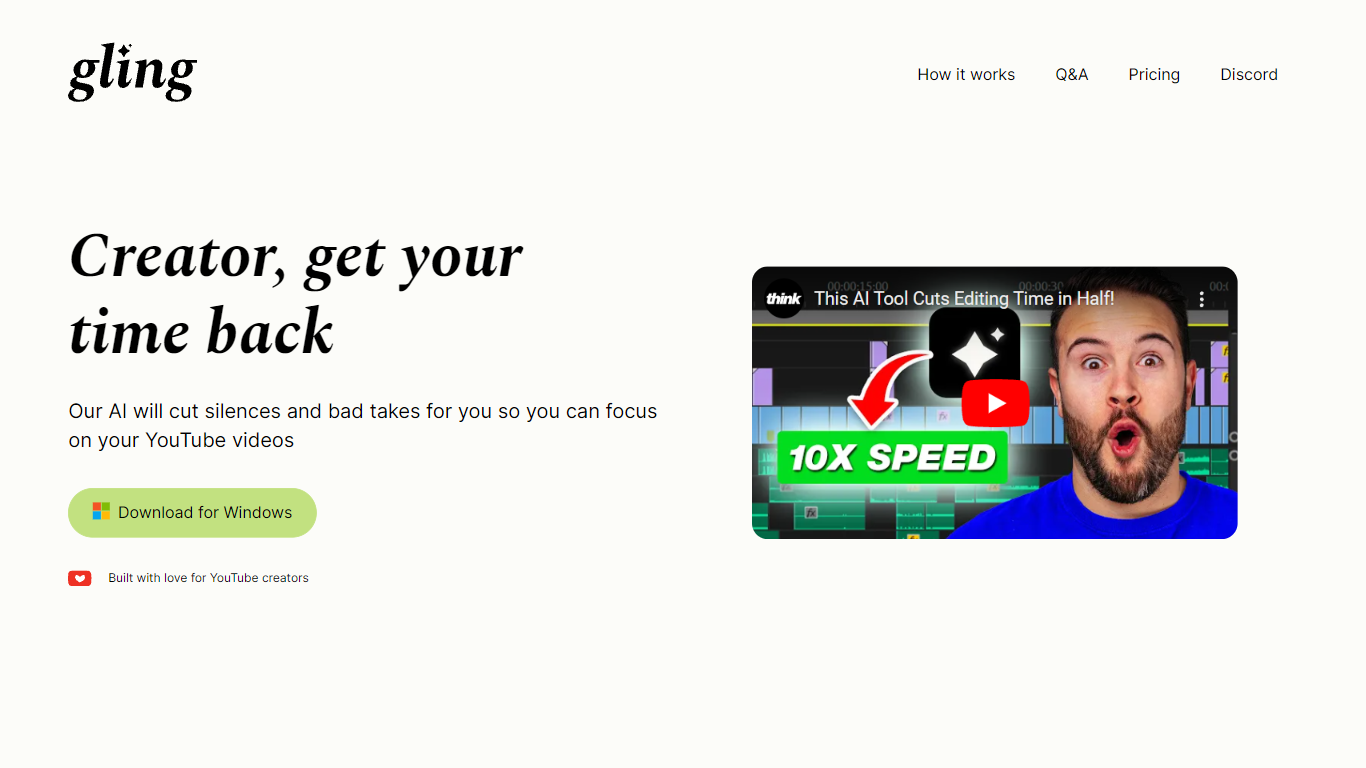
Gling AI is a desktop video editor built for YouTube creators who want rough cuts cleaned up before they touch a timeline. Upload a raw recording, and Gling transcribes the audio, strips bad takes, silences, and filler words, then lets you refine the cut in a text-based editor before exporting.
Generic auto-cutters often stop at silence removal. Gling pairs transcript editing with creator-specific extras: AI captions, auto zoom framing, noise cleanup, multicam support, and metadata helpers that draft YouTube titles, chapters, and next-video ideas. You can also export an XML project to Adobe Premiere, Final Cut Pro, or DaVinci Resolve instead of being locked into a single proprietary timeline.
The product is aimed at talking-head YouTubers and podcast-style creators who lose hours to jump cuts. Testimonials on gling.ai cite creators with subscriber counts from 184K to 2.2M, and the pricing page caps usage in hours of AI-edited media rather than unlimited exports, which keeps the free tier usable but bounded.
Clipchamp Upvotes
Gling AI Upvotes
Clipchamp Top Features
🎤 Natural AI voiceover generator with 400+ voices and adjustable pitch and pace
📝 AI subtitle generator creating accurate captions in 80+ languages with editable styles
📹 Screen and webcam recorder with unlimited retakes and no watermarks
🔇 AI silence remover to automatically cut long pauses and silences from videos
🎨 Custom color and gradient video backgrounds with HSV and HEX color picker
📺 Video exports up to 4K resolution available with premium subscription
🎬 Multi-item editing and grouping tools for efficient workflow
Gling AI Top Features
Free plan includes 1 hour of AI edited media per month with watermarked MP4 exports
Plus plan ($20/mo monthly, $10/mo annual) includes 10 hours of AI edited media or 300 words of link-generated video
Pro plan ($40/mo monthly, $20/mo annual) raises the cap to 30 hours or 900 words of generated video
Exports XML timelines to Adobe Premiere, Final Cut Pro, and DaVinci Resolve plus MP4, MP3, and SRT captions
Text-based trimmer lets you delete clips by editing the transcript instead of scrubbing waveforms
Auto framing zooms in and out, removes background noise, and adds AI captions in one pass
YouTube helpers generate titles, chapters, and next video suggestions from the edited transcript
Clipchamp Category
- Video Editing
Gling AI Category
- Video Editing
Clipchamp Pricing Type
- Freemium
Gling AI Pricing Type
- Freemium