Typeframes vs Gling AI
Compare Typeframes vs Gling AI and see which AI Video Editing tool is better when we compare features, reviews, pricing, alternatives, upvotes, etc.
Which one is better? Typeframes or Gling AI?
When we compare Typeframes with Gling AI, which are both AI-powered video editing tools, Typeframes is the clear winner in terms of upvotes. The number of upvotes for Typeframes stands at 7, and for Gling AI it's 6.
Think we got it wrong? Cast your vote and show us who's boss!
Typeframes


What is Typeframes?
Typeframes converts simple text prompts into engaging product videos optimized for social media platforms like YouTube, Instagram, and TikTok. It enables users to produce high-quality videos quickly without advanced video editing skills.
What sets Typeframes apart is its AI-driven approach that simplifies video production by offering customizable templates and automated suggestions to boost engagement. Unlike traditional video editors, it focuses on speed and ease of use, allowing creators to generate videos in minutes rather than hours.
The platform supports exporting videos in multiple resolutions tailored for different social media formats, including vertical videos. This makes Typeframes especially useful for content creators and marketers aiming to produce consistent, platform-optimized video content efficiently.
By streamlining the video creation process, Typeframes helps users save time and resources while enhancing their social media presence with visually appealing videos.
Gling AI
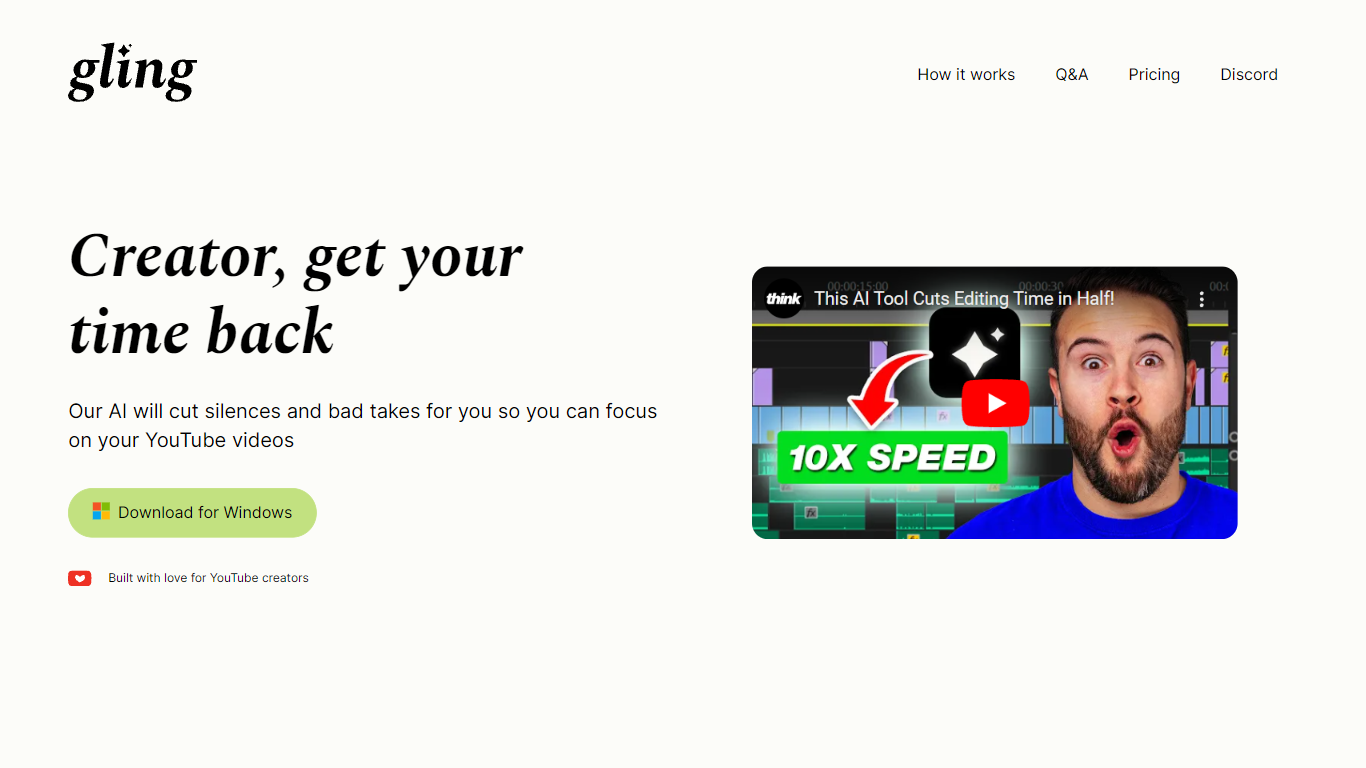
What is Gling AI?
Gling AI is a desktop video editor built for YouTube creators who want rough cuts cleaned up before they touch a timeline. Upload a raw recording, and Gling transcribes the audio, strips bad takes, silences, and filler words, then lets you refine the cut in a text-based editor before exporting.
Generic auto-cutters often stop at silence removal. Gling pairs transcript editing with creator-specific extras: AI captions, auto zoom framing, noise cleanup, multicam support, and metadata helpers that draft YouTube titles, chapters, and next-video ideas. You can also export an XML project to Adobe Premiere, Final Cut Pro, or DaVinci Resolve instead of being locked into a single proprietary timeline.
The product is aimed at talking-head YouTubers and podcast-style creators who lose hours to jump cuts. Testimonials on gling.ai cite creators with subscriber counts from 184K to 2.2M, and the pricing page caps usage in hours of AI-edited media rather than unlimited exports, which keeps the free tier usable but bounded.
Typeframes Upvotes
Gling AI Upvotes
Typeframes Top Features
Transform text prompts into engaging videos quickly
Customize templates to match your brand style easily
Create vertical videos optimized for social platforms
Simple interface requires no video editing skills
Export videos in multiple resolutions including high quality
AI-driven suggestions to boost video engagement
Gling AI Top Features
Free plan includes 1 hour of AI edited media per month with watermarked MP4 exports
Plus plan ($20/mo monthly, $10/mo annual) includes 10 hours of AI edited media or 300 words of link-generated video
Pro plan ($40/mo monthly, $20/mo annual) raises the cap to 30 hours or 900 words of generated video
Exports XML timelines to Adobe Premiere, Final Cut Pro, and DaVinci Resolve plus MP4, MP3, and SRT captions
Text-based trimmer lets you delete clips by editing the transcript instead of scrubbing waveforms
Auto framing zooms in and out, removes background noise, and adds AI captions in one pass
YouTube helpers generate titles, chapters, and next video suggestions from the edited transcript
Typeframes Category
- Video Editing
Gling AI Category
- Video Editing
Typeframes Pricing Type
- Freemium
Gling AI Pricing Type
- Freemium