Gling vs Dubbah (formerly Clippah)
In the face-off between Gling vs Dubbah (formerly Clippah), which AI Video Editing tool takes the crown? We scrutinize features, alternatives, upvotes, reviews, pricing, and more.
In a face-off between Gling and Dubbah (formerly Clippah), which one takes the crown?
If we were to analyze Gling and Dubbah (formerly Clippah), both of which are AI-powered video editing tools, what would we find? The upvote count favors Dubbah (formerly Clippah), making it the clear winner. Dubbah (formerly Clippah) has received 53 upvotes from aitools.fyi users, while Gling has received 4 upvotes.
Think we got it wrong? Cast your vote and show us who's boss!
Gling


What is Gling?
Gling is desktop video editing software that uses transcription to cut bad takes, silences, and filler words from raw recordings before you export to Premiere, Final Cut Pro, or DaVinci Resolve. Upload a talking-head or voiceover file, review an AI-trimmed timeline, tweak cuts in text form, and download MP4, MP3, or SRT captions. It also generates YouTube titles, chapters, and short viral clips from links.
Manual timeline scrubbing eats hours on repetitive cleanup, while Gling automates the boring first pass and leaves creative decisions to you. That trade-off suits creators who record long sessions but do not want a fully automated publish pipeline. Desktop-only delivery keeps processing local-friendly, though you need a Mac or PC rather than a browser tab.
YouTube creators and podcast-style video makers use Gling to shrink edit time on tutorials, vlogs, and multicam sessions. The free plan includes 1 hour of AI-edited media per month with watermarked exports, Plus costs $20 per month with 10 hours, and Pro adds 30 hours without watermarks plus premium support.
Dubbah (formerly Clippah)
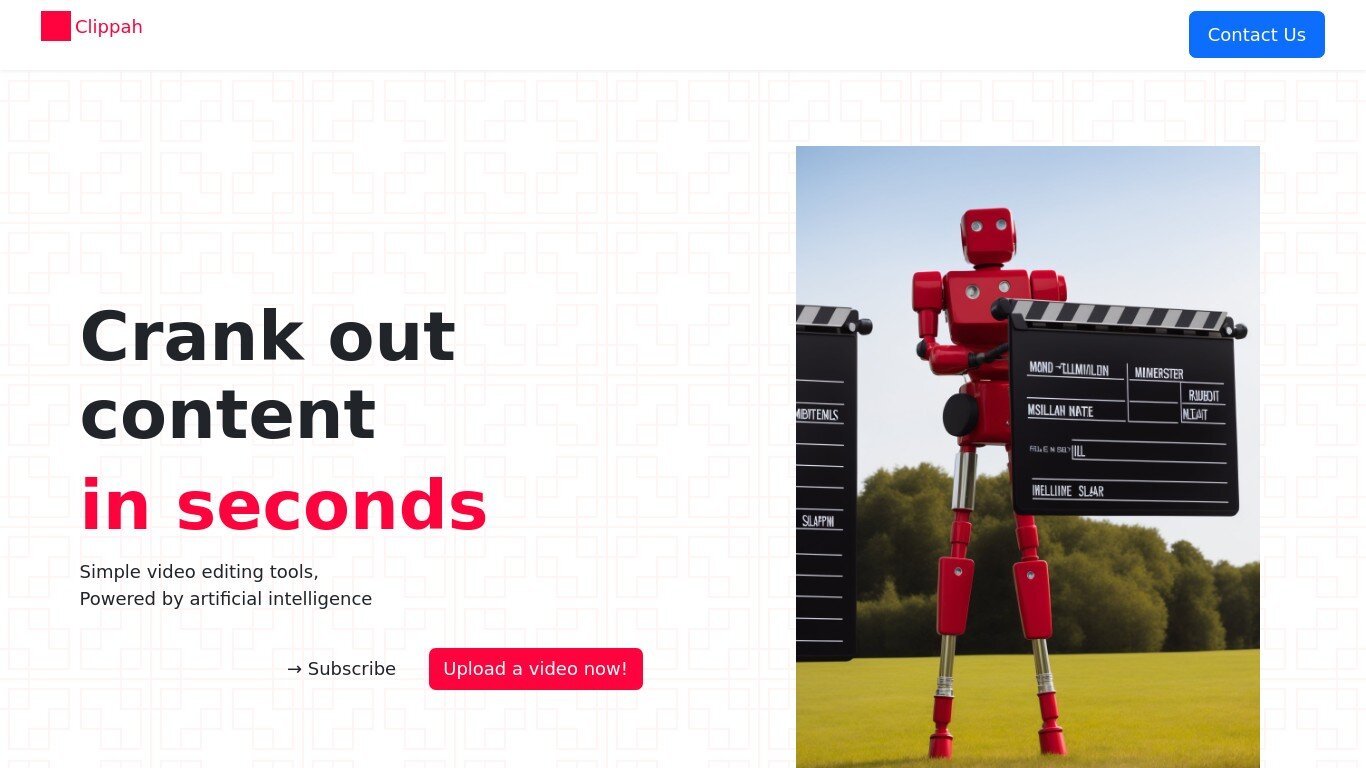
What is Dubbah (formerly Clippah)?
Drop an MP4 or MOV into Dubbah, pick from 14 languages, and get back a dubbed video with the original speaker's voice matched in each target language. The whole pipeline runs on your Mac, so footage stays on your machine and never gets uploaded for processing.
Most dubbing services upload your video to remote servers and bill by the minute. Dubbah runs locally after setup, works offline, and charges nothing for unlimited exports. That privacy-first, on-device model is the trade-off: it is Mac-only (macOS 13+, Apple Silicon and Intel), not a browser tool or Windows app.
YouTube creators, marketing teams, and educators who need localized clips without studio budgets are the clearest fit. The workflow is drag, pick languages, review each translated line, tweak wording or timing, then export finished video files.
Gling Upvotes
Dubbah (formerly Clippah) Upvotes
Gling Top Features
Automatically remove bad takes, silences, and filler words from uploaded recordings
Edit cuts through a text-based transcript instead of scrubbing the timeline manually
Export XML projects to Adobe Premiere, Final Cut Pro, or DaVinci Resolve
Generate AI captions, YouTube titles, chapters, and viral clips from links
Plus plan includes 10 hours of AI-edited media per month for $20
Dubbah (formerly Clippah) Top Features
Dubs videos into 14 languages including Spanish, Mandarin, Hindi, Arabic, Japanese, French, German, Korean, Portuguese, Italian, Polish, Turkish, Tamil, and English
Voice cloning keeps the original speaker's tone in each target language instead of generic text-to-speech
Runs on macOS 13+ for both Apple Silicon and Intel Macs with no account or sign-up required
Processes MP4, MOV, and other common video formats entirely on your Mac with no per-minute fees
Works offline after initial setup so you can dub on a plane or on set without uploading files
Line-by-line editor lets you change translated wording, adjust timing, or re-generate individual segments before export
Gling Category
- Video Editing
Dubbah (formerly Clippah) Category
- Video Editing
Gling Pricing Type
- Freemium
Dubbah (formerly Clippah) Pricing Type
- Freemium