Gling vs Clips AI
In the clash of Gling vs Clips AI, which AI Video Editing tool emerges victorious? We assess reviews, pricing, alternatives, features, upvotes, and more.
If you had to choose between Gling and Clips AI, which one would you go for?
Let's take a closer look at Gling and Clips AI, both of which are AI-driven video editing tools, and see what sets them apart. The upvote count shows a clear preference for Clips AI. Clips AI has garnered 7 upvotes, and Gling has garnered 4 upvotes.
Want to flip the script? Upvote your favorite tool and change the game!
Gling


What is Gling?
Gling is desktop video editing software that uses transcription to cut bad takes, silences, and filler words from raw recordings before you export to Premiere, Final Cut Pro, or DaVinci Resolve. Upload a talking-head or voiceover file, review an AI-trimmed timeline, tweak cuts in text form, and download MP4, MP3, or SRT captions. It also generates YouTube titles, chapters, and short viral clips from links.
Manual timeline scrubbing eats hours on repetitive cleanup, while Gling automates the boring first pass and leaves creative decisions to you. That trade-off suits creators who record long sessions but do not want a fully automated publish pipeline. Desktop-only delivery keeps processing local-friendly, though you need a Mac or PC rather than a browser tab.
YouTube creators and podcast-style video makers use Gling to shrink edit time on tutorials, vlogs, and multicam sessions. The free plan includes 1 hour of AI-edited media per month with watermarked exports, Plus costs $20 per month with 10 hours, and Pro adds 30 hours without watermarks plus premium support.
Clips AI
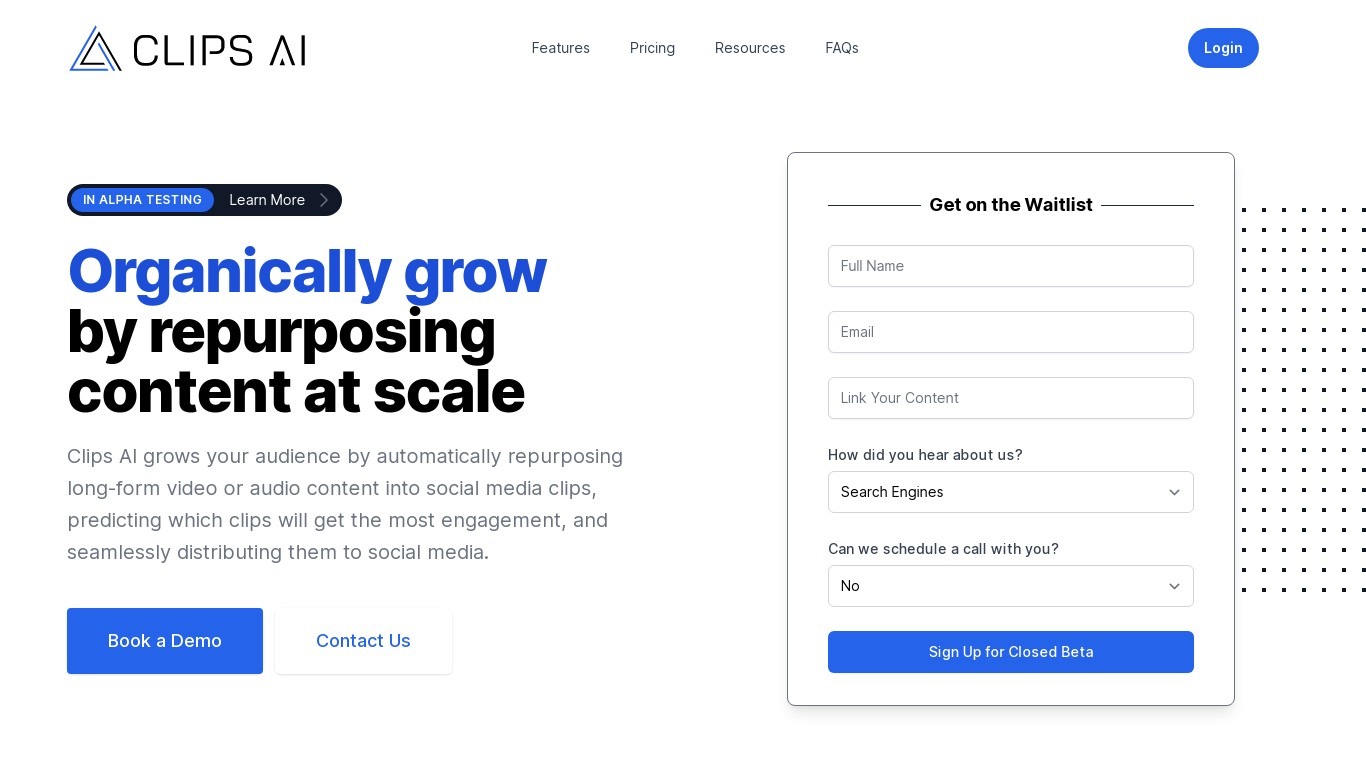
What is Clips AI?
Clips AI is an open-source Python library that turns long-form videos into short clips and reframes them for vertical feeds. You install it with pip, transcribe a podcast or interview with WhisperX, then call ClipFinder to segment the transcript into clip start and end times. Developers wire those timestamps into their own pipelines instead of uploading files to a hosted clip editor.
Consumer clip tools hide the segmentation logic behind a web upload form. Clips AI exposes TextTiling with BERT embeddings on Whisper transcripts, plus a separate resize path that tracks the active speaker with Pyannote diarization, PySceneDetect, and face detection. That stack targets narrative audio like podcasts and sermons, not quick meme cuts from silent b-roll.
Engineers building podcast repurposing workflows, media startups, and research teams who need programmatic clip boundaries and 16:9 to 9:16 reframing on their own servers. It fits teams that already run Python and want Hugging Face Pyannote tokens in their resize step rather than a black-box SaaS export button.
Gling Upvotes
Clips AI Upvotes
Gling Top Features
Automatically remove bad takes, silences, and filler words from uploaded recordings
Edit cuts through a text-based transcript instead of scrubbing the timeline manually
Export XML projects to Adobe Premiere, Final Cut Pro, or DaVinci Resolve
Generate AI captions, YouTube titles, chapters, and viral clips from links
Plus plan includes 10 hours of AI-edited media per month for $20
Clips AI Top Features
pip install clipsai plus WhisperX from GitHub for word-level transcription timestamps
ClipFinder segments transcripts with TextTiling and BERT embeddings to return start and end times
Resize function reframes 16:9 video to 9:16 using Pyannote speaker diarization
Face detection combines MTCNN and MediaPipe with PySceneDetect scene changes
MediaEditor trims or resizes source files to exported clip paths in Python
Designed for podcasts, interviews, speeches, and sermons with narrative audio
WhisperX batch_size defaults to 16 with ISO 639-1 language autodetection support
Gling Category
- Video Editing
Clips AI Category
- Video Editing
Gling Pricing Type
- Freemium
Clips AI Pricing Type
- Free